289
Voice control
Navigation mode
# “78”
Ping
%
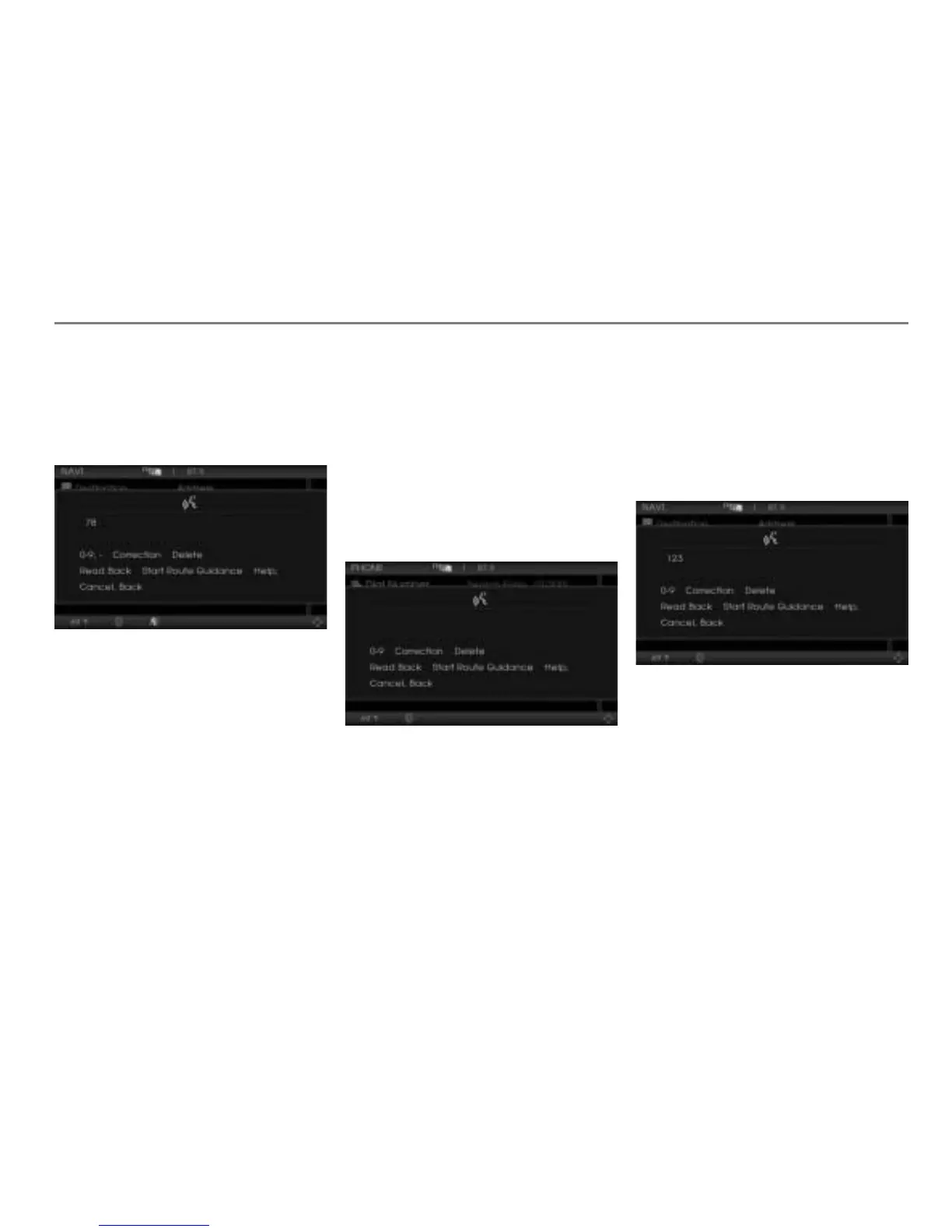
$ A number speller is displayed with the
recognized house number (78) in the
first line.
!“Start route guidance”
# “Do you want to start the route
guidance to ...*?”
Ping
%
! “Yes.”
The navigation system uses the
address as the destination and starts
route guidance.
Entering Point of Interest (POI) via the
phone number
Press the button on the steering
wheel.
# Ping %
! “Phone number search.”
# “Phone number search.”
$ A number speller is displayed for
entering the phone number.
# “Please say the number in groups of
digits.”
Ping
%
! “123.”
# “123.”
Ping
%
$ A number speller is displayed with the
first part of the recognized phone
number (123) in the first line and the
number speller with some options for
numbers.
! “456.”
# “456.”
Ping %
$ A number speller is displayed with the
total recognized phone number
(123456) in the first line and the
number speller with some options for
numbers.



 To Next Page