290
Voice control
Navigation mode
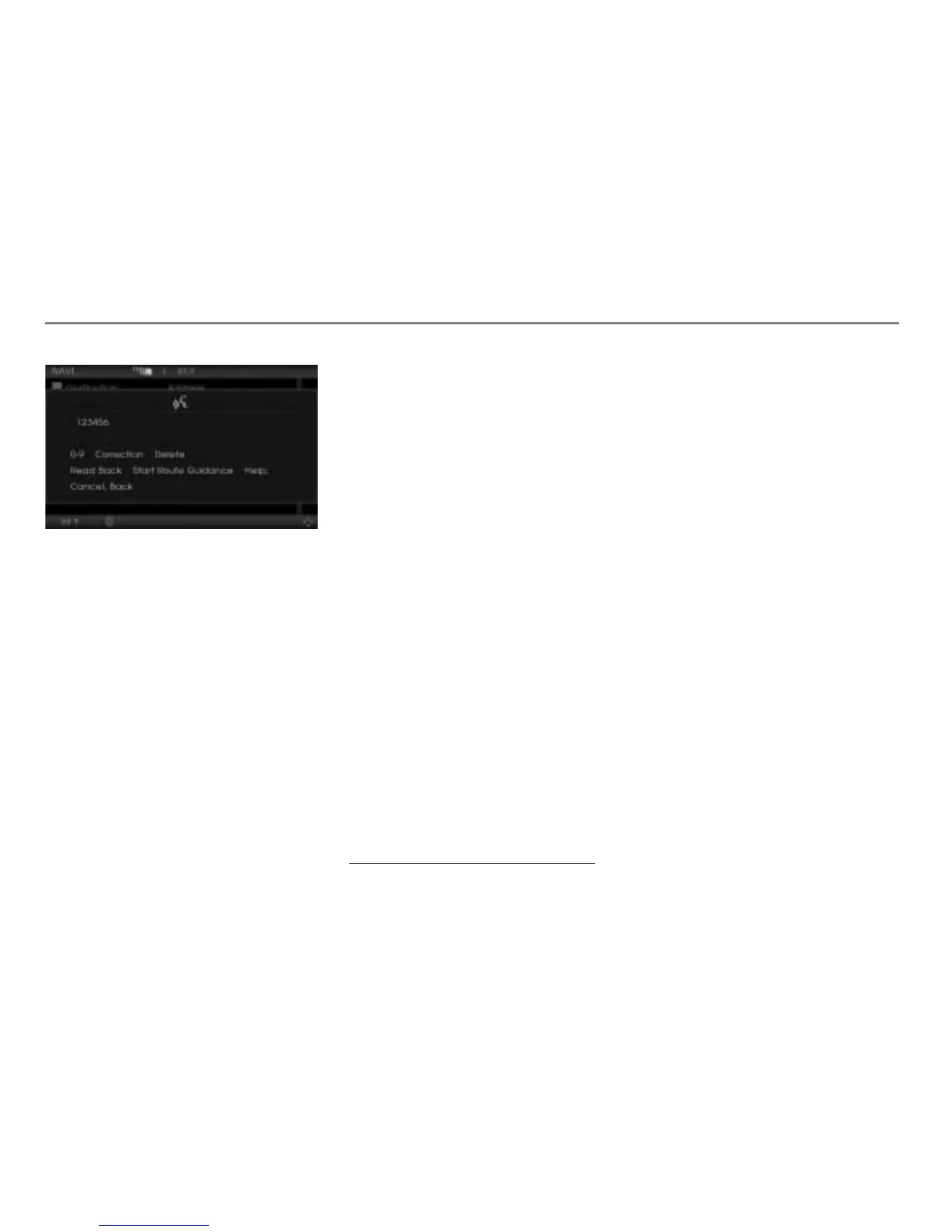
! “Start route guidance.”
$ The entered destination is shown on
the map.
# “Do you want to start the route
guidance to the entered destination?”
Ping
%
! “Yes.”
The navigation system uses the phone
number and the corresponding address
of the POI as the destination and starts
route guidance.
Entering a destination stored in the
address book
Option 1
Press the button on the steering
wheel.
# Ping %
! “Navigate to ...*
1
.”
# “Navigate to ...*.”
The navigation system starts route
guidance to the address of the selected
address book entry.
Option 2
Press the button on the steering
wheel.
# Ping %
! “Navigate home.” or “Navigate work.”
# “Navigate home.” or “Navigate work.”
The navigation system starts route
guidance to the corresponding address.
Option 3
Press the button on the steering
wheel.
# Ping %
! “Navigate to favorite point ...(1-4).”
# “Navigate to favorite point ...(1-4).”
The navigation system starts route
guidance to the corresponding address.
Option 4
Press the button on the steering
wheel.
# Ping %
! “Navigate to Address Book.”
# “Navigate to Address Book.”
$ The first page of a picklist is displayed
for selecting an Address Book entry.
1. Name of the address book entry



 To Next Page