34
Functional introduction
Basic functions
Opening the Audio Settings menu
The Audio Settings menu is opened in
different ways, depending on the currently
active signal source.
Active signal source is FM, AM, XM
®
Satellite Radio, audio CD/DVD, MP3 CD
or AUX (audio)
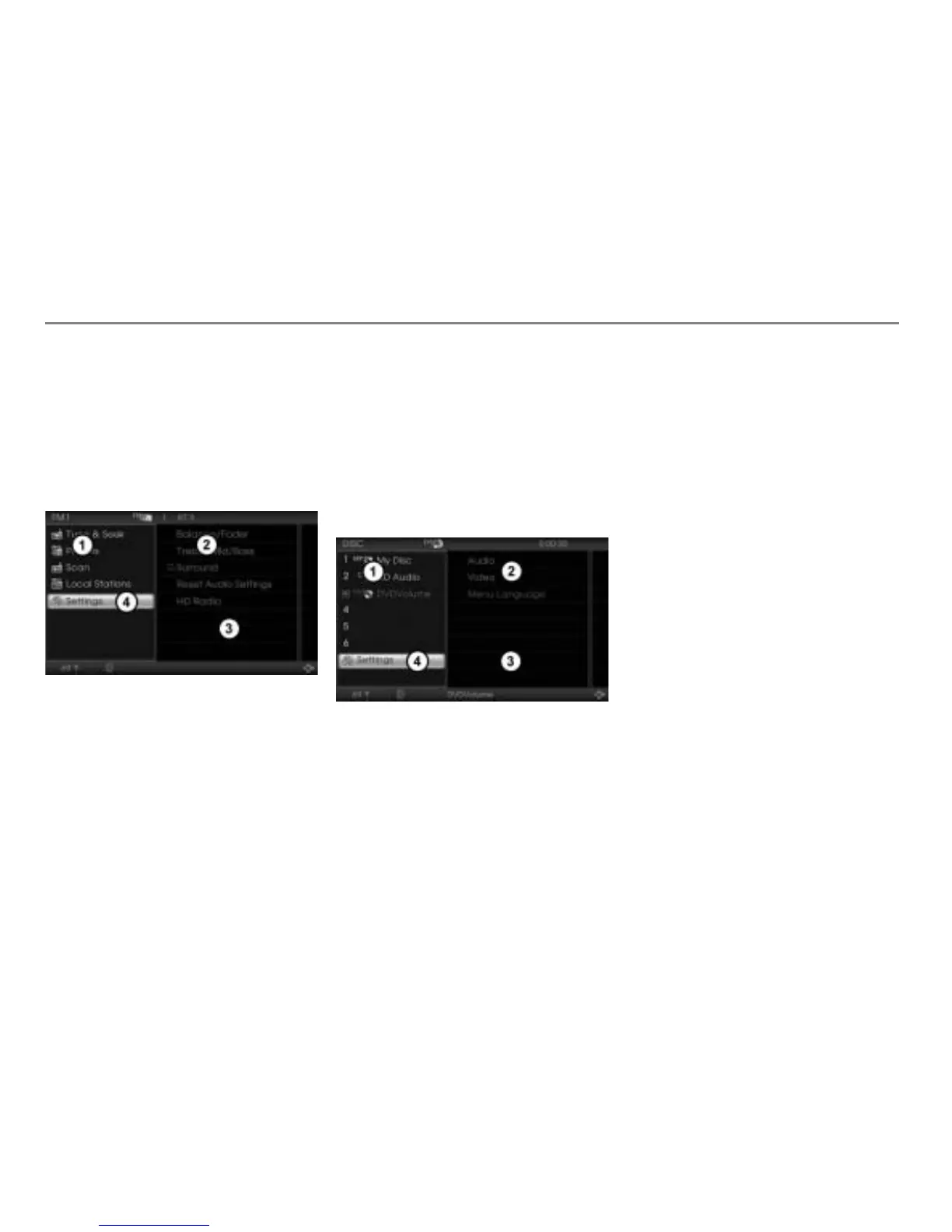
The illustration shows the FM main menu
with the main menu activated
Main menu
Audio Settings menu
Content area
Settings menu item
In the main menu , select the menu
item
Settings .
The Audio Settings menu
is
displayed in the content area .
Active signal source is Video CD, video
DVD or AUX (video)
Press and hold the button until the
appropriate main menu is displayed.
The illustration shows the video DVD main
menu with the main menu activated
Main menu
Audio/video selection menu
Content area
Settings menu item
In the main menu
, select the menu
item Settings
.
The audio/video selection menu
is
displayed in the content area .
In the audio/video selection menu,
select the menu item
Audio.
The Audio Settings menu is displayed
in the content area
.
Closing the Audio Settings menu
Briefly press the button.
Setting the balance/fader
The balance/fader setting applies to all
signal sources.
To open the Balance/Fader menu: In
the Audio Settings menu, select the
menu item Balance/Fader.
The Balance/Fader menu is displayed
in the content area.



 To Next Page