36
Functional introduction
Basic functions
Activating a scale: Push or press
the controller
repeatedly until the
desired scale is active.
To set a value: Turn
the
controller until the desired setting is
reached.
The indicator moves accordingly on the
scale, showing you the setting.
To close the Treble/Mid/Bass menu:
Push
the controller once or briefly
press the button.
Switching surround on/off
There is a common surround setting for the
following signal sources:
FM
AM
XM
®
Satellite Radio
iPod
®
mobile digital device, USB
memory stick and AUX signal source
Audio CD without DTS sound
Video CD
There is also a common surround setting
for the following signal sources:
Audio DVD
Video DVD
Audio CD with DTS sound
The two settings are independent of each
other. The system saves the settings
automatically.
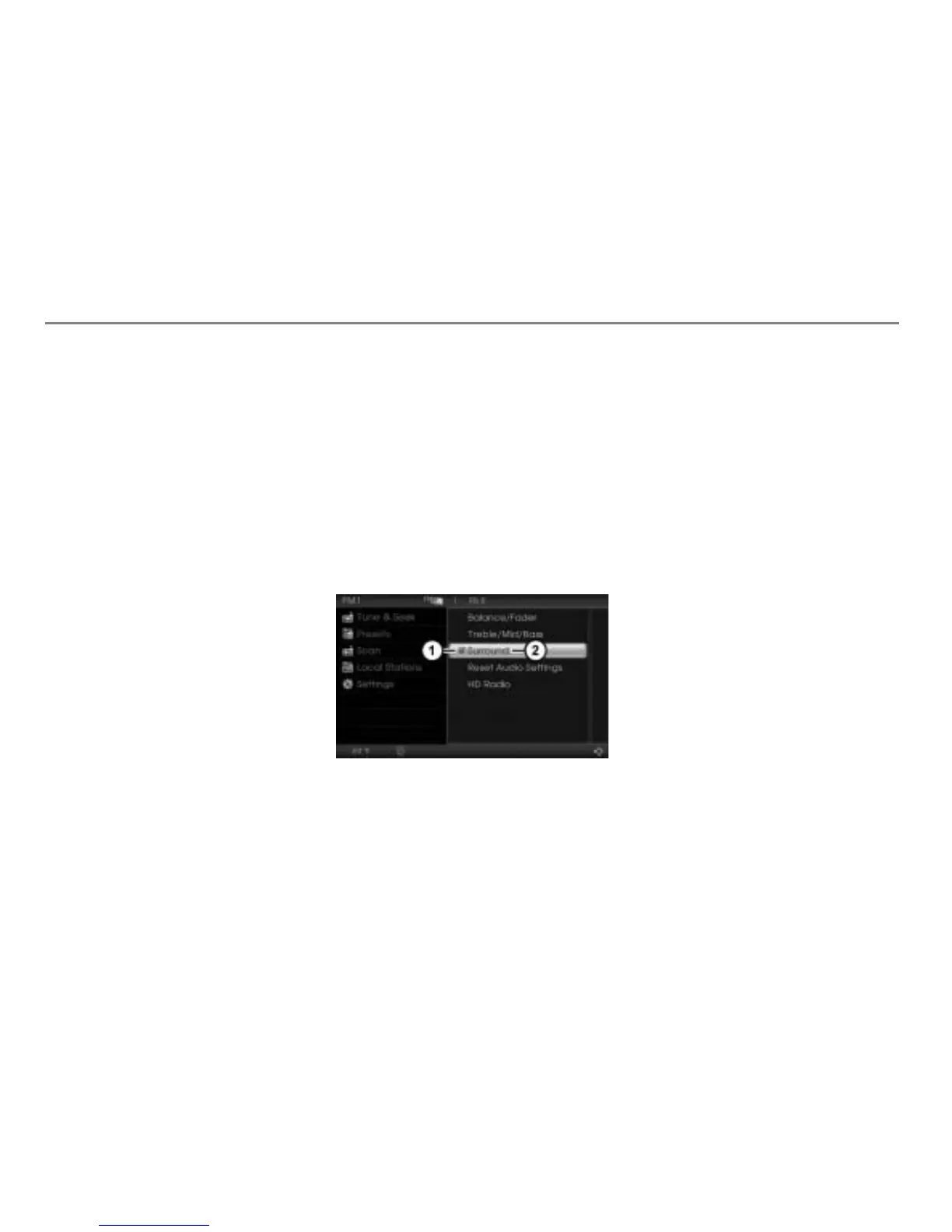
To switch the surround function on/
off: In the Audio Settings menu, select
the menu item
Surround.
Status display
Menu item Surround
Depending on the previous status, the
function will be switched on or off. The
status display will change accordingly.
Display
= function switched on
Display
= function switched off
Performing an audio reset
You can use the audio reset function to
reset the following features to the factory
settings:
Balance/Fader
Treble/Mid/Bass
Surround
In the Audio Settings menu, select the
menu item
Reset Audio Settings.
You will be prompted to confirm that
you wish to reset the audio settings.



 To Next Page