CHAPTER 8
Graphic Functions: Rotation, Position, Scale
76 DL.3 Digital Light User Manual
Scaling the Object
You can scale an Graphic Object along the X, Y and/or Z axis to adjust the object size.
The Sc
ale parameter adjusts the size of the object’s image up to approximately 10x its original
size. At a DMX value of zero, the image shrinks to a dot. At the midpoint of the DMX value
range, the image is normal size. When the DMX value is increased from the midpoint, the image
is enlarged. In addition, when the DMX value is reduced below the midpoint, an inverted image
is enlarged.
Tip: Us
e the X,Y and Z Scale parameters together to enlarge or shrink a 3-D object
proportionally.
X Scale
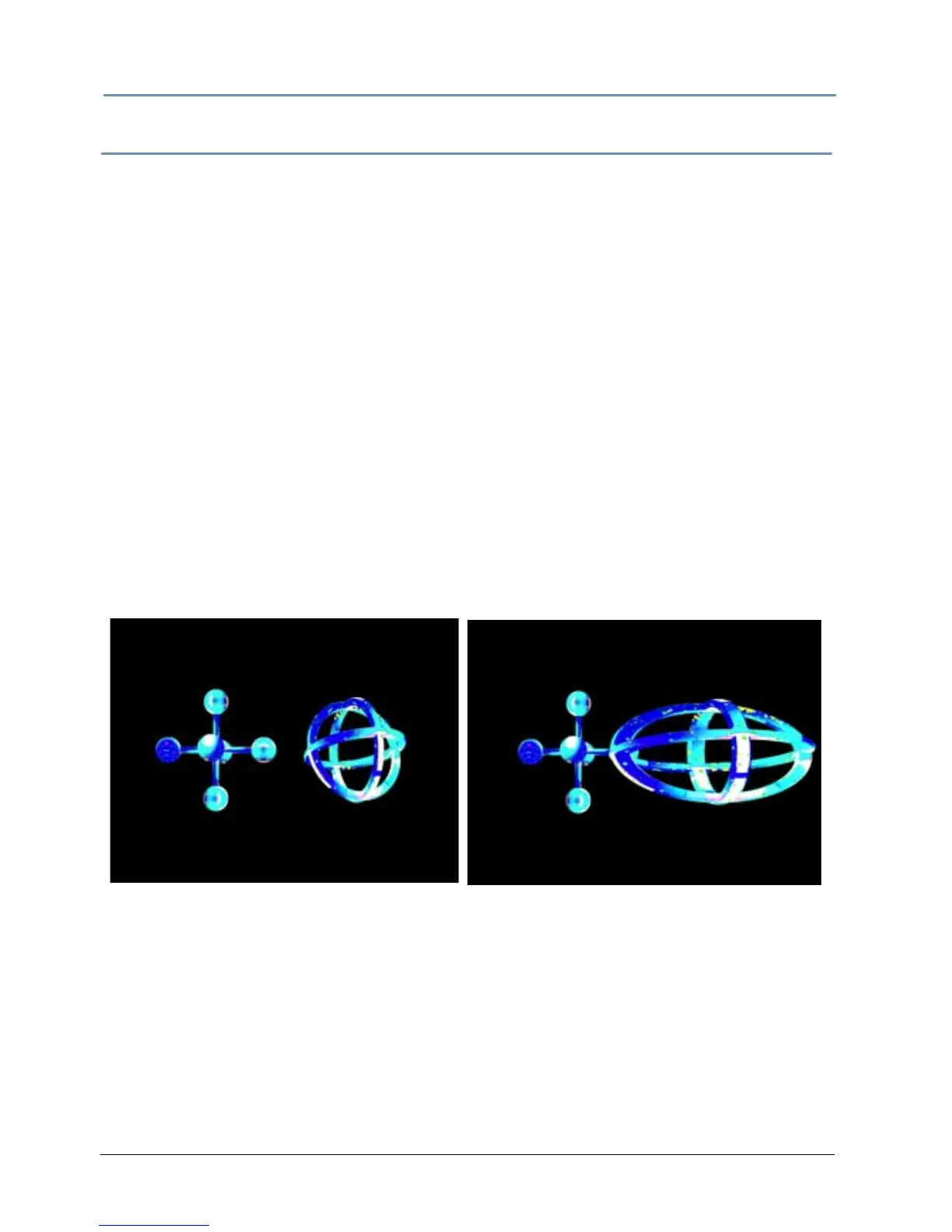
The X Scale parameter uses two channels to scale the selected 3-D object along the X axis,
either expanding it or making it smaller. Use it when you want to size the object’s horizontal
component.
A DMX value of 32768 (50%) sets the object at its no
rmal size. Values less than 50% shrink the
object horizontally to the smallest at 0. Values greater then 50% enlarge the object horizontally
to the largest at 255 (100%).
Default DMX Value: 32768 (50%) = Normal Scale
Original Object 1 and Object 2
All Scale DMX values = 32768 (50%)
Object 2 X-Scale DMX value = 165
Scaled 3 times in X direction



 To Next Page