CHAPTER 9
Graphic Functions: Opacity and Effects
DL.3 Digital Light User Manual 99
Pan and Scan
Visual Mode parameter DMX value = 255
This option Zooms into a still image and then, by cha
nging position, you can pan across the
image horizontally and vertically. It only functions on image sizes greater than 1024 x 1024 in
at least one direction.
Modifier 1: Adjusts the horizontal pan position from 0=left edge to 255 (100%) = right edge of
t
he image. The default DMX value of 128 (50%) = no adjustment.
Modifier 2: Adjusts the vertical pan position from 0 = bottom edge to 255
(100%) = top edge
of the image. The default DMX value of 128 (50%) = no adjustment.
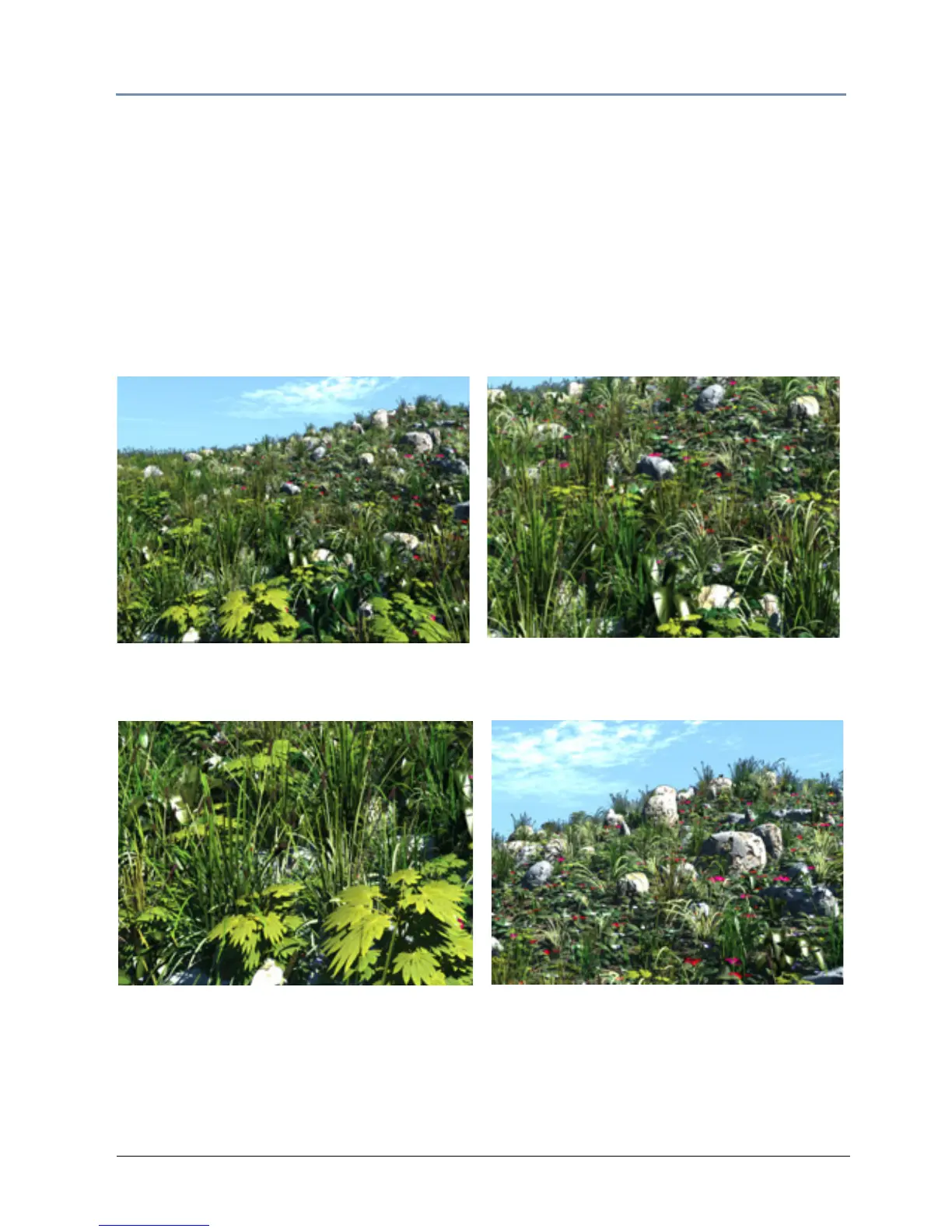
Original Content
Visual Mode Parameter DMX value = 255
Visual Mode Modifier 1 DMX value = 0
Visual Mode Modifier 2 DMX value = 0
Visual Mode Modifier 1 DMX value = 255
Visual Mode Modifier 2 DMX value = 255
Visual Mode Modifier1 DMX value = 128
Visual Mode Modifier 2 DMX value = 128



 To Next Page