CHAPTER 13
Effect Mode Options Descriptions
162 DL.3 Digital Light User Manual
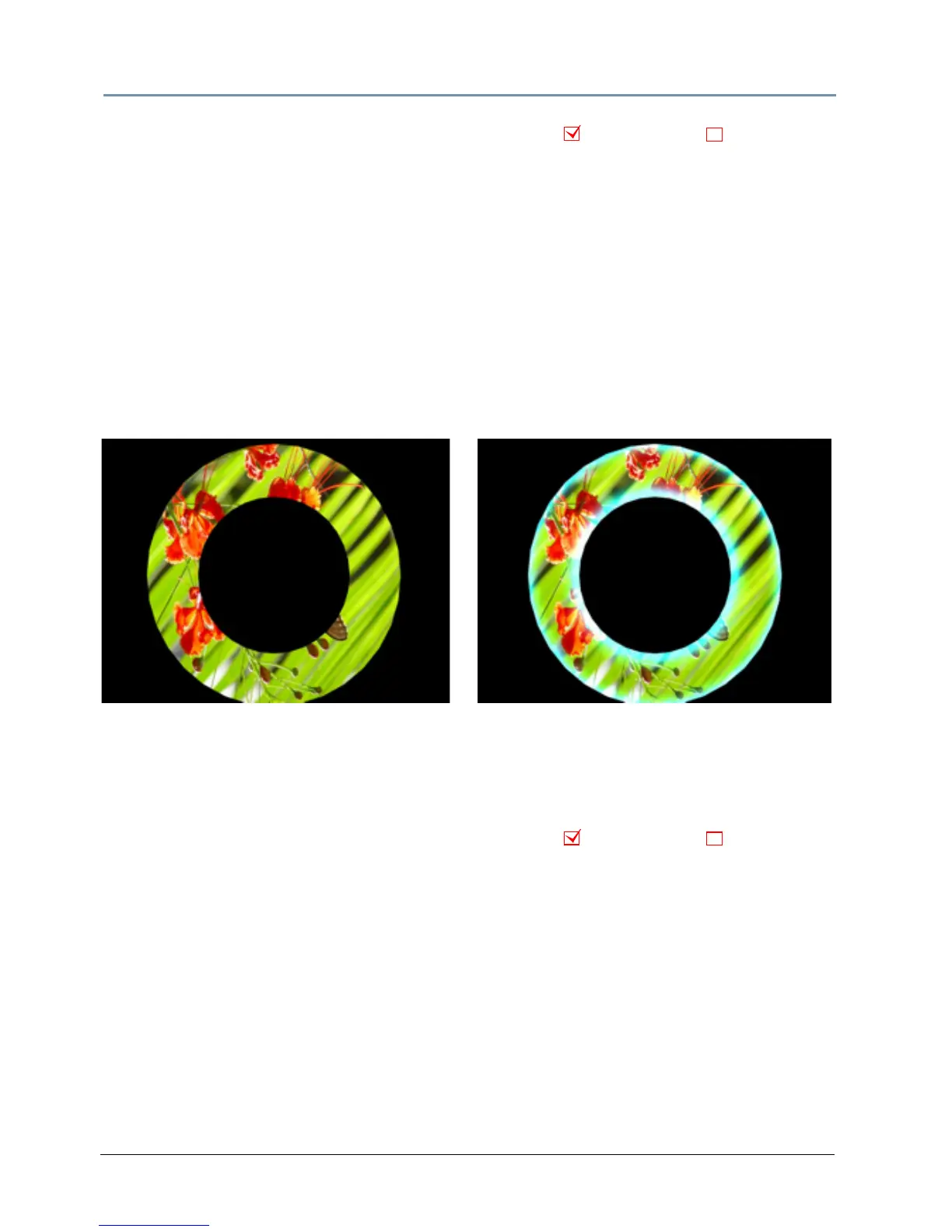
Glow
Effect Mode parameter DMX value = 73
Glow colorizes and creates a glow on the 3-D object separate from the media texture on it. You
can apply
this effect to any 3-D object no matter which media file texture is applied to it. This
parameter provides an option to view a 3-D object without displaying the associated texture.
Modifier 1: Increases red color component from a DMX v
alue of 0 = no adjustment to 255
(100%) = maximum red saturation.
Modifier 2: Increases blue color component from a DMX v
alue of 0 = no adjustment to 255
(100%) = maximum blue saturation.
Modifier 3: Increases green color component from a DMX v
alue of 0 = no adjustment to 255
(100%) = maximum green saturation.
Glow Color Cycle
Effect Mode parameter DMX value = 74
Glow colorizes and creates a glow on the 3-D object separate from the media texture on it. You
can apply
this effect to any 3-D object no matter which media file texture is applied to it. This
parameter provides an option to view a 3-D object without an associated texture.
Modifier 1: Defines the red color component speed. A D
MX value of 128 (50%) = default cycle
speed. DMX Values above the midpoint increase cycle speed in a forward direction to 255
(100%) = fastest change speed. DMX values below the midpoint increase cycle speed in a
backward direction to 0 = fastest change speed.
Modifier 2: Defines the green color component speed i
n the same way as Modifier 1.
Modifier 3: Defines the blue color component speed in the same w
ay as Modifier 1.
Object Effect Global Effect
Original Content
Modifier 1 parameter DMX = 0
Modifier 2 parameter DMX = 221
Modifier 3 parameter DMX = 168
Object Effect Global Effect



 To Next Page