CHAPTER 13
Effect Mode Options Descriptions
156 DL.3 Digital Light User Manual
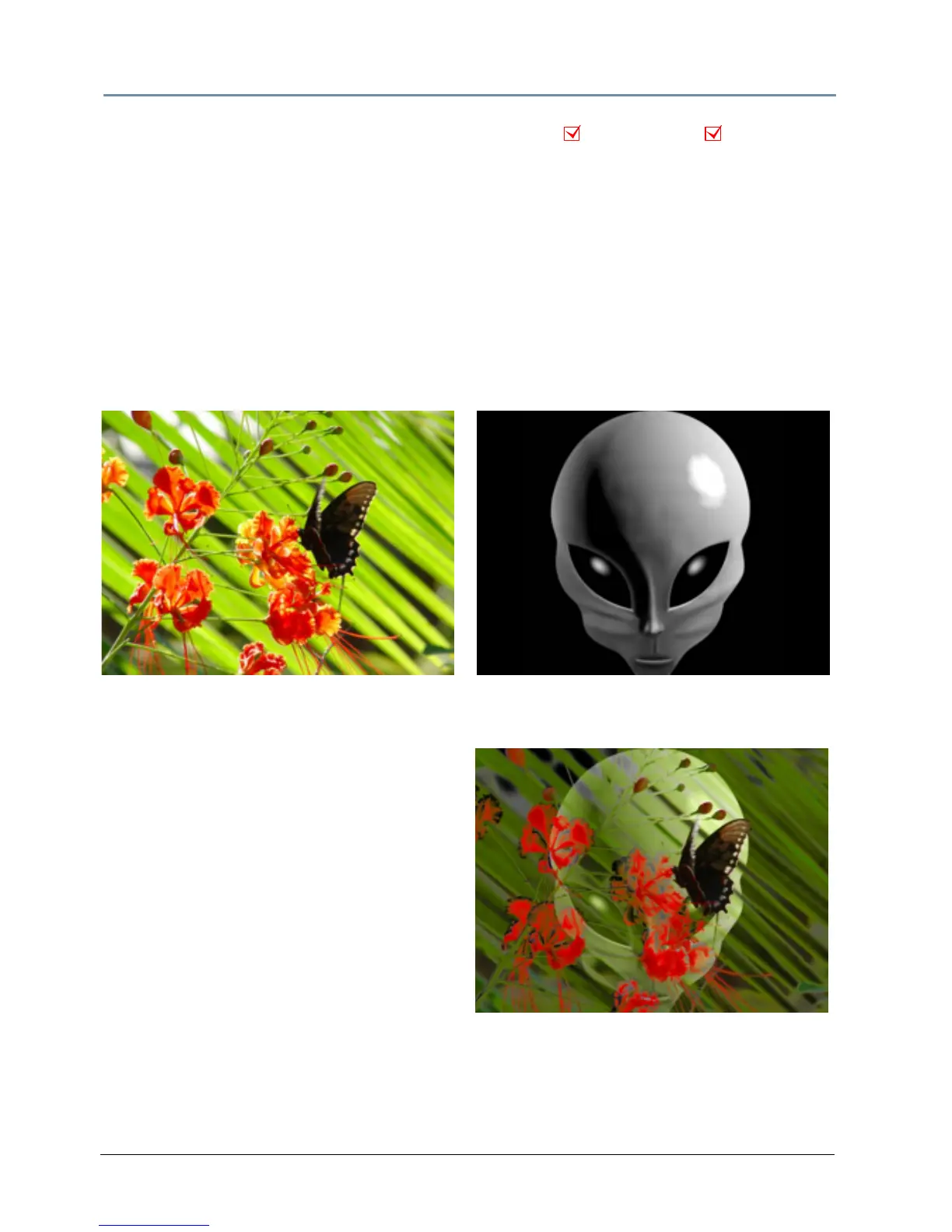
Color to Alpha, Inverted
Effect Mode parameter DMX value = 50
This parameter varies the transparency level of
the inverse of an image’s component color
values.
Modifier 1: Increases the inverse red component opacity or i
ntensity from 0 = no adjustment
to 255 (100%) = full green and blue opacity (intensity).
Modifier 2: Increases the green component opacity or intensity from 0 = no adjustment to 255
(1
00%) = full red and blue opacity (intensity).
Modifier 3: Increases the blue component opacity or intensity from 0 = no adjustment to 255
(1
00%) = full red and green opacity (intensity).
Object Effect Global Effect
Object 1Original Content
Modifier 1 parameter DMX = 145
Modifier 2 parameter DMX = 215
Modifier 3 parameter DMX = 15
Object 2 Original Content



 To Next Page