CHAPTER 13
Effect Mode Options Descriptions
DL.3 Digital Light User Manual 165
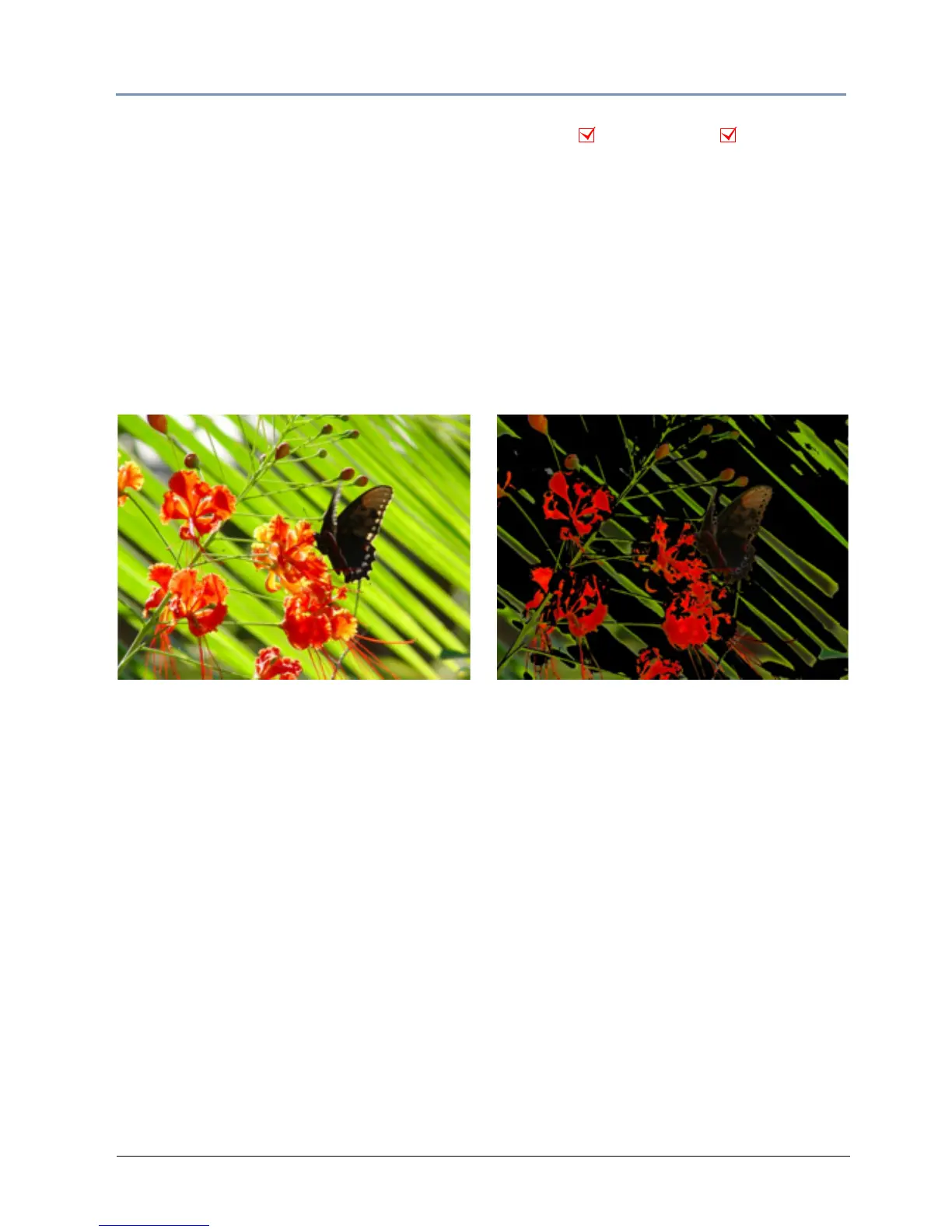
Intensity Key
Effect Mode parameter DMX value = 45
This effect turns pixels of a selected intensity transparent or applies the reverse effect.
Modifier 1: Selects intensity from a DMX value of 0 = no i
ntensity to 255 (100%) = full
intensity.
Modifier 2: Selects intensity bandwidth from a DMX value of 0 = narrowest ban
dwidth to 255
= widest bandwidth.
Modifier 3: Turns selected intensity range transparent from 0 = no change to 128
= fully
transparent. DMX values above the midpoint of the range change all intensities outside of the
selected range transparent from 129 = no transparency to 255 = full reverse transparency.
Object Effect Global Effect
Original Content Modifier 1 parameter DMX = 30
Modifier 2 parameter DMX = 75
Modifier 3 parameter DMX = 168



 To Next Page