CHAPTER 5
Tutorials
DL.3 Digital Light User Manual 53
Lesson 4: 3-D Objects, Rotation, Wobbulation, and Glow.
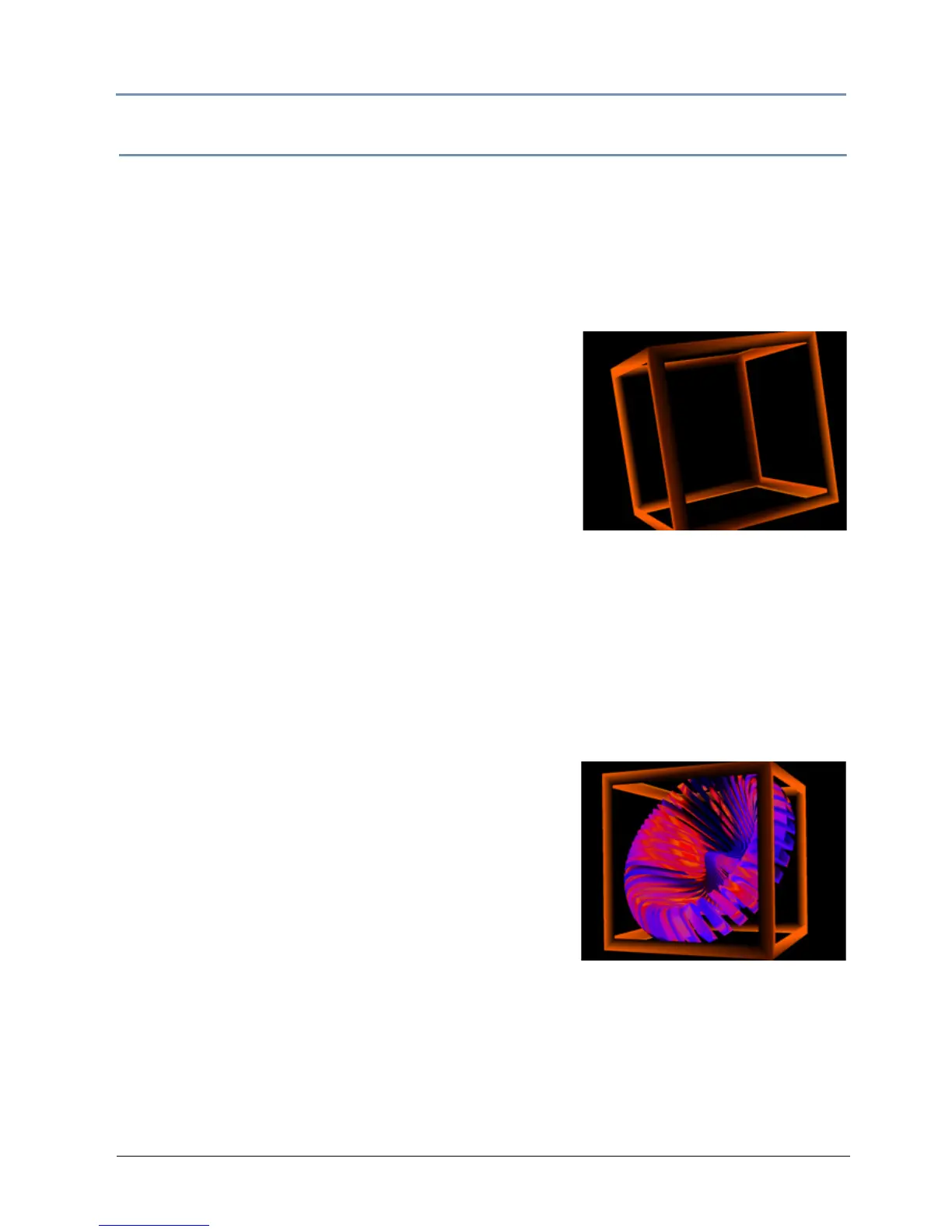
In this lesson you will learn how to put your chosen content on a 3D object and add rotation,
glow, and wobbulation.
1. Be sure that the MOTION Dimmer par
ameter (for DL.3 or DL.2 fixtures), the GLOBAL
Intensity parameter, and GRAPHIC OBJECT 1 Opacity parameter are all set to 100%
(DMX = 255).
Define Graphic Object 1
2. With GRAPHIC OBJECT 1 selected, set the Media
Folder parameter to DMX = 1 (HES Core).
3. Set the Med
ia File parameter to DMX = 3. This will
call up a black.jpg.
4. Change the Objec
t parameter to DMX = 23 (Outside
Cube).
5. Set the Effe
ct Mode 1 to DMX = 73 (Glow)
6. Set the Effe
ct 1 Modifier 1 parameter to 93%
(DMX = 236)
7. Set the
Effect 1 Modifier 2 parameter to 25% (DMX = 63).
NOTE: Modifier channels for Effect Mode 1 are labeled as CMY in the Wholehog system
so you can also make use of the color picker, HSI, and other Wholehog
functions. Use the CMY parameter controls to adjust the three Effect Mode 1
Modifier parameters for both the Global and Graphic fixture types.
8. Change the X Rotation parameter to 5°. (DMX = 32887)
9. Change the Y Ro
tation parameter to a real world value of -32°. (DMX = 32033)
Define Graphic Object 2
10. Select GRAPHIC OBJECT 2 and set the Opacity
parameter to DMX = 255 (100%).
11. Change the Me
dia Folder parameter to DMX = 6 (Sean
Bridwell)
12. Change the Me
dia File parameter to DMX = 16
(Fractal_Flower).
13. Change the Objec
t parameter to DMX = 9 (moiré swirl)



 To Next Page