CHAPTER 3
The Digital Light Menu System
40 DL.3 Digital Light User Manual
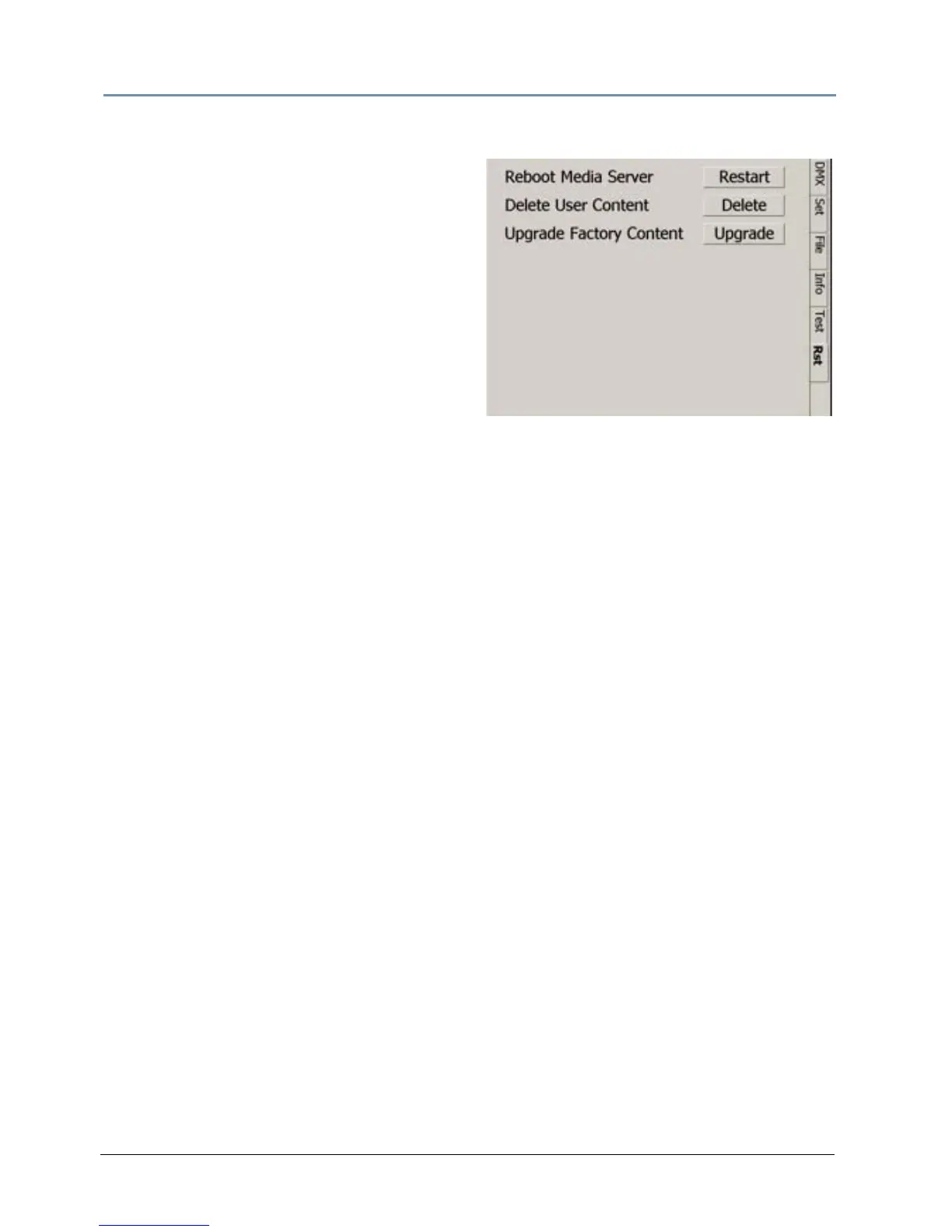
Reset Screen
The Reset screen provides buttons to reset,
shutdown and upgrade software.
Reboot Media Server restarts the fi
xture’s
internal graphics engine software.
Delete User Content remo
ves all user content
on the selected fixture(s).
Upgrade Factory Content lets y
ou reinstall
factory content in a recovery situation.
NOTE: You can obtain a copy of the Factory Content from High End Systems
customer service.



 To Next Page