CHAPTER 5
Tutorials
54 DL.3 Digital Light User Manual
14. Change the X Rotation parameter to 28°
(DMX = 33405)
15. Change the Y Ro
tation parameter to 36°
(DMX = 33577)
16. Open the Eff
ect Mode 1 parameter and set DMX = 66
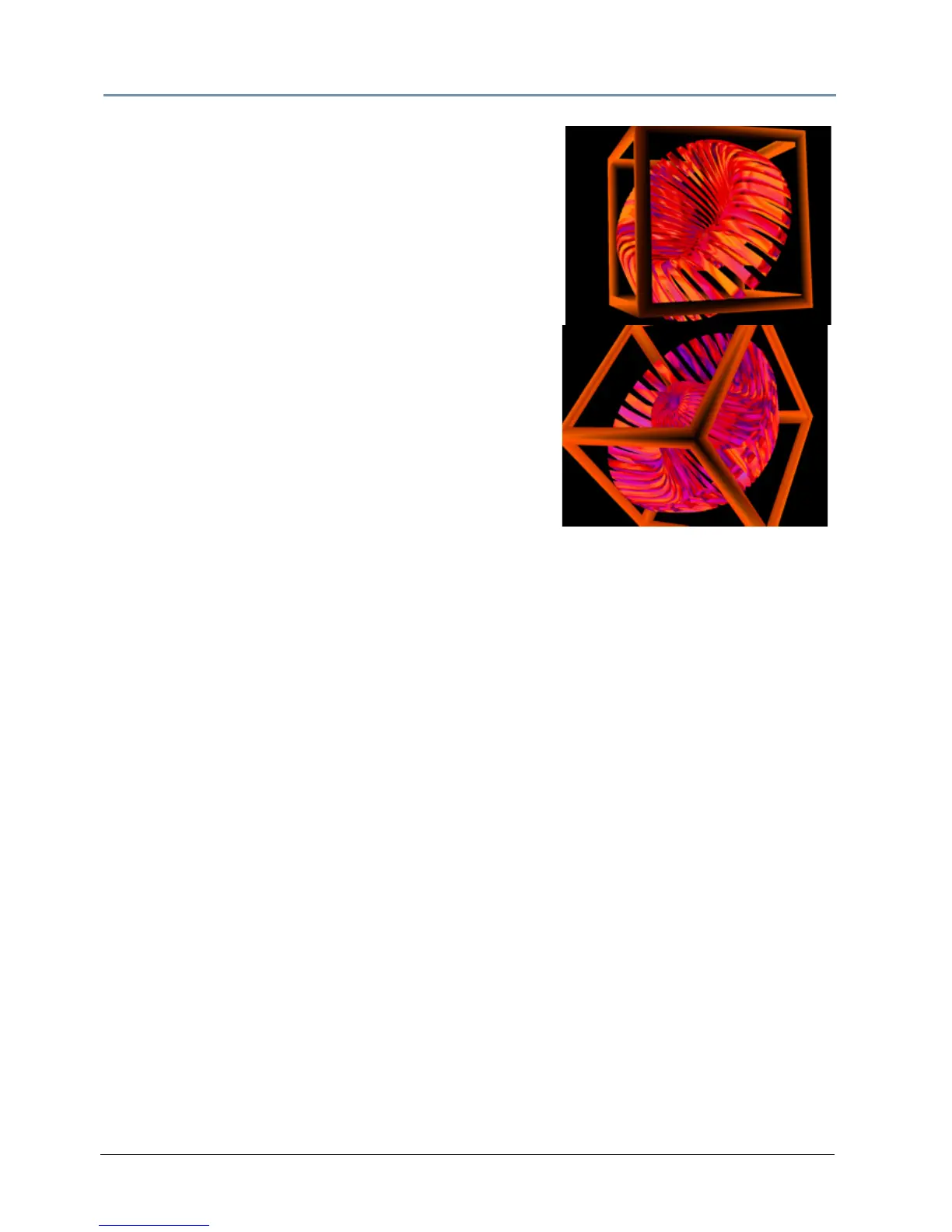
(Circular Sinewave Z-axis Wobbulation).
Adjust this effect with the Modifier parameters.
17. Set the Effect Mode 1 Modifier 1 parameter to
DMX = 104 (41%) to adjust wave size.
18. Set the Effect Mode 1 Modifier 2 parameter to
DMX = 86 (34%) to adjust wobbu
lation rate.
19. Set the Effect Mode 1 Modifier 3 parameter to
DMX = 114 (45%) to adjust offset.
NOTE: Modifier parameters make different
adjustments depending on the effect you
choose.



 To Next Page