CHAPTER 11
Global Functions
DL.3 Digital Light User Manual 125
Masking Control
Mask Shape Select and Strobing
The Mask Select parameter lets
you choose a mask to frame or
overlay
a composite image. You
can choose to apply a mask to an
imag
e when you don't want an
entire image to be seen or you
want to transition from an image
to black or a solid color without
fading intensity.
Mask Shapes
The graphics engine currently
provides 30 mask shapes
including circular, rectangular,
and oval masks that close from
inside out or outside in. Checker
Board, Radial Wipes, and Multi-
panel options are also included
with variations.
Default DMX Value = 0 R
ound
“iris” closes from outside in.
DMX values 0-127 (0-50%) are
reserv
ed for static mask shapes.
Values of 128-255 (51-100%)
are reserved for strobing Mask
shapes. Values not yet
implemented default to 128.
Strobing Mask Shapes
A strobing version of each simple
mask shape is defined in the
128-255 (51-100%) DMX value
range. When a strobing mask is
selected, the strobe rate is
controlled by the Mask Edge
Fade parameter from the slowest = 0 to the fastest = 255 (100%).
NOTE:A Global Effect Mode parameter option lets you define a Mask color, (see Global Effect
Mode Channels on page 116, and Mask Color on page 166).
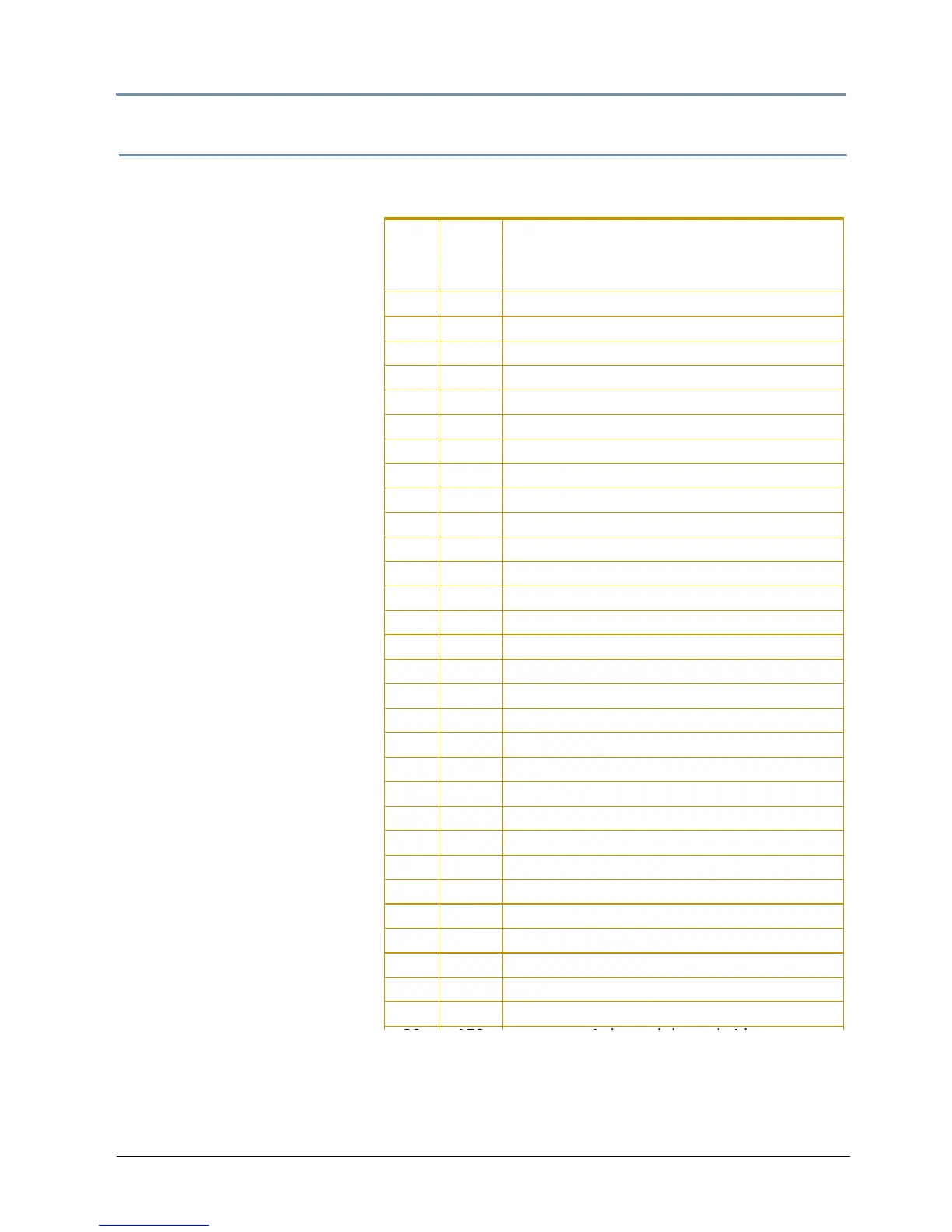
DMX
value
Strobe
DMX
Value
Mask
Shapes
0 128 Round iris closing from outside in
1 129 Round iris closing from inside out
2 130 Rectangle closing from outside in
3 131 Rectangle closing from inside out
4 132 Checkerboard, variation 1
5 133 Checkerboard, variation 2
6 134 Radial wipe, variation 1
7 135 Radial wipe, variation 2
8 136 Radial wipe, variation 3
9 137 Radial wipe, variation 4
10 138 Triangles, variation 1
11 139 Triangles, variation 2
12 140 Rectangular wrap
13 141 Tiles closing in
14 142 Horizontal doors, closing
15 143 Horizontal doors closing from opposing sides
16 144 Vertical doors closing from outside in
17 145 Vertical wipe closing from inside out
18 146 Rectangular tiles closing from inside out 1
19 147 Rectangular tiles closing from inside out 2
20 148 Vertical panels closing from outside in 1
21 149 Vertical panels closing from outside in 2
22 150 Vertical diamonds 1
23 151 Vertical diamonds 2
24 152 Horizontal diamonds 1
25 153 Horizontal diamonds 2
26 154 Pinwheel
27 155 Oval Iris closing from outside in
28 156 Oval Iris closing from inside out
29 157 Oscillating iris closing from outside in



 To Next Page