DL.3 Digital Light User Manual 71
Chapter 8:
Graphic Functions: Rotation, Position, Scale
You can independently control each Graphic Object’s rotation direction and
speed; along with its position and scale in X, Y, and Z axis directions.
The parameters described in thi
s chapter are set for each Graphic Object you define.
Parameters for composite image rotation, position and global scale are described in
Chapter 11: Global Functions.
NOTE: The suggested default DMX values given for each parameter are
recommended to build libraries that provide the easiest and most
reliable content selection, rendering and output.
Rotating a 3-D Object
The Rotation parameters for each object control 3-D object rotation with 16-bit precision.
You can rotate a 3-D object up to 720° in either a clockwise or counterclockwise direction
around the X, Y and/or Z axis.
NOTE: Remember that rotation changes could affect an object’s
relationship to other objects.
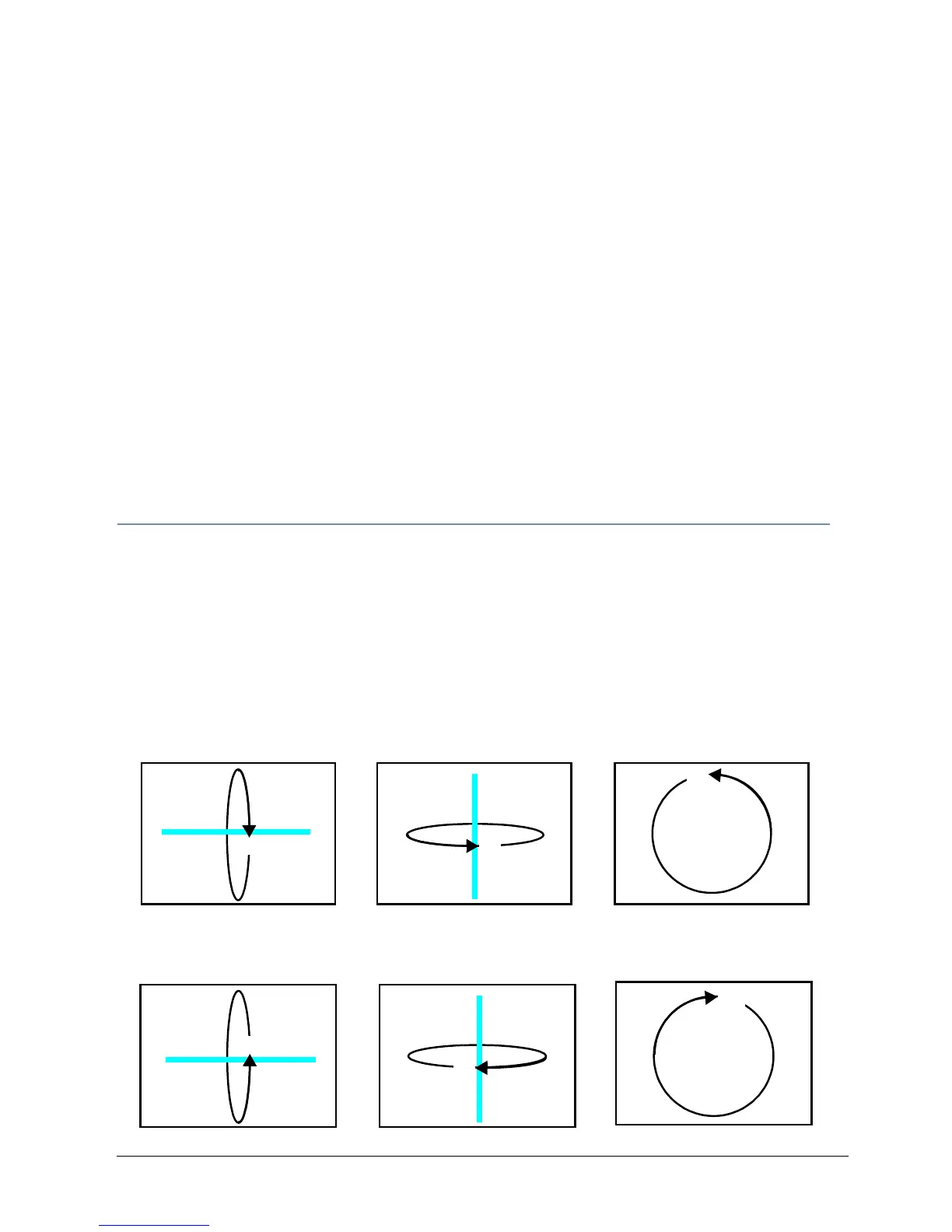
When you rotate an object, you are rotating it around the selected axis. X Rotation produces
the effect of a top-to-bottom flip. Y Rotation produces a left-to-right flip. Z Rotation causes
a circular motion.
X Rotation
Rotates image
about the X axis
Y Rotation
Rotates image
about the Y axis
Z Rotation
Rotates image
about the Z axis



 To Next Page