CHAPTER 17
Maintenance and Troubleshooting
DL.3 Digital Light User Manual 309
Replacing Motor Driver Boards
The DL.3 fixture is designed with two motor driver boards:
1. The board that controls the motors for the tilt, fo
cus, zoom, and iris functions as well as fans
is located in the fixture head.
2. The board that drives pan motor and fans is l
ocated in the base housing.
All cabling is marked with labels corresponding to locati
ons on board for easy replacement. When
changing a board, align the screw holes and standoffs to ensure correct orientation in the fixture.
Fixture Head Driver Board
To replace the fixture head driver board:
1. Disconnect power to
the fixture and allow it to cool.
2. Unlatch the two rear latches and
remove the rear bezel.
3. Use a 3mm allen wrench to remove the addressing screws and star washers.
4. Position new board against module al
igning the center top standoff. Place contact screw(s)
in the appropriate position.
NOTE: When installing a replacement driver board on a module,
always place a star washer between an address screw and
the pad on the logic board to ensure good electrical
contact.
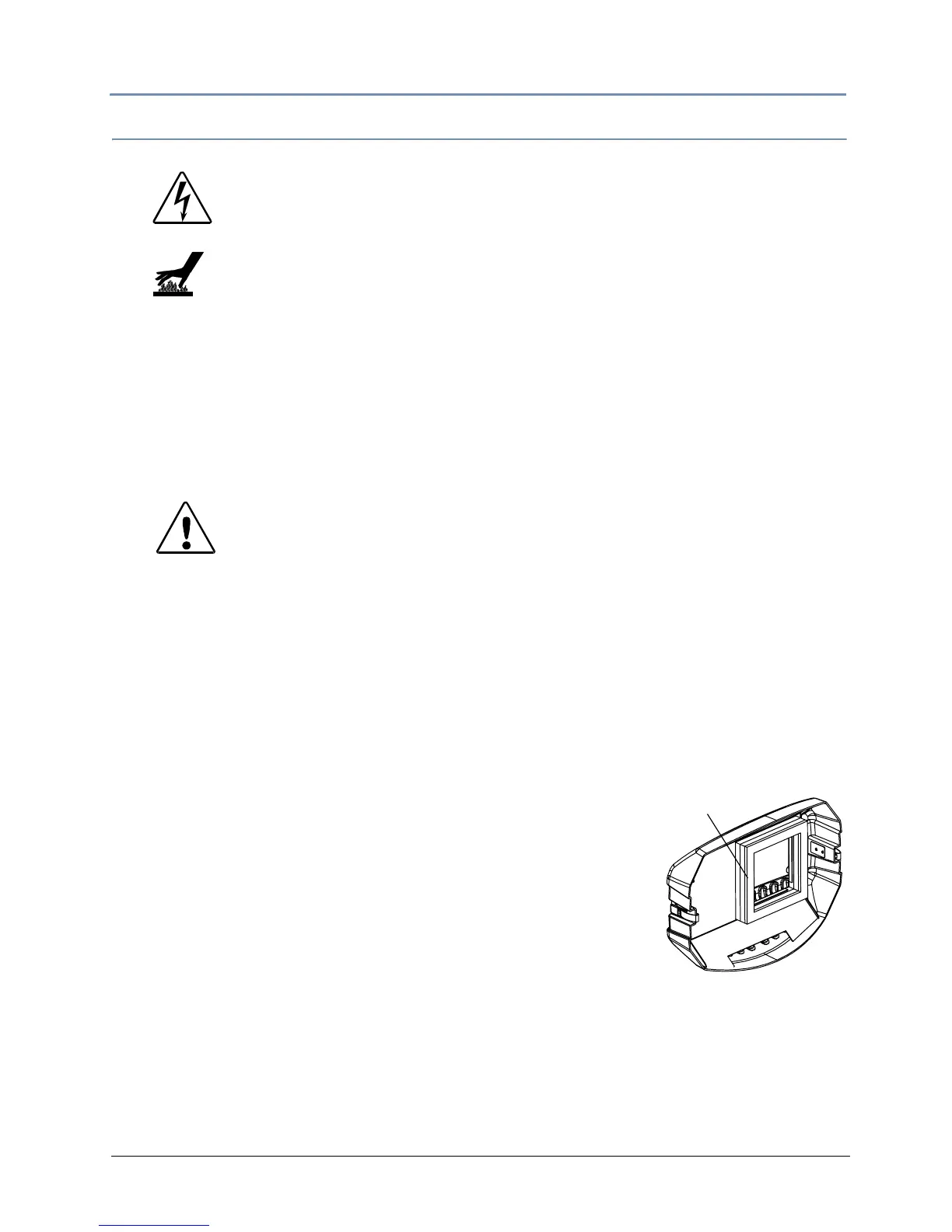
5. Carefully replace the rear bezel, making sure to place (but do not
force) the gasket over the lamp cover located on the back of the
projector.
6. Ensure that the fixture is on
a solid surface. Select Calibrate
Motors through the Test_Home menu screen and leave the fixture undisturbed for 10
minutes while calibration occurs.
WARNINGS!
Disconnect power before servicing.
Replace fuses with the specified type and rating only.
Equipment surfaces may reach temperatures up to
130° C (266° F). Allow the fixture to cool before
handling.
CAUTION!
The fixture will not function co
rrectly if contact screws
are missing from driver boards.
Gasket



 To Next Page