CHAPTER 13
Effect Mode Options Descriptions
DL.3 Digital Light User Manual 189
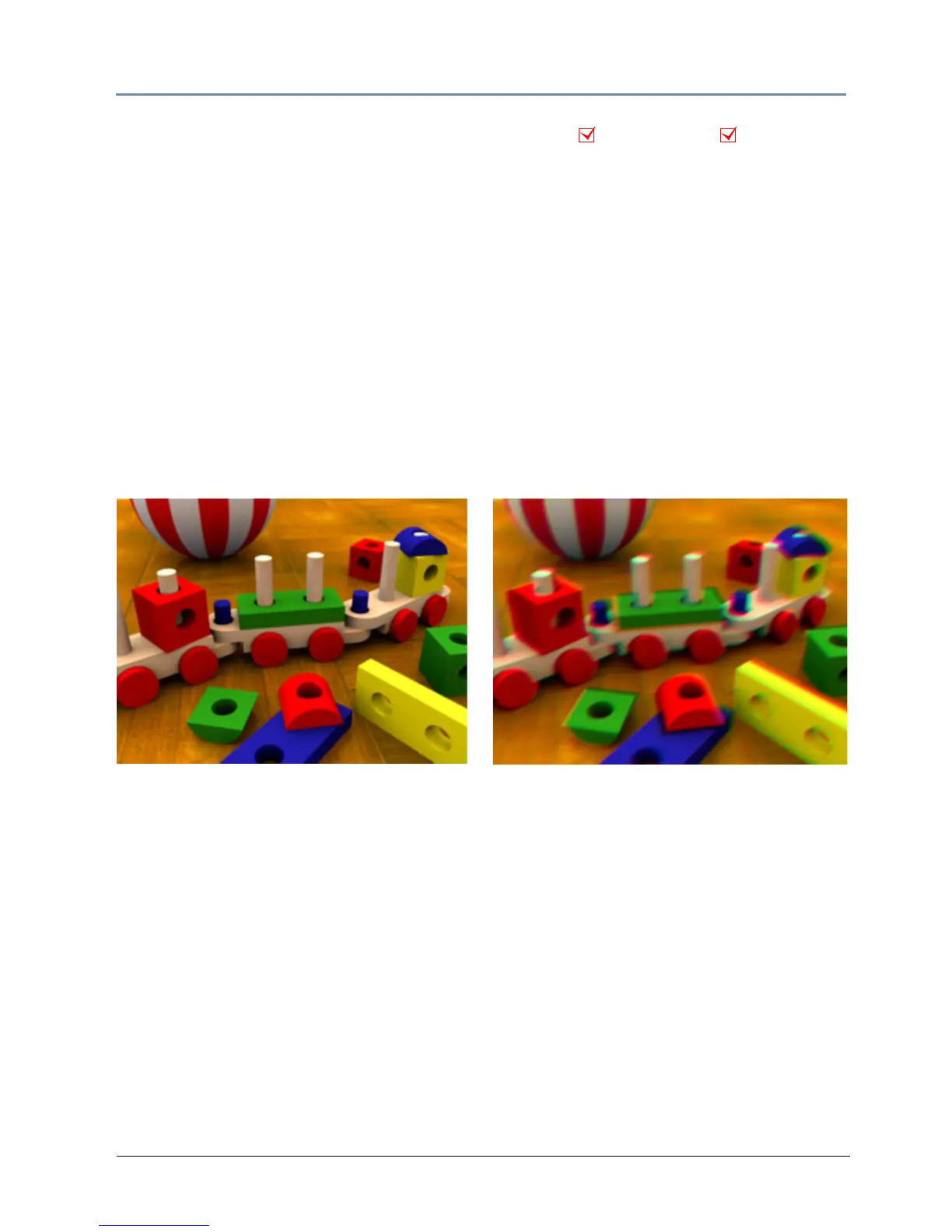
Chroma Shift
Effect Mode parameter DMX value = 60
This effect shifts the red, blue,
and green component colors in an image. You can offset color
components vertically and or horizontally.
Modifier 1: The default DMX value of 128 (50%) = no adjust
ment. Values below the midpoint
shift the color components right to a maximum at a value of 0. Values above the midpoint shift
the color components left to a maximum at a value of 255 (100%).
Modifier 2: The default DMX value of 128 (50%) = no adjust
ment. Values below the midpoint
shift the color components down to a maximum at a value of 0. Values above the midpoint shift
the color components up to a maximum at a value of 255 (100%).
Modifier 3: Not Used
NOTE: This effect is also available as a Visual Mode adjusted with 2 Modifier
parameters, (see Chroma Shift o
n page 87).
Object Effect Global Effect
Original Content
Modifier 1 parameter DMX value = 105
Modifier 2 parameter DMX value = 148
Modifier 2 parameter DMX value = 0



 To Next Page