CHAPTER 2
Setup and Configuration
DL.3 Digital Light User Manual 9
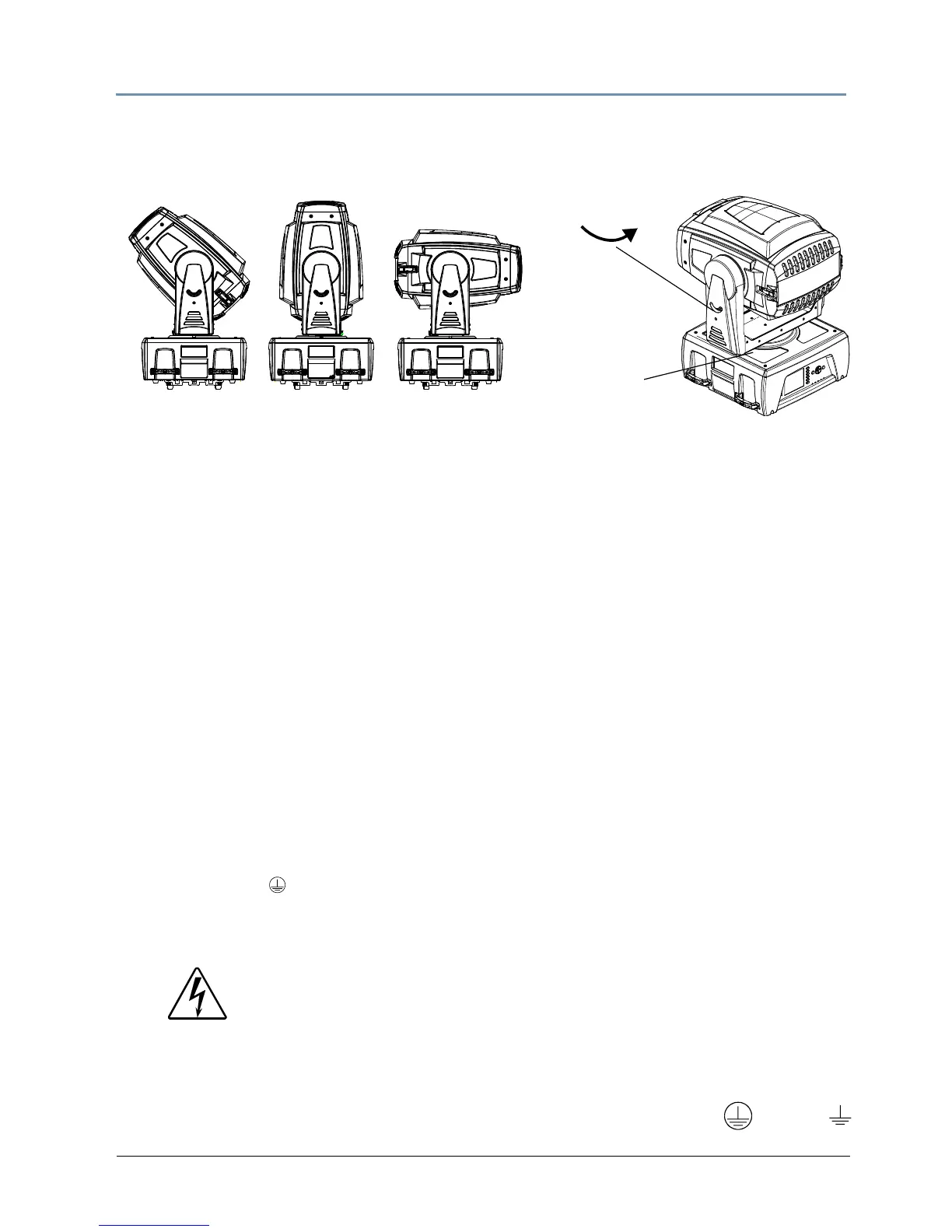
Pan and Tilt Locking
The DL.3 fixture ships with pan and tilt latches locked. You can unlock/adjust these latches to
stabilize the fixture for mounting.
NOTE: Disengage Pan and Tilt locks before operating the fixture.
Attaching a Power Cord Cap
The DL.3 fixture ships with an SJT power cord. Use the information in this section to replace the
power cord cap for locations with another electrical standard.
Because of the variety of power cord caps used worldwide, High End Systems, Inc. cannot make
specifi
c recommendations for the power cord cap. Contact a local authority for the type of power
cord cap needed. When installing the power cord cap, note that the cores in the mains lead are
coloured according to the following code:
• green and yellow = earth
•
b
lue = neutral
• brown = live
Installing a Line Cord Cap - U.K. Only
In the United Kingdom, core colours in the mains lead of this equipment may not correspond
with the colored markings identifying the terminals in the fixture’s plug. In that case, install a
line cord cap according to the following code:
• Connect the green and yellow core to the plug terminal marked with the letter “E,” or by the
eart
h sym
bol
or coloured green, or green and yellow.
• Connect the blue core to the terminal marked with the letter “N” or coloured black.
• Connect the brown core to the terminal marked with the letter “L” or coloured red.
Vatic Fitter Heads Information - Danmark
Advarsel: Beskyttelse mod elektrisk chock.
Vigtigt!
Lederne med gul/groen isolation maa kun tilsluttes en klemme maerket
WARNING:
Class 1 equipment - This equipment must be earthed.



 To Next Page