CHAPTER 7
Graphic Functions: Defining Content
DL.3 Digital Light User Manual 63
Chapter 7:
Graphic Functions: Defining Content
Each Graphic Object’s content is composed of a 3-D object overlaid with a
media file. This chapter outlines how to select an image’s object and media
file components as well as define the video segment and its playback.
Content Overview
In addition to a royalty-free stock digital art collection featuring more than 1,500 lighting-
optimized files available as stock content, you can develop your own custom media files and 3D
object files for playback on DL.3, DL.2 or Axon media servers. For a quick overview on
developing your own custom User content, see
Appendix C: Custom User Content on page
357.
The Digital Lighting Product an
d Support pages at highend.com/digital_lighting offer
additional assistance and the latest software and techniques for creating and encoding custom
content.
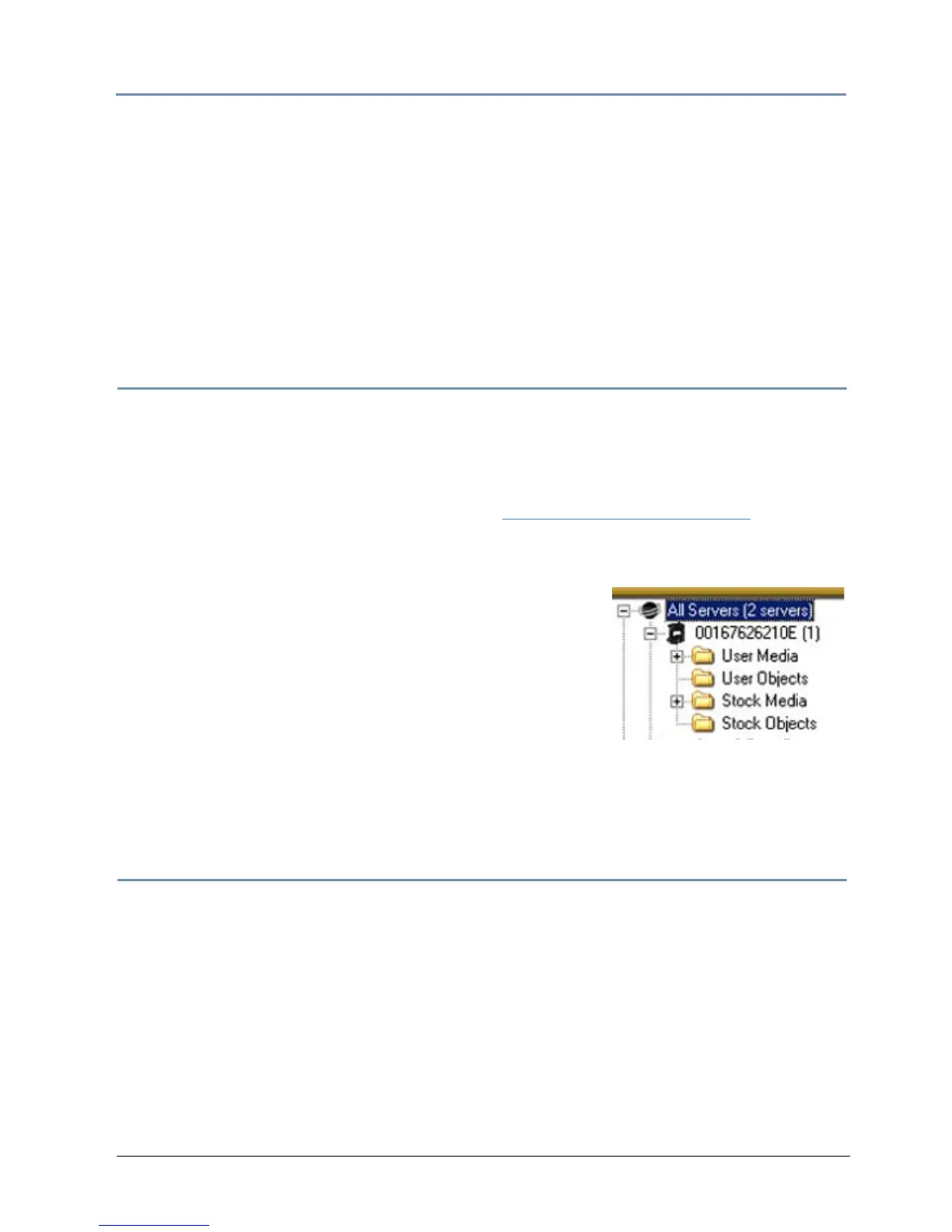
Every DL.3, DL.2 and Axon media server has a file system
th
at holds the movies, images, and 3-D objects that make up
the content that the server uses. These fil
es, folders, and
their associated DMX values are collectively known as the
“Content” on the media server.
The Content Management Application (CMA) organizes and
i
dentifies content by source (preloaded Stock content or
custom User content) and type (Media files or 3-D Object files).
For more information on using
the CMA to view and manage content, (see Chapter 16: Content Managem
ent Application (CMA)
on page 251).
Selecting Content
Three Parameters control content selection. To define an image you have to set DMX values
greater than 0 for the 3-D Object, Media Folder, and Media File parameters. The selected media
file will be mapped onto the selected 3-D object.
To output an image from a media server:
1. Open the mechanical iris on the projector by se
tting its Dimmer parameter to full (100%).
2. Set the Global Intensity parameter to full (100%).
3. Set the Object opacity to full (100%)
4. Adjust the Object, Media Folder, and Media F
ile parameters to greater than zero



 To Next Page