CHAPTER 5
Tutorials
DL.3 Digital Light User Manual 55
Lesson 5: Viewpoint
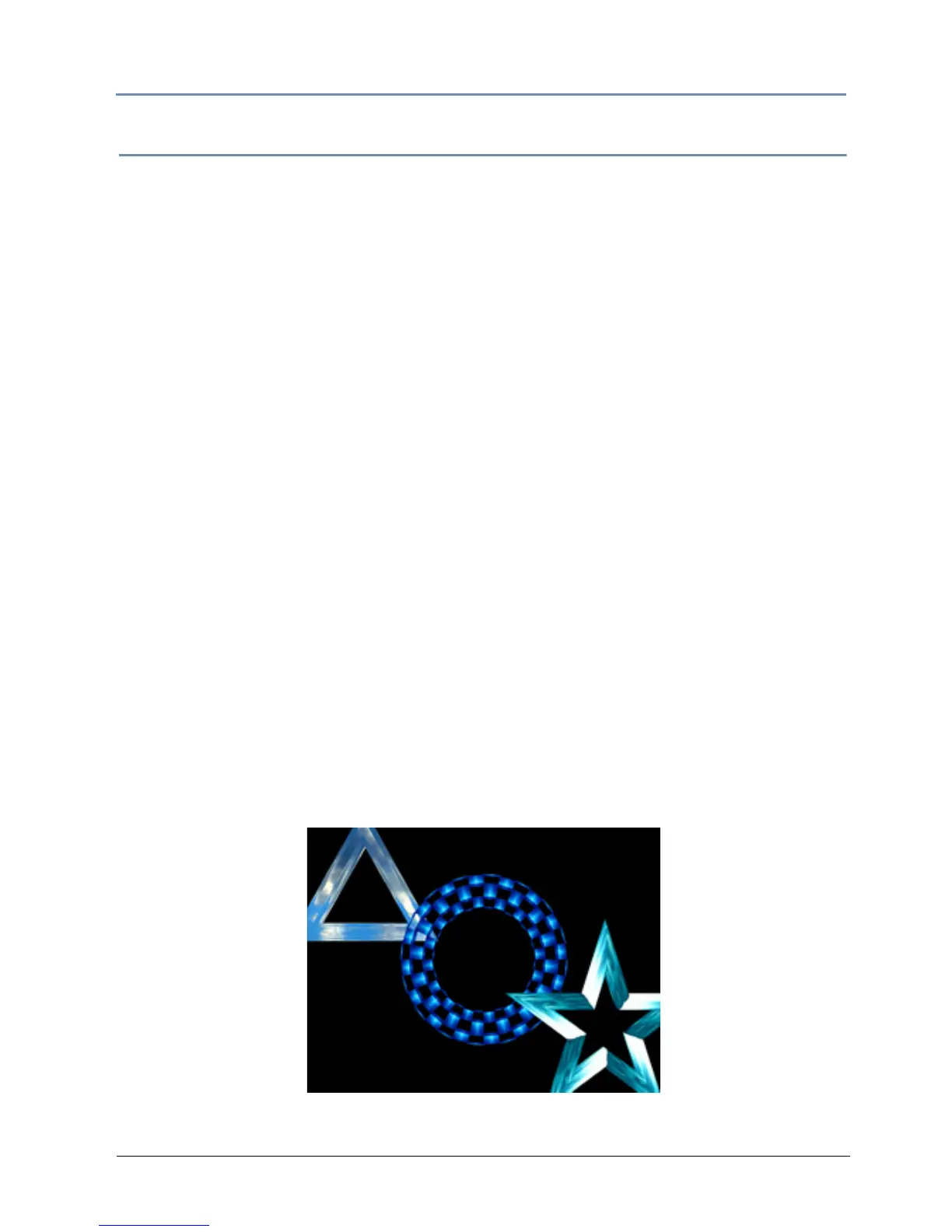
This lesson demonstrates the global parameters including viewpoint, and global effects.
1. Be sure that the MOTION Dimmer par
ameter, (for DL.3 or DL.2 fixtures) the GLOBAL
Intensity parameter, and GRAPHIC OBJECT 1 Opacity parameter are all set to 100%
(DMX = 255).
Define Graphic Object 1
2. With GRAPHIC OBJECT 1 selected, change the Media Folder parameter to feedback video
(DMX = 8).
3. Change the Me
dia File parameter to DMX = 7 (7-SD_Cloud010)
4. Change the Objec
t parameter to DMX = 21 (triangle)
5. Set the Z Po
sition parameter to 118 pixels (DMX = 35187), the Y Position parameter to
30 pixels (DMX = 33372), and the X Position parameter to -43 pixels (DMX = 31888).
Define Graphic Object 2
6. Select GRAPHIC OBJECT 2 and bring the Intensity parameter to 100% (DMX =255).
7. Change the Me
dia Folder parameter to DMX = 8 (feedback video).
8. Change the Me
dia File parameter to DMX = 9 (9-SD_Deep01)
9. Change the Objec
t parameter to DMX = 8 (toroid chk board)
10. Change the Z Po
sition parameter to a value of 64 pixels (DMX = 34087)
Define Graphic Object 3
11. Select the GRAPHIC OBJECT 3 and change the Intensity parameter to 100% (DMX = 255).
12. Set the Med
ia Folder parameter to DMX = 8 (feedback video)
13. Set the Me
dia File parameter to DMX = 8 (8-S_Dash)
14. Change the Objec
t parameter to DMX = 44 (star bevel 4)
15. Set the Z Po
sition parameter to 40 pixels (DMX = 33592), the Y Position parameter to
-13 pixels (DMX = 32493), and the X Po
sition parameter to 30 pixels (DMX = 33372).



 To Next Page