CHAPTER 16
Content Management Application (CMA)
DL.3 Digital Light User Manual 273
Cloning User Content
Cloning is a file transfer operation where all the User Content of a single fixture is replicated
across one or more other fixtures. Cloning preserves all user content naming and DMX values.
This allows you, for example, to send the custom content for a specific show to all the fixtures
used in that show with one operation.
To clone user content:
1. In the CMA Client Window select Al
l Server in the left pane.
2. Select the Server with the content you want to clone in the right pane.
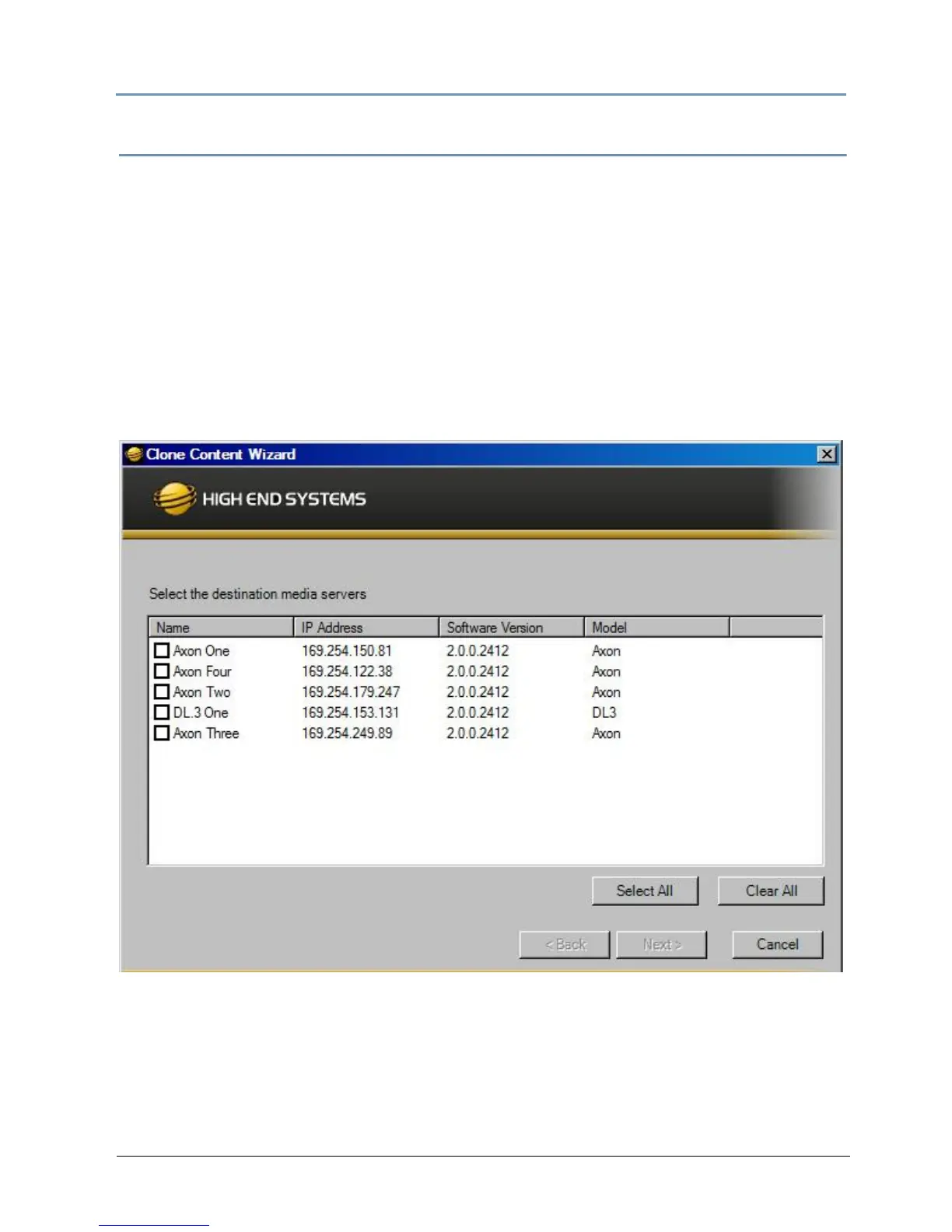
3. Select Cl
one Content from the Media Files or Objects drop down menu or the right click
popup list. A Clone Content Wizard lets you select one or more servers on the fixture
network as the destination for cloned content.
The cloning process erases all destination server(s) user content and replaces it with the
s
elected server’s user content. Stock content is unaffected.



 To Next Page