CHAPTER 9
Graphic Functions: Opacity and Effects
104 DL.3 Digital Light User Manual
ShakeNBake
Visual Mode Parameter DMX value = 22
This option randomly vibrates the image. You can co
ntrol the horizontal and vertical frequency.
Modifier 1: Adjusts random horizontal “shake” frequency from 0= no adjustment to 255
(
100%) = maximum.
Modifier 2: Adjusts r
andom vertical “shake” frequency from 0= no adjustment to 255 (100%)
= maximum.
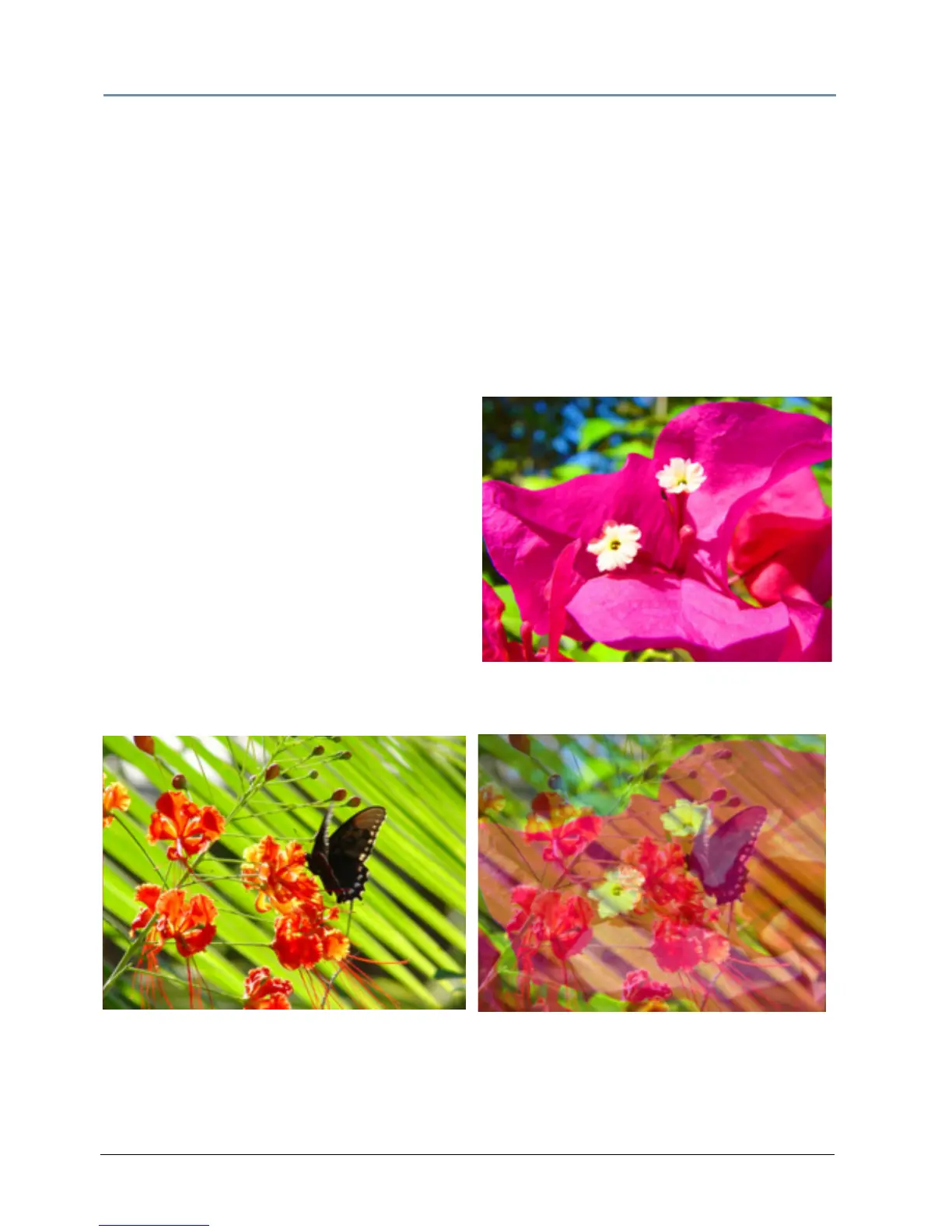
Texture Mixing
Visual Mode Parameter DMX value = 12
Texture Mixing lets you crossfade from textures
(m
edia file content) of one Graphic Object to the
texture of another Graphic Object. Any effects
applied to the Source file do not display.
Modifier 1: Selects the Source file for the
t
exture you want to pull. A DMX value = 1
selects Graphic Object 1’s media file content. A
DMX value = 2 selects Graphic Object 2’s media
file content. A DMX value =3 selects Graphic
Object 3’s media file content.
Modifier 2: Adjusts Graphic Object opacity of
the source texture from a DMX v
alue of 0 = fully
transparent to 255 (100%) = fully opaque.
Original Content Object 1
Visual Mode Parameter DMX value = 20
Visual Mode Modifier 1 DMX value = 1
Visual Mode Modifier 2 DMX value = 128
Original Content Object 2
Visual Mode Parameter DMX value = 20



 To Next Page