CHAPTER 2
Setup and Configuration
DL.3 Digital Light User Manual 17
NOTE: To avoid problems with fixture communication over the Ethernet link,
disable all firewall programs on your computer when using the CMA.
Verifying and Upgrading Fixture and CMA Software
Fixture and CMA software are continuously being updated to increase performance and add new
features. The software loaded on your fixture may not be the most up to date. The latest fixture
and CMA software are always available at the High End Systems website.
CMA software version is noted upon installation an
d can be accessed after that under the File
menu.
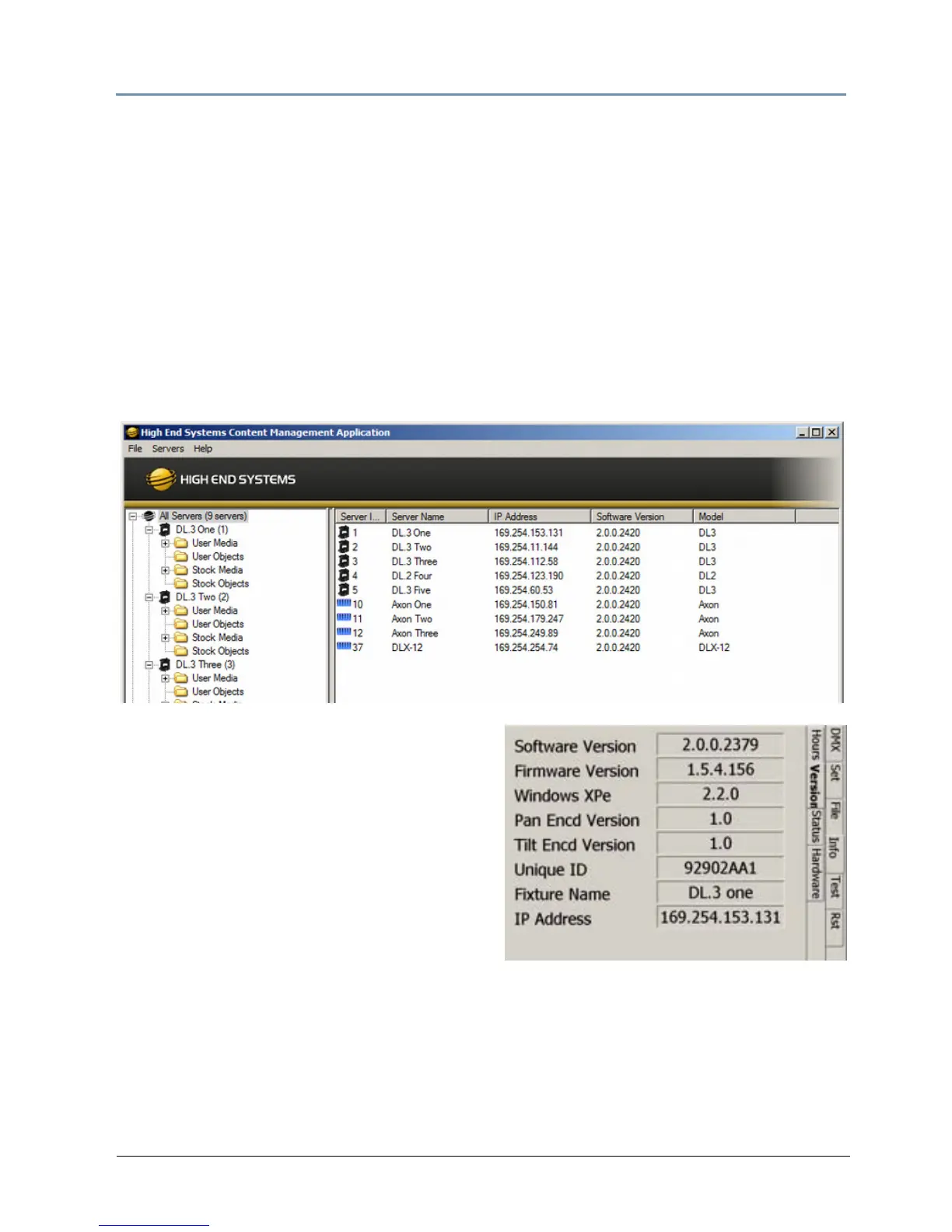
The CMA Al
l Servers view lets you view the fixture software version on all DL.3, DL.2 and Axon
media servers linked to it via Ethernet.
You can also view the installed software versions
b
y navigating to the Info > Version screen of a
DL.3
fixture’s menu system.
For downloading and upgrading CMA or fixture
software, see Upgradi
ng Software on page 276.



 To Next Page