CHAPTER 5
Tutorials
56 DL.3 Digital Light User Manual
Apply a Global Solarize Effect
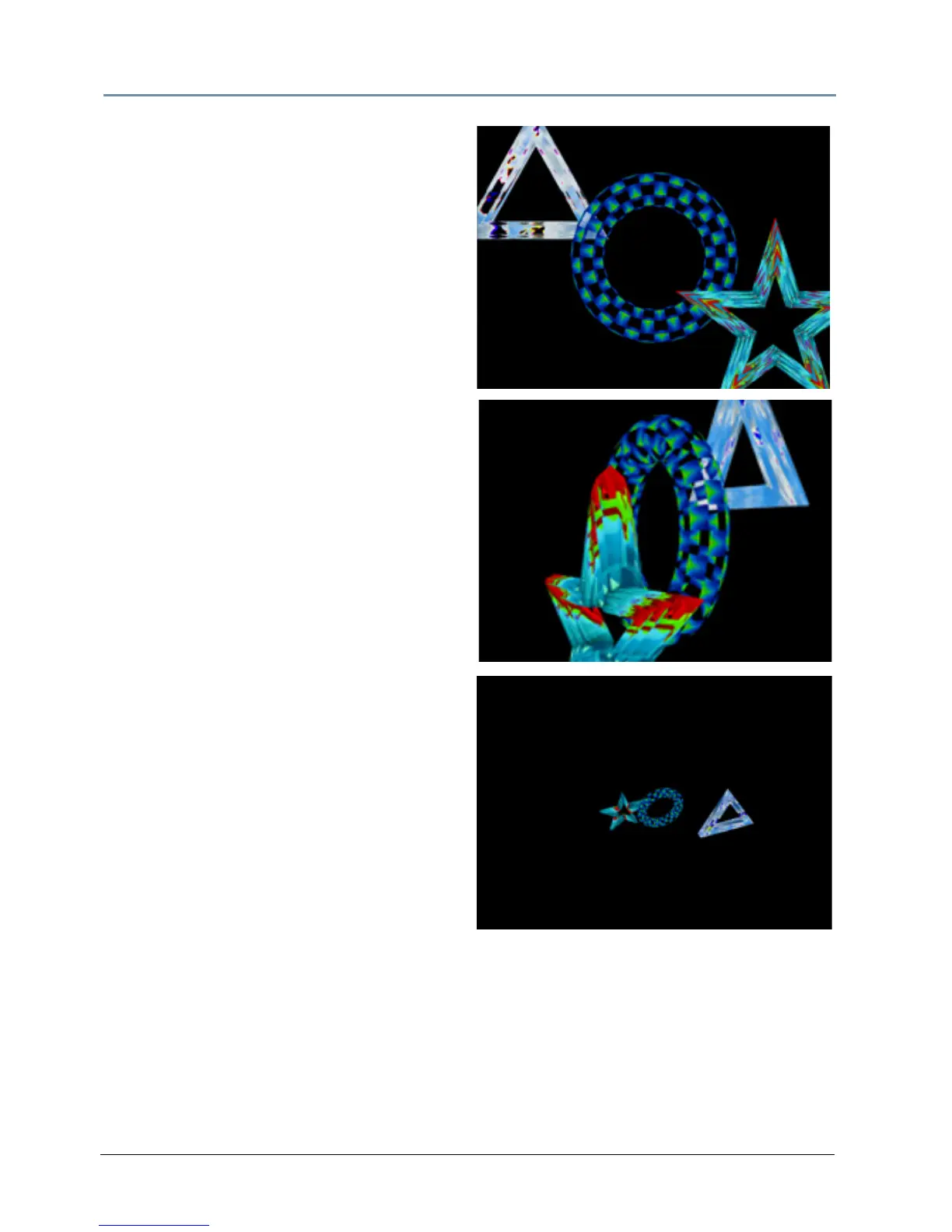
16. Select your GLOBAL fixture and change the
Effect Mode 1 parameter to DMX = 10
(solarize 2) and observe how the global
effect changes all three of the graphic
objects at one time
17. Record this look into your console.
Adjust Global Viewpoint Mode
18. To select the Perspective View with Spherical
Coordinates centered on Graphic Object 2,
set the Global Viewpoint Mode parameter
to sphr lyr 2 (DMX = 2).
19. Change the V
iewpoint Position X
parameter to 316° and see how this changes
the viewpoint position of all three graphic
objects at one time.
20. Change the value of the Vie
wpoint Mode
parameter to ortho lyr 2 (DMX = 10) for an
Orthogonal Vi
ew using Cartesian
Coordinates.
21. Set Vie
wpoint Position X parameter to
39° (DMX = 36337)
22. Set Vie
wpoint Position Y parameter to
101° (DMX = 41947)
23. Set Vie
wpoint Position Z parameter to
116° (DMX = 43354).
24. Record this into your console and play back
th
e cues you have created to observe how
viewpoint changes the perspective on the
graphic objects.



 To Next Page