DL.3 Digital Light User Manual 115
Chapter 11:
Global Functions
Global Graphic controls affect the composite image created by defining
multiple separate object graphics. You can adjust intensity, define masks,
select a point in space to view the composite image, and control keystone
correction.
Global Intensity
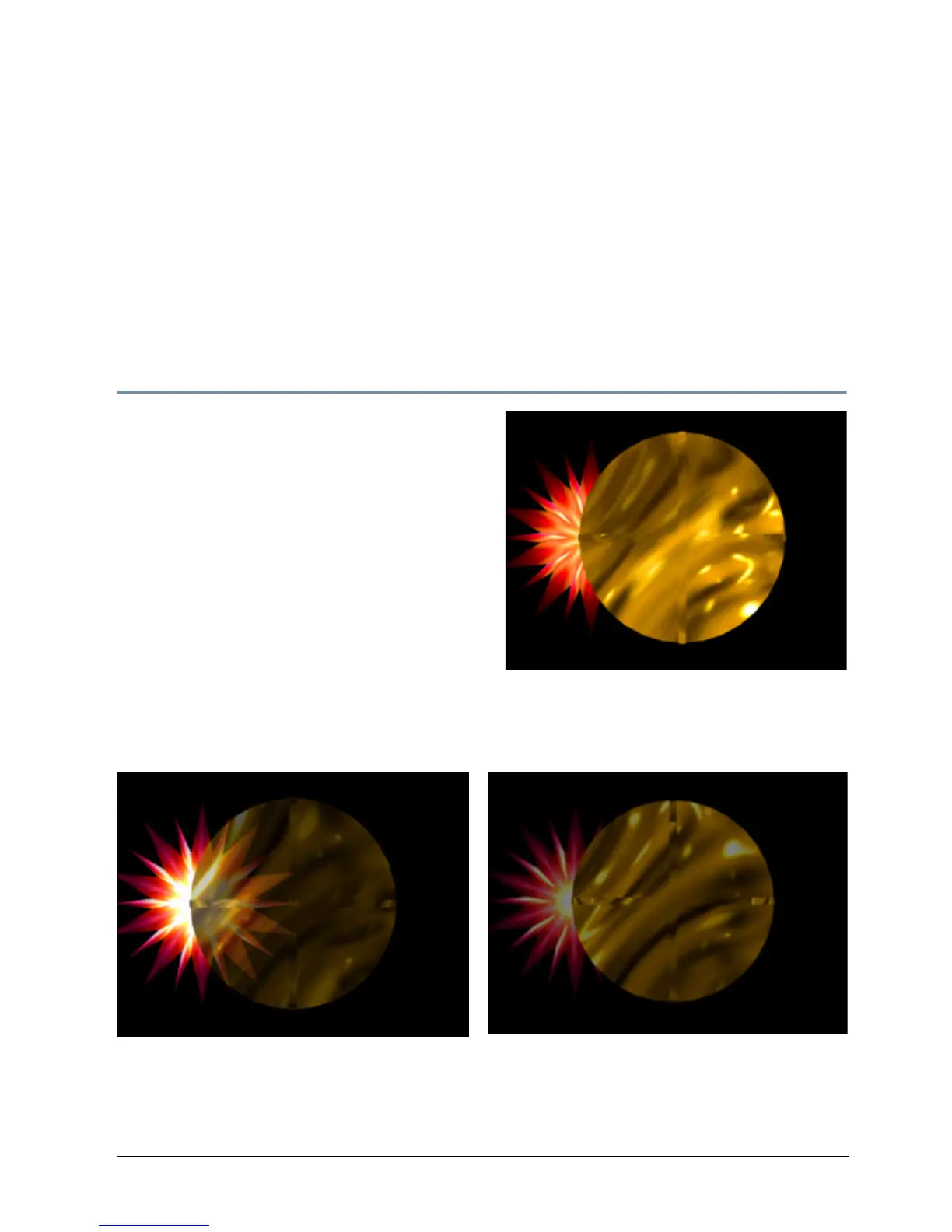
The Global Intensity parameter creates a
smooth fade to video black that doesn’t affect the
opacity relationship between in
dividual objects.
Use this parameter to adjust the intensity of a
composite image over the separate Graphic
Object’s Opacity parameter settings. Increase
intensity from not visible at a DMX value of 0 to
full intensity at a value of 255 (100%).
Default DMX Value: 0 = no intensity (video
black)
Tip: The Dimmer, Object Opacity and Global
Int
ensity parameters all need DMX values greater
than 0 for a defined image to be visible.
Graphic Object 1 Intensity DMX = 255 (100%)
Graphic Object 2 Intensity DMX = 255 (100%)
Graphic Object 1 Intensity DMX = 255 (100%)
Graphic Object 2 Intensity DMX = 179 (70%)
Global Intensity DMX = 128 (50%)



 To Next Page