CHAPTER 8
Graphic Functions: Rotation, Position, Scale
DL.3 Digital Light User Manual 77
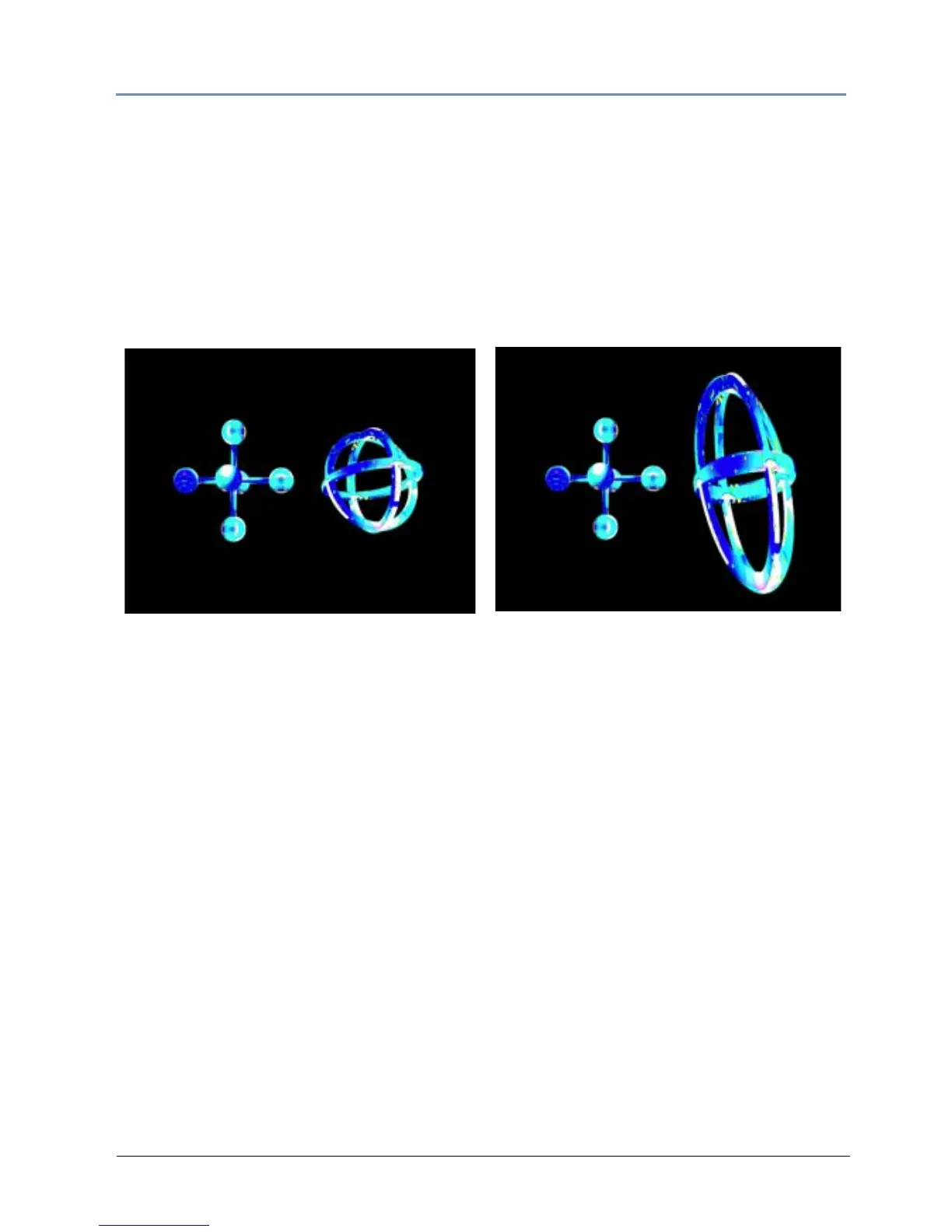
Y Scale
The Y Scale parameter uses two channels to scale the selected 3-D object along the Y axis,
either expanding it or making it smaller. Use it when you want to size the object’s vertical
component.
A DMX value of 32768 (50%) sets the object at its normal
size. Values less than 50% shrink the
object vertically to the smallest at 0. Values greater then 50% enlarge the object vertically to
the largest at 255 (100%).
Default DMX Value: 32768 (50%) = Normal Scale
Original Object 1 and Object 2
All Scale DMX values = 32768 (50%)
Object 2 Y-Scale parameter DMX value = 165
Scaled 3 times in Y direction



 To Next Page