CHAPTER 2
Setup and Configuration
20 DL.3 Digital Light User Manual
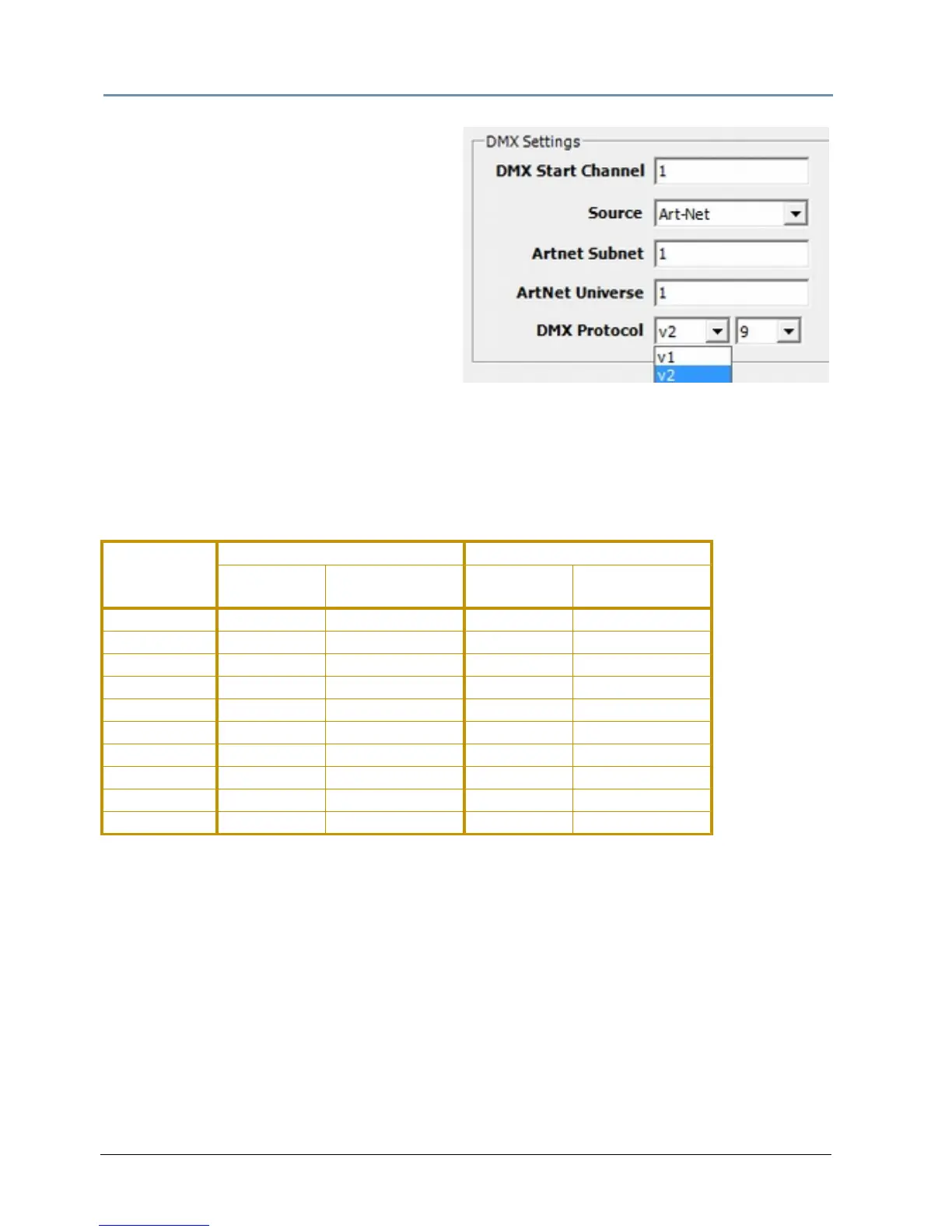
Set the Channel range
2. Select a DMX Protocol type by
choosing V1 or V2 from the drop down
list in the option field and select the
number of Graphic Objects you want to
use in your application:
• V1
—Version 1 protocol retains the
original DMX protocol footprint and is
compatible with legacy shows.
• V2—Version 2 protocol provides 27
additional channels.
3. Select the number of Graphic Object
L
ayers required for your application in the drop down field next to the protocol.
4. Enter a valid Start Channel i
n the Start Channel field.
For more information, see Det
ermining a DMX Start Channel on page 42 and Protocol Options
on page 59.
DL.3 Channel Range and Valid Start Channels
# of Graphic
Object Layers
Version 2 Version 1
Fixture
Footprint
Last Valid
Start Channel
Fixture
Footprint
Last Valid
Start Channel
0 76 437 56 457
1 121 392 94 419
2 166 347 132 381
3 211 302 170 343
4 256 257 208 304
5 301 211 246 266
6 346 167 284 229
7 391 122 322 190
8 436 77 360 152
9 481 32 398 114



 To Next Page