CHAPTER 5
Tutorials
50 DL.3 Digital Light User Manual
Lesson 2 - Working with Multiple Graphic Objects
In this lesson, you will combine 2 Graphic Objects and use Transparent Color Effect options to
create transparencies. You will be building off of cue 3 that was created in Lesson 1.
1. Be sure that the MOTION Dimmer par
ameter (for DL.3 or DL.2 fixtures), the GLOBAL
Intensity parameter, and GRAPHIC OBJECT 1 and 2 Opacity parameters are all set to
100% (DMX = 255).
Apply Transparency Effects
2. With the GRAPHIC OBJECT 2 selected, open the Effect Mode 1 parameter.
3. Select the Transparen
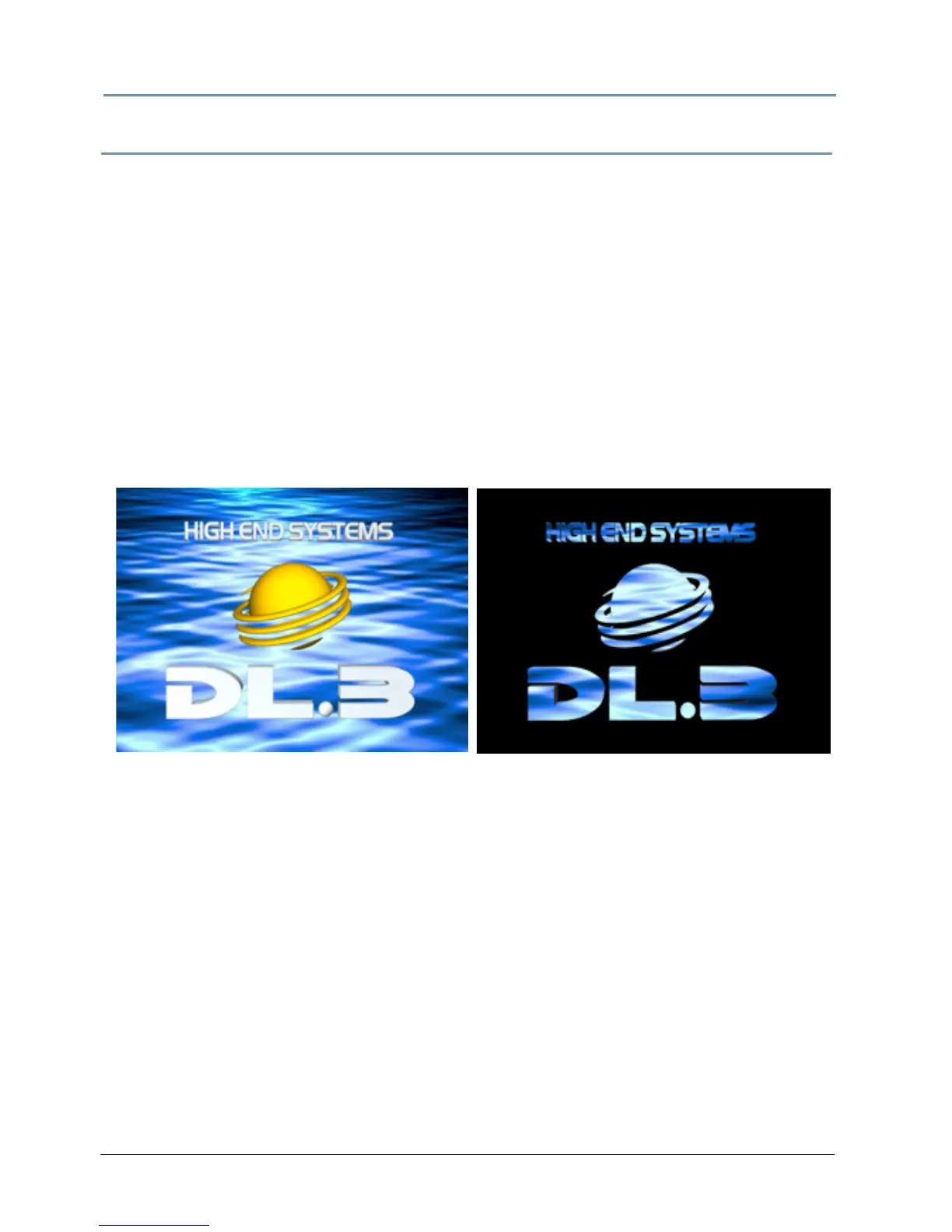
t Color Medium option (DMX = 27). The DL.3 logo “floats” on a water
background.
4. Select Invert Chroma
Fine option (DMX value = 29). Now the Graphic Object 1 content
shows through the logo.
5. Record this look to your console.



 To Next Page