CHAPTER 2
Setup and Configuration
8 DL.3 Digital Light User Manual
Hardware Components
Connection Ports
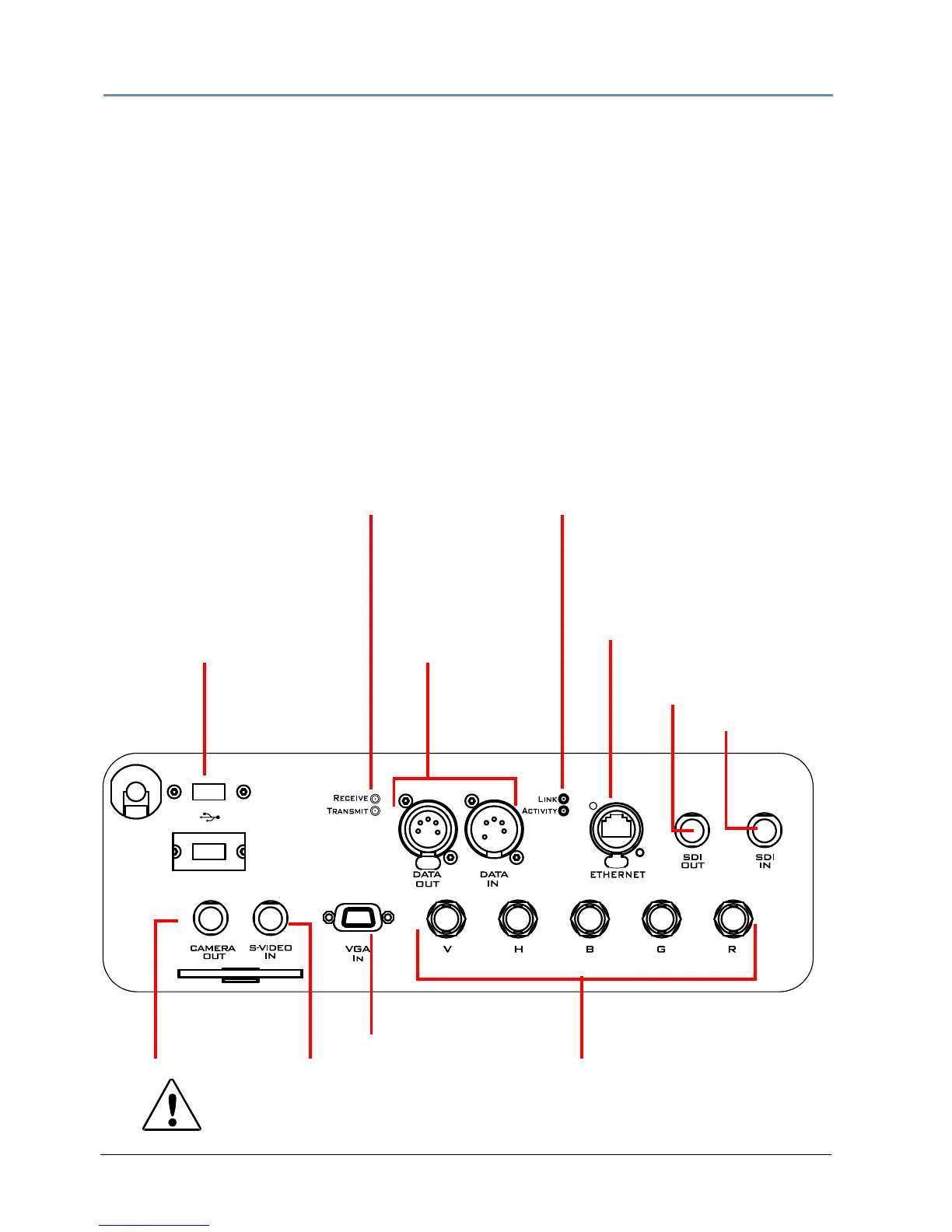
The DL.3 fixture’s back panel provides ports for:
• 5-pin DMX Data In and Data Out (s
ee Linking DL.3 Fixtures on page 13 for more
information).
• Ethernet to connect to other DL.3 fixtures and your computer running the Content
Management Application (CMA) software on a fixture link (see Setting up an Ethernet
Fixture Link on page 13).
•Two USB ports for connecting peripheral drives to assist with troubleshooting
• RGBHV, VGA, S-Video In, and SDI options for video input/output (not available in DL.3F
model).
• Camera Out provides S-Video input from output from the internal camera to another DL.3
fixture or other external video output device (not available in DL.3F model).
• Serial Digital Interface options for input from the internal camera to the media server
and output to another DL.3 fixture or other external video output device (not available in
DL.3F model).
CAUTION:
To avoid damaging the fixture and voiding
the warranty, do not
physically connect to the RGBHV and VGA inputs at the same time.



 To Next Page