CHAPTER 3
The Digital Light Menu System
26 DL.3 Digital Light User Manual
Menu Options
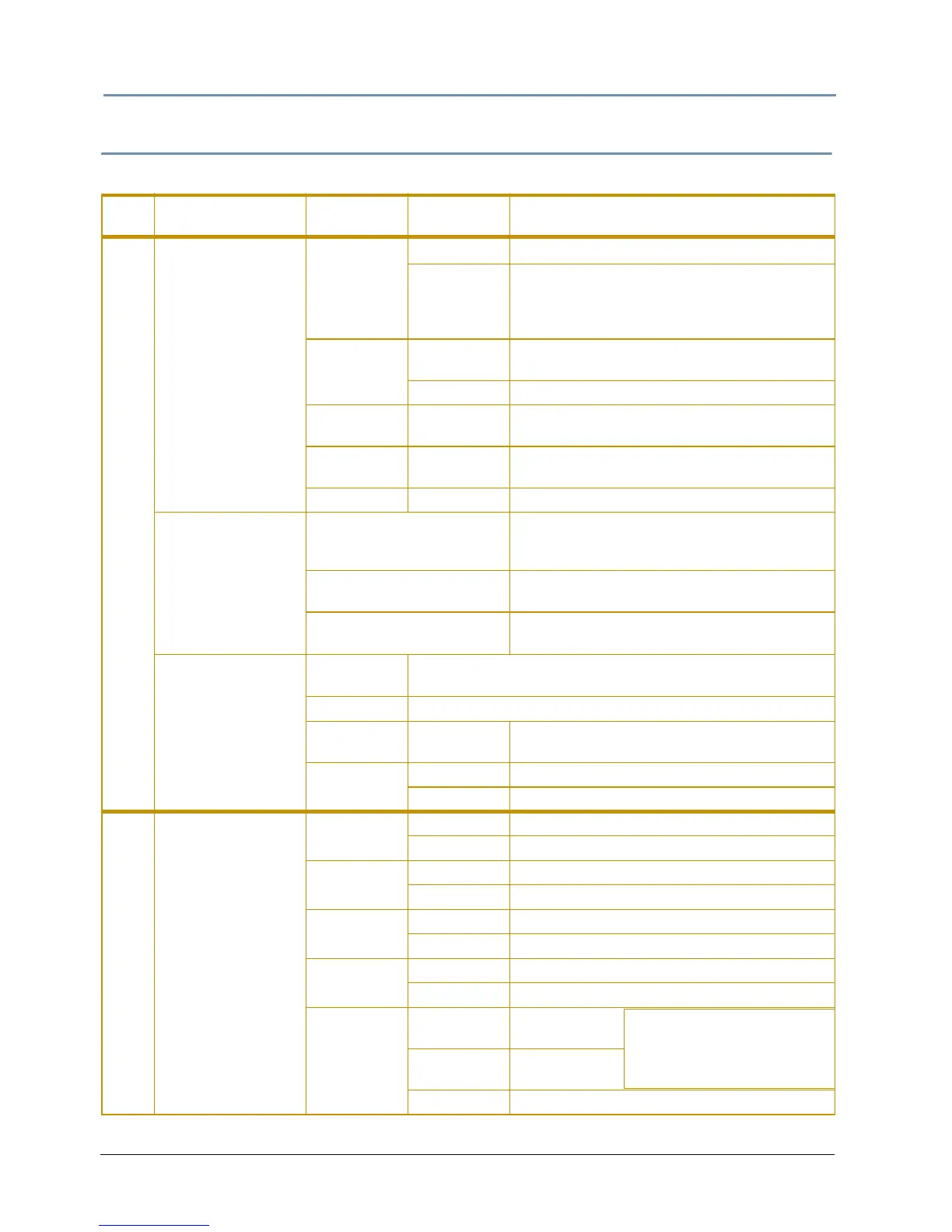
The menu display consists of a set of top-level tabbed screens and their associated subtabs.
Main
Tab
Sub-Tabs/
Sc
reens
Fields
Controls
Options Function/Notes
DMX
Control
Source
DMX512 Sets DMX as fixture communication source
Art-Net
Sets Art-Net as fixture communication source.
Y
ou need to identify the Universe and Subnet
by selecting a number from 0-16 in their
corresponding field.
Protocol
V1
V 1 protocol retains the original DMX protocol
footpr
int and is compatible with legacy shows.
V2 V 2 provides 27 additional channels.
Layer Box 0-9
Selects the number of Graphic Objects from
1–9
Fixture ID 1-255
Assigns the fixture a unique number on fixture
networ
k for use with Synchronization feature
Start Channel 1-512 Sets the fixture’s DMX Start Channel
Protocol
View
Motion
Displays current fixture Movement and Camera
p
arameter values (camera parameters not
active in DL.3F model)
Global
Displays current parameter values for the
composite image
1 - 9 (graphic objects)
Displays current parameter values for the
selected gr
aphic object
Raw View
Main Table
Displays current DMX values for all 512 DMX link channels in
row
s of values.
Offset Scrolls through rows of DMX values
Refresh Rate 0-44
Displays the # of DMX packets received /
second
Refresh
Ti
mer
On DMX values updated instantly
Off Display does not refresh
Set Fixture
Pan Invert
On Inverts the direction of the pan motor.
Off Default
Tilt Invert
On Inverts the direction of the Tilt motor.
Off Default
Pan/Tilt
Swap
On Swaps Pan and Tilt directions
Off Default
Data Loss
T
imeout Iris
Long Closes iris after a 5 minute DMX data loss
Short Closes iris after a 5 second DMX data loss
Display
On
Default intensity
adjustment
Preview
Displays current
content preview
Off Turns off display after a period of time
NOTE: Unless you select
Off, you can adjust display
intensity level from 0 - 100%.



 To Next Page