CHAPTER 17
Maintenance and Troubleshooting
308 DL.3 Digital Light User Manual
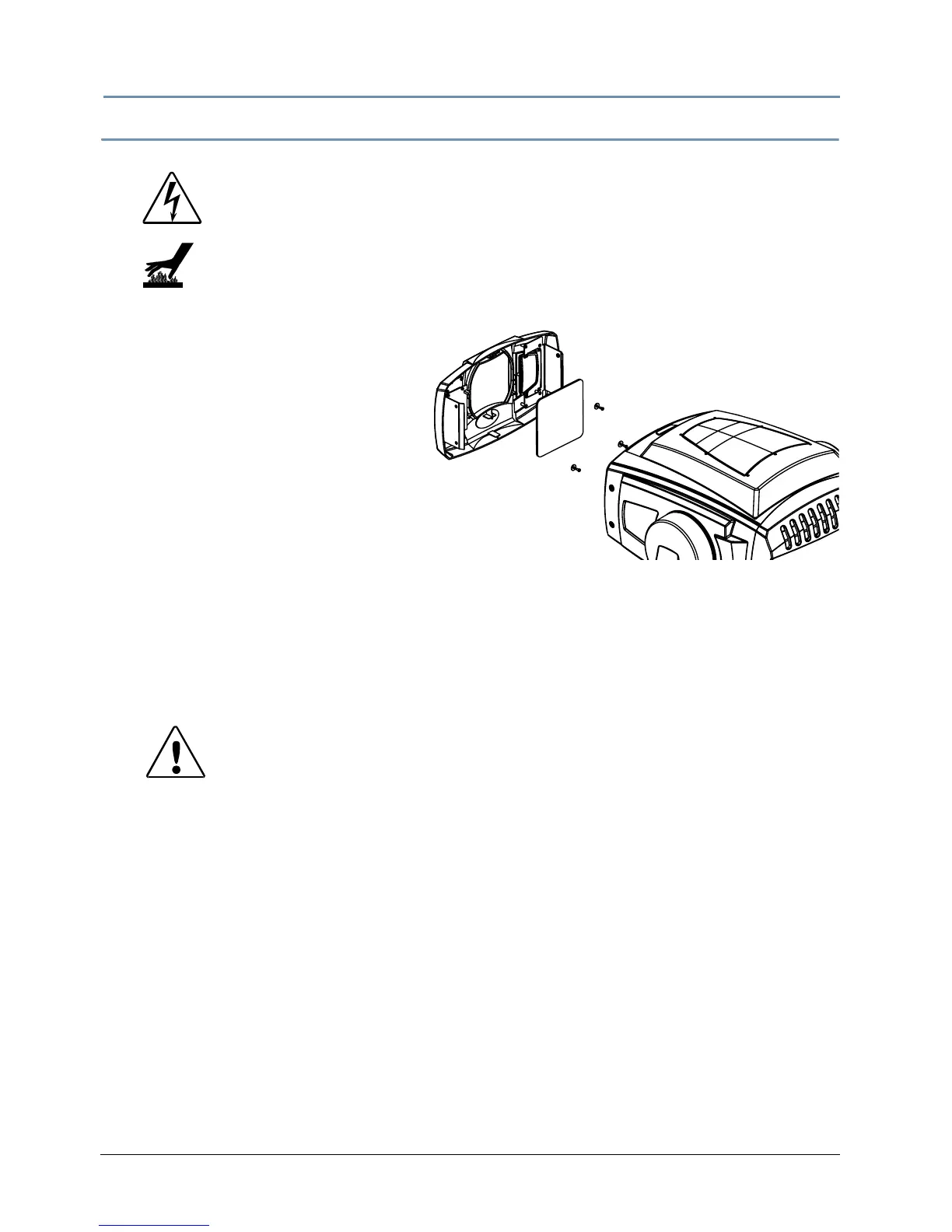
Cleaning or Replacing the Front Window
To access the front window:
1. Unlatch and remove the front bezel.
2. Disconnect power to infrared
il
luminator.
3. Inside the bezel, locate the three
Phil
lips head screws and washers
securing the front window in place.
4. Remove the three screws with
wash
ers that hold the window to the
bezel, making sure not to misplace the
washers.
5. Clean the front window using a m
ild glass cleaner (containing no ammonia) and a soft, lint-
free cotton cloth.
6. If the window needs replacement, use the part specified in Related Products and Accessories
on page 4.
7. Carefully replace the Phillips sc
rews and washers, making sure not to break the glass.
8. Reconnect power to the infrared illuminator
9. Replace the front bezel.
WARNINGS!
Disconnect power before servicing.
Equipment surfaces may reach temperatures up to
130° C (266° F). Allow the fixture to cool before
handling.
CAUTION!
Use plastic washers only when replacing the front
glass.
Using metal washers can damage the glass.



 To Next Page