CHAPTER 17
Maintenance and Troubleshooting
310 DL.3 Digital Light User Manual
Replacing Fixture Base Driver Board
To replace motor driver board located in the fixture base housing:
1. Disconnect power to the fixture. If the fi
xture has been operating, allow the fixture to cool
before handling.
2. Loosen the two phillips head screws on menu display panel side of the Box cover
3. Loosen screws on menu display panel and gently o
pen away from the fixture leaving the
harness cabling attached.
4. The driver board for pan functions and fans is located directly beh
ind the display.
5. After detaching all cabling, pull board out and replace.
6. Reattach cables.
7. Replace the side panel and top cover. Make sure y
ou align the assembly properly when
inserting; damage to the fixture can result from improper alignment.
8. Ensure that the fixture is on a solid surface.
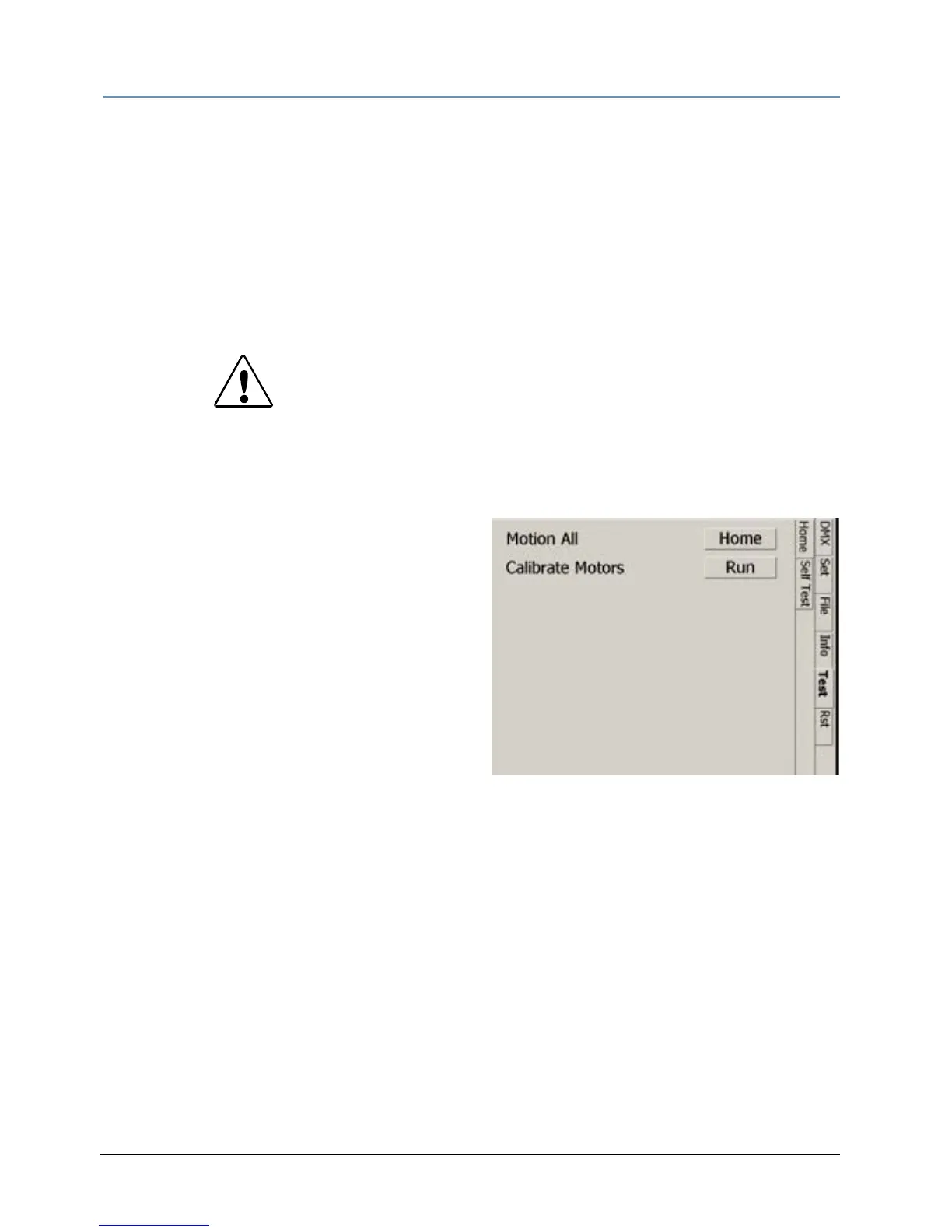
Select Cal
ibrate Motors in the Test_Home
menu screen and leave the fixture
undisturbed for 10 minutes while the
calibration process completes.
CAUTION!
The fixture will not function co
rrectly if contact screws
are missing from driver boards.



 To Next Page