CHAPTER 16
Content Management Application (CMA)
264 DL.3 Digital Light User Manual
Moving User Content Files and Folders
User content can be easily moved between fixtures or between your local drive and fixtures.
Which method you use depends on:
• How much content you want to move
•
What existing server content you want to preserve
• Whether the client machine is currently connected to the Ethernet fixture link
• If you want to maintain currently assigned content identification DMX values
• Which CMA version you are using (Windows or Mac OS)
There are several methods for moving User content files and media fol
ders between media
servers to your local drive:
• Drag and Drop
•
Copy and Paste commands
• Cloning transfers the User Content files and their DMX value assignments from one media
server to one or more server(s) on the fixture network.
• Creating a Content Archive
• Deploying a Content Archive
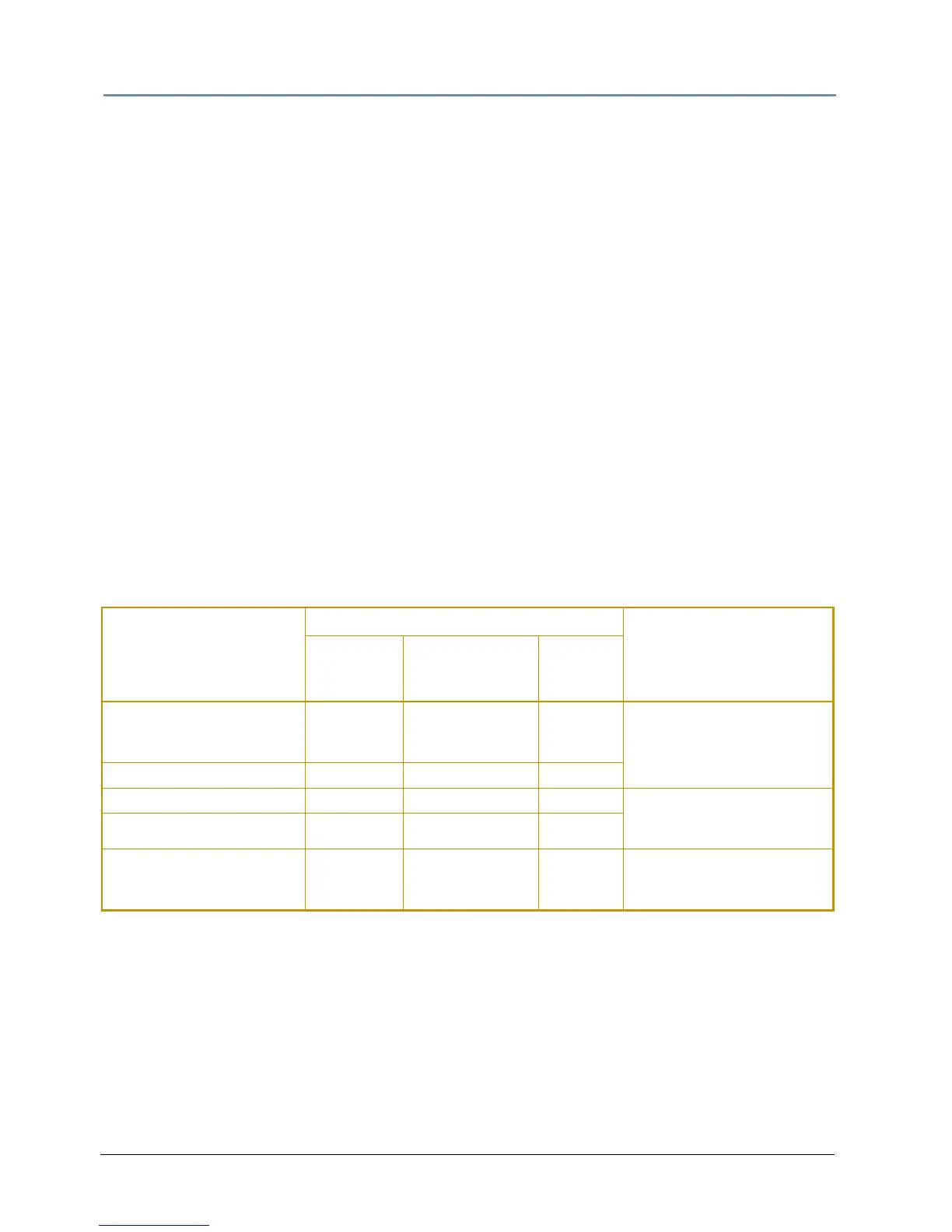
Use the following table to determine the best method for y
our situation.
Fixture Network
File-Transfer Method
Transfer Type
Notes
From Server
to Client
Machine
From Client
Machi
ne to
Server(s)
Between
Networked
Server(s)
Drag and Drop Yes
Yes, if format is
valid for the
destination folder
No
Does NOT preserve
DMX Values
Copy and Paste commands Yes Yes No
Clone No No Yes Preserves DMX values and
Replaces any pr
evious User
Content on destination drive
Deploying a Content Archive No Yes No
Creating a Content Archive Yes No No
Saves assigned DMX values
when crea
ting archive from
content on a fixture



 To Next Page