CHAPTER 3
The Digital Light Menu System
24 DL.3 Digital Light User Manual
Functionality for the Menu and Enter buttons automatically reverses when the fixture is rotated
to keep operation consistent. You can also manually set this option (see Display Options on page
33).
The fields in the Ac
tive Screen display current settings and provide drop down boxes, numeric
up/down selectors, and other user interface options to select in editable fields.
LCD Display Adjustment Buttons
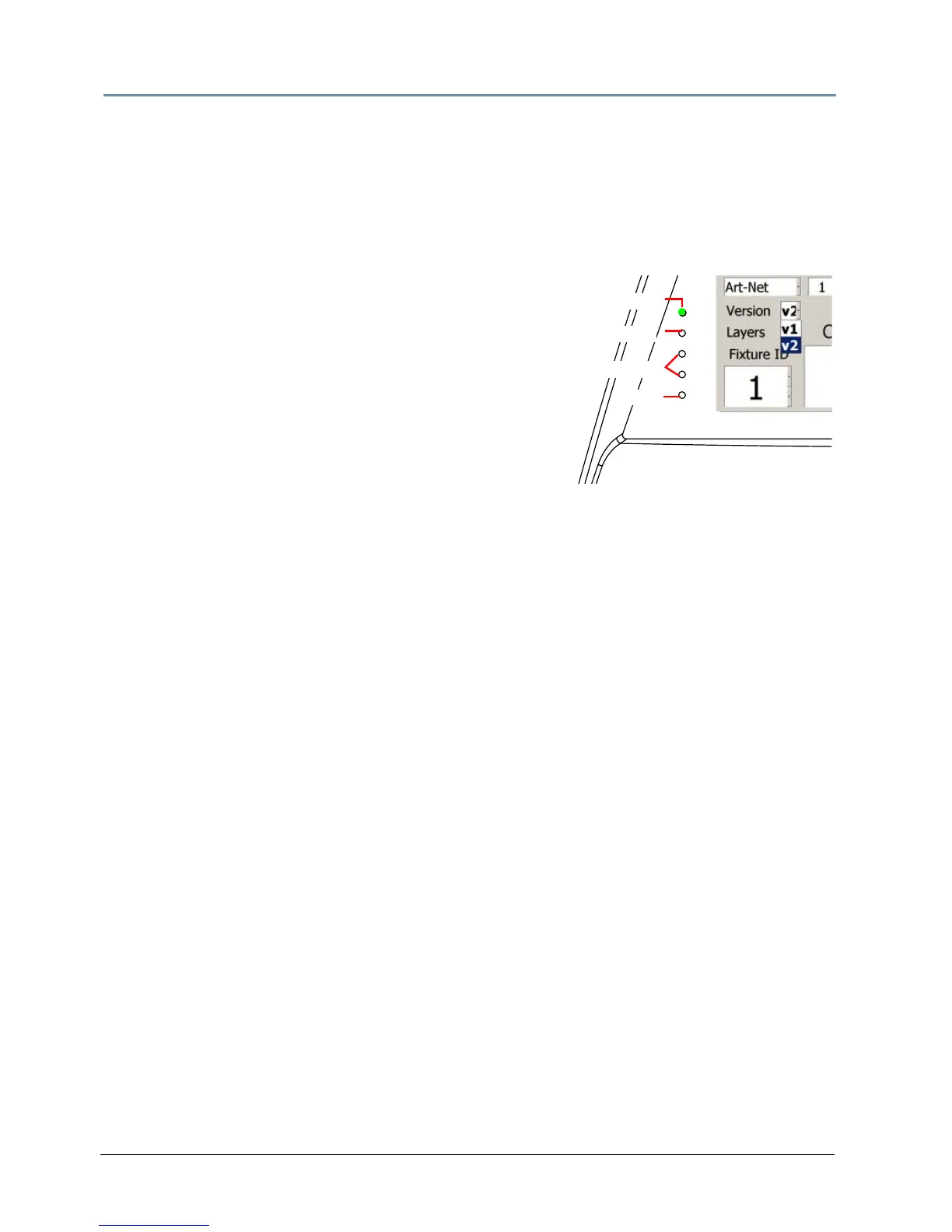
A display LED and four display adjustment buttons are
located next to the Display screen. The Display LED is
green whenever the Menu Display is on, even if it is dimmed
to video black. LCD Display adjustment buttons control and
provide visual adjustments for the menu display.
NOTE: These adjustments are not available for some
display models.
LCD Display Power Button
The button nearest the green LED is the LCD Power button. Holding it down for two seconds
turns the Menu display on or off. Use this in situations when you need to turn the Menu display
completely off instead of dimming it to video black.
If you turn the LCD screen off and then remo
ve power to the Digital Light, the LCD Power will
restore the default (ON) when you reapply power to the fixture.
NOTE: The LCD Power button doesn’t affect power to the fixture or the
internal projector.
LCD Display Menu Options and Selection
The button farthest from the Display LED is the Menu button. Pressing this brings up the
different functions contained in the LCD screen itself. The screen menu options are:
• Pic
ture adjusts the sharpness of the screen
• Color adjusts the richness of the color
• Contrast adjustment
• Black Level adjustment
• Tint adjustment
• Restore returns the screen to the factory defaults
The two Me
nu Select buttons are used to adjust the currently selected function.
NOTE: Display Black Level can also be controlled by the menu system (see Set
Tab on
page 33) or remotely through the configuration options in the CMA
(see DL.3 and DL.2 Media Server Configuration Options o
n page 282.)
Display Adjustment Buttons
Display LED
Menu
Menu Select
LCD Power



 To Next Page