CHAPTER 3
The Digital Light Menu System
DL.3 Digital Light User Manual 39
Test Tab
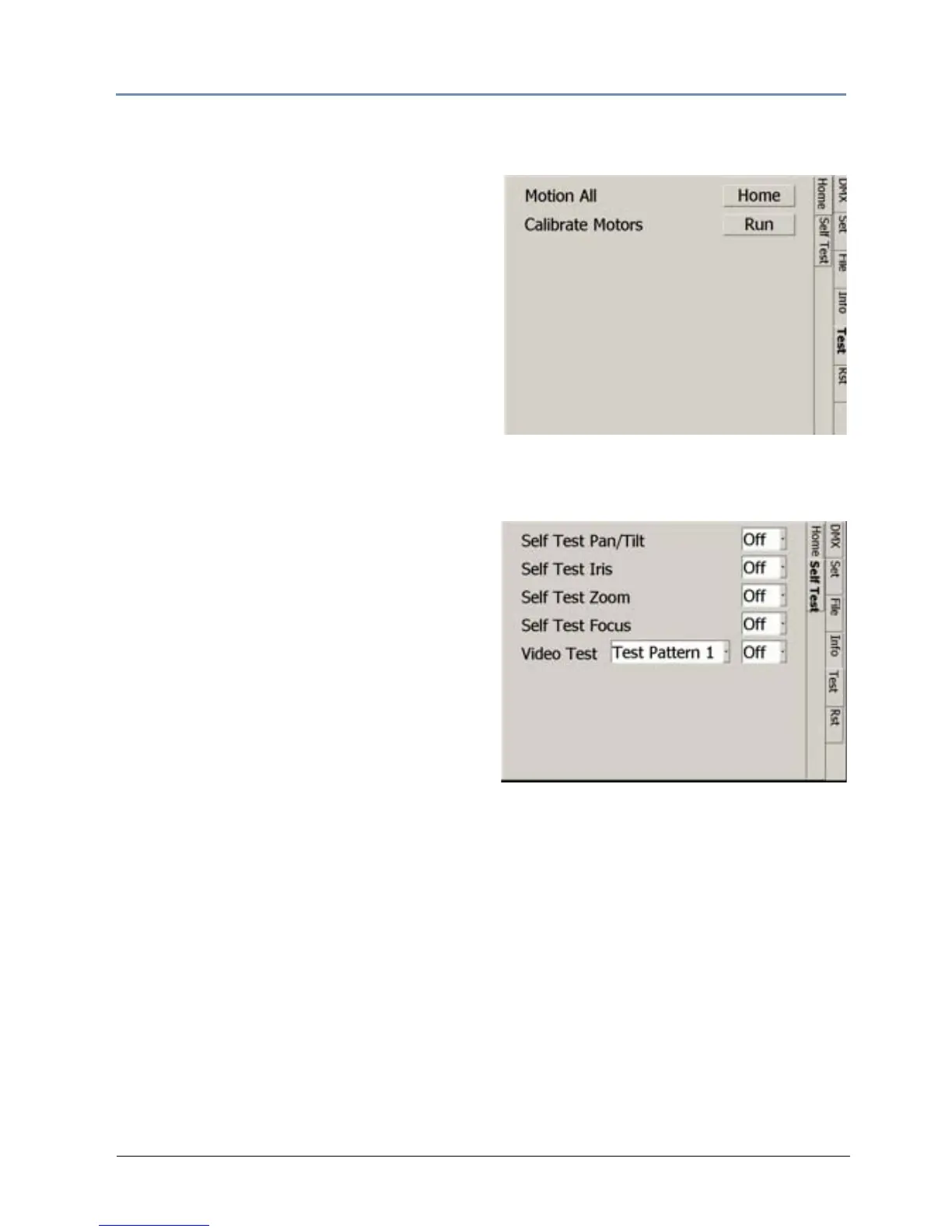
Test_Home Screen
Homing sets a fixture to its default positioning.
The fixture automatically homes whenever it is
connected to power.
Selecting Mo
tion All lets you manually home
the entire fixture.
Selecting the button for C
alibrate Motors
realigns the Pan and Tilt stepper motors after
maintenance procedures.
The fixture can also be remotely homed via a
DMX c
ontroller, (see Control Function Options o
n page 242) or through the Content
Management Applic
ation, (see DL.3 and DL.2 Media Server Configuration Options on page 282).
Test_Self Test Screen
You can check the mechanical functionality of
Pan/Tilt, Iris, Zoom, and Focus assemblies
on the fixture head. Select On to start the test
sequence.
The Vide
o Test option opens the mechanical
iris and provides test patterns to check the
projection functionality. This lets you verify that
the graphics engine is operating without having
to use a DMX controller.



 To Next Page