CHAPTER 16
Content Management Application (CMA)
252 DL.3 Digital Light User Manual
Launching the CMA
Installing the CMA on Your Computer
You can download the latest version of the application from the Digital Lighting support section
of the High End Systems website
www.highend.com/support/digital_lighting/. A
download wizard simplifies installation on your personal computer.
The following are the recommended software
requirements for running the CMA:
• Windows XP, Vista, Windows 7 (32 and 64 bit) or Mac OS 10.6 or later
•
Microsoft .Net 2
• 100/1000 base Ethernet card (a Gigabit Ethernet card is recommended for fast content
uploading of large files)
To automatically install the CMA on your computer’s ha
rd drive, insert the CD that shipped with
your media server.
NOTE: If you are running Windows OS and the CMA doesn't automatically
install, navigate to the CMA.msi file in your windows browser and
double click to install the CMA.
Once the CMA is installed, double clicking on the application icon will launch it and display the
CMA Client Window.
Launching the CMA on Axon
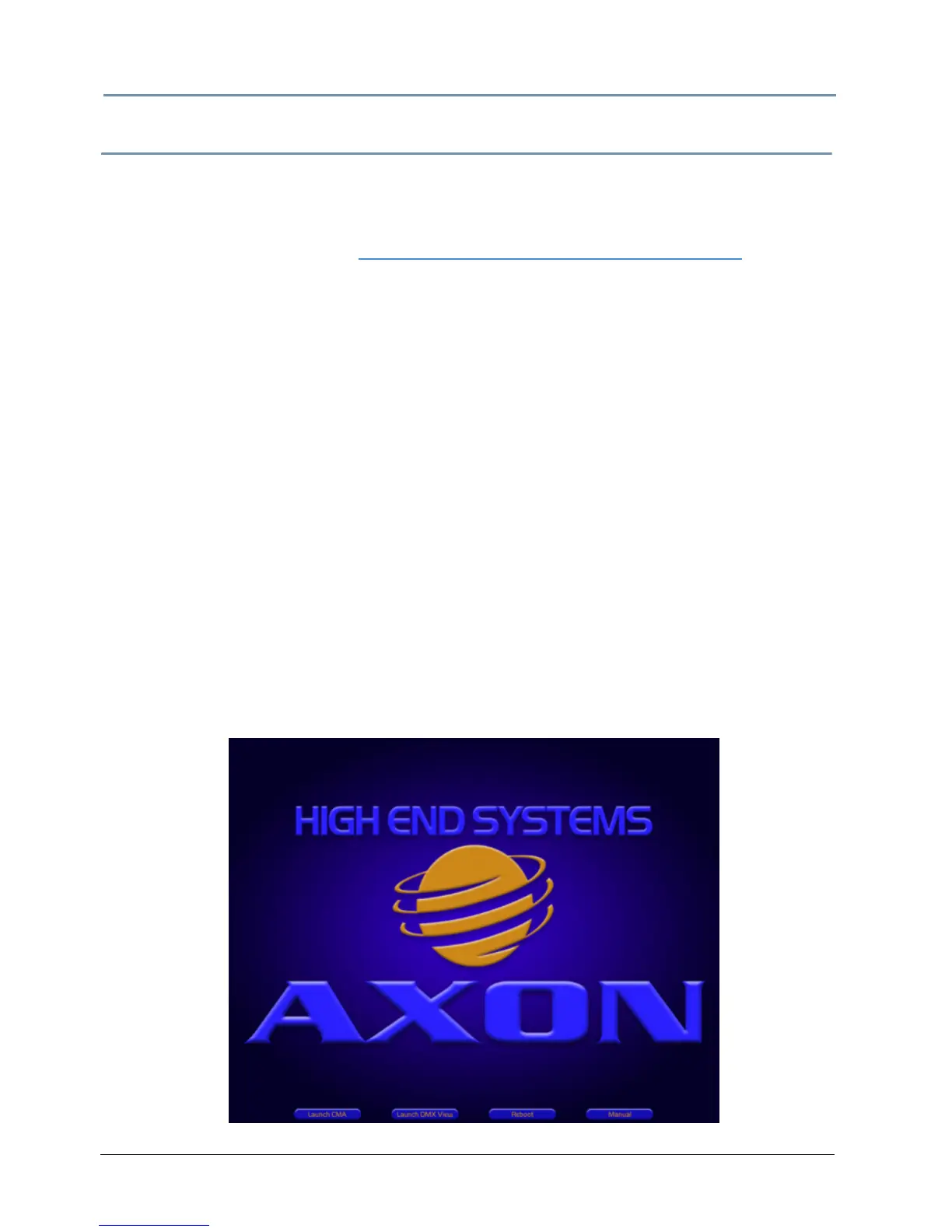
Axon media servers can launch the CMA locally. When you start Axon, the local monitor will
display a desktop that gives you access to the CMA.



 To Next Page