CHAPTER 8
Graphic Functions: Rotation, Position, Scale
DL.3 Digital Light User Manual 79
Changing Object Position
You can reposition each 3-D object’s position in 3-D space by moving it along the X, Y and Z
axes. The following parameters act on an individual object. Use these parameters to position
3-D images in relation to each other.
X Position
The X Position parameter moves your object along the X axis with 16-bit precision.
The midpoint of the 16-bit DMX value range centers the image on the X-axis. Values below the
D
MX midpoint move the object left, and values above the DMX midpoint move the object right.
Default DMX Value: 32768 (50%) = object centered in frame
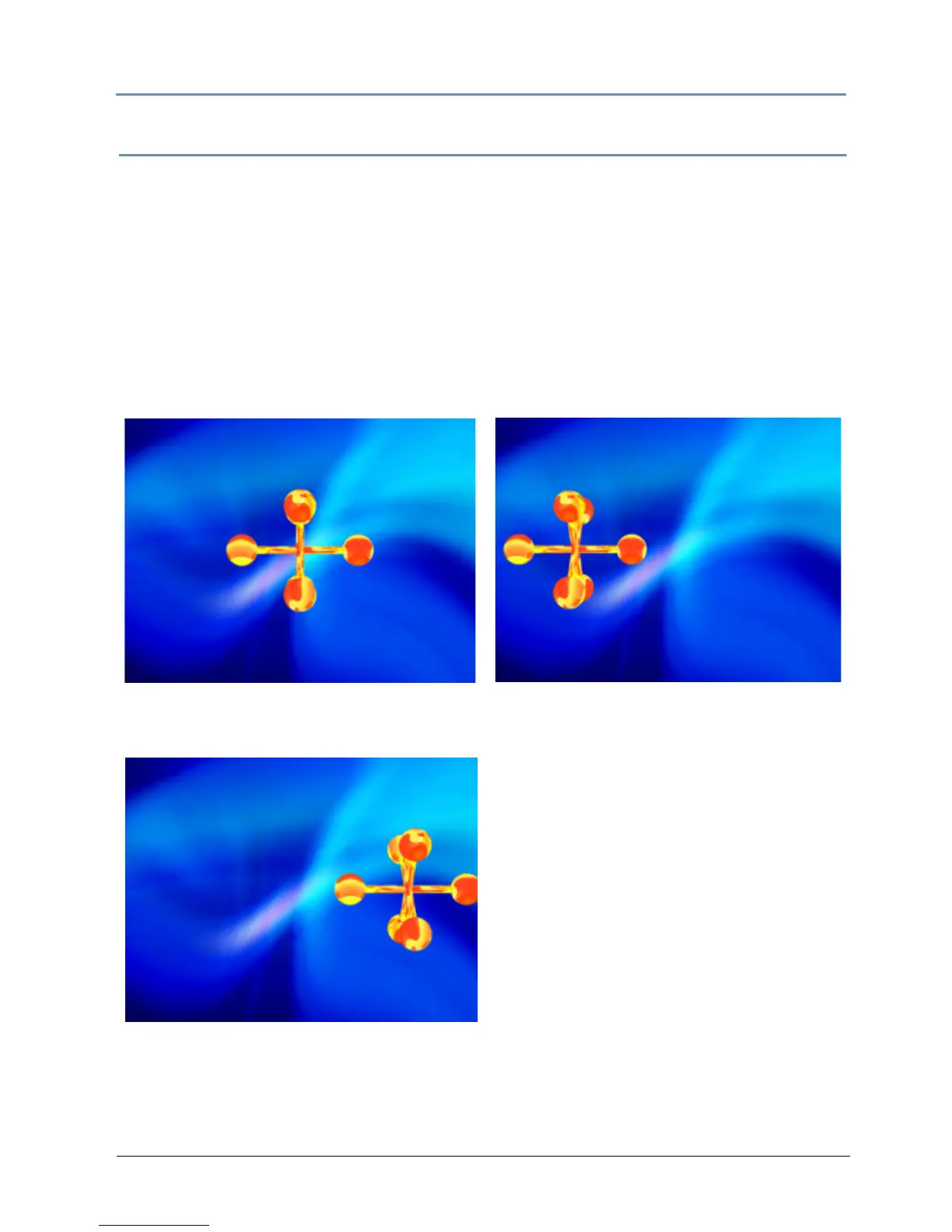
Original Object 1 and Object 2
All Position DMX values = 32768 (50%)
Object 1: X Position DMX value = 33561
Object 1: X Position DMX value = 32022



 To Next Page