CHAPTER 18
Restoring the System
318 DL.3 Digital Light User Manual
NOTE: Pressing Tab on the keyboard when booting the fixture displays the
mother-board information.
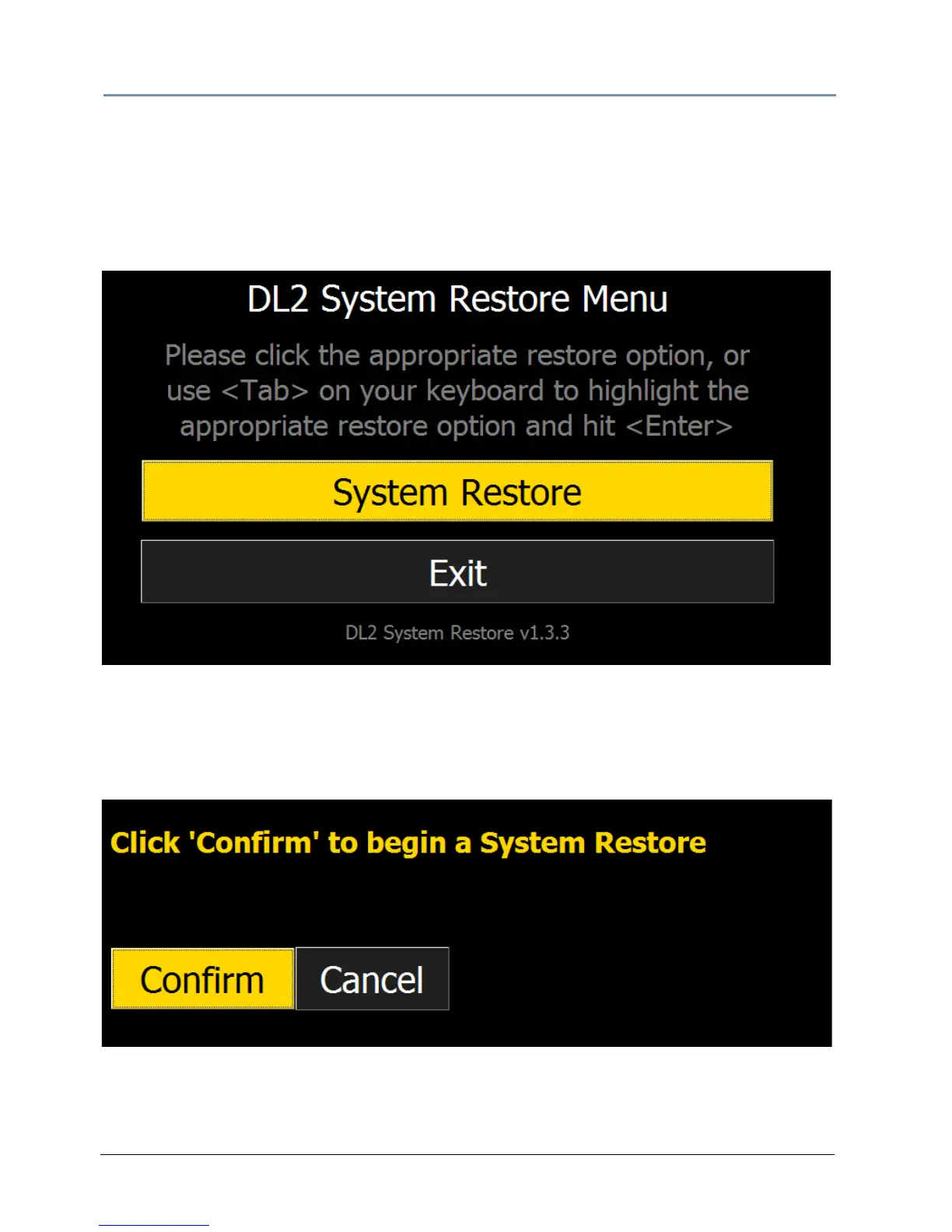
5. Allow the System Restore menu to load. Depending on the speed of your USB drive, it will
take between 3-5 minutes load. During this time, a number of small windows will appear
and disappear. Wait until you see a full-screen menu titled Axon System Restore Menu or
DL.2 System Restore Menu.
6. Using the <Tab> key on your keyboard or usin
g your mouse, select the system restore
option or Exit to cancel the operation.
7. The next page will ask you to confirm your se
lection. Press 'Confirm' and the restore will
begin.



 To Next Page