8B Freezer
Operation
Page
8B - 4
MB-20-G/MB-200G-W_MB-LABmaster_MB-200 MOD_TP700
Operating Manual - V5.0 - 04/2018 - STD
► Only close the door when the glovebox purge is finished completely and the glove-
box is in circulation mode.
► Then activate the freezer.
Activating/Deactivating the freezer
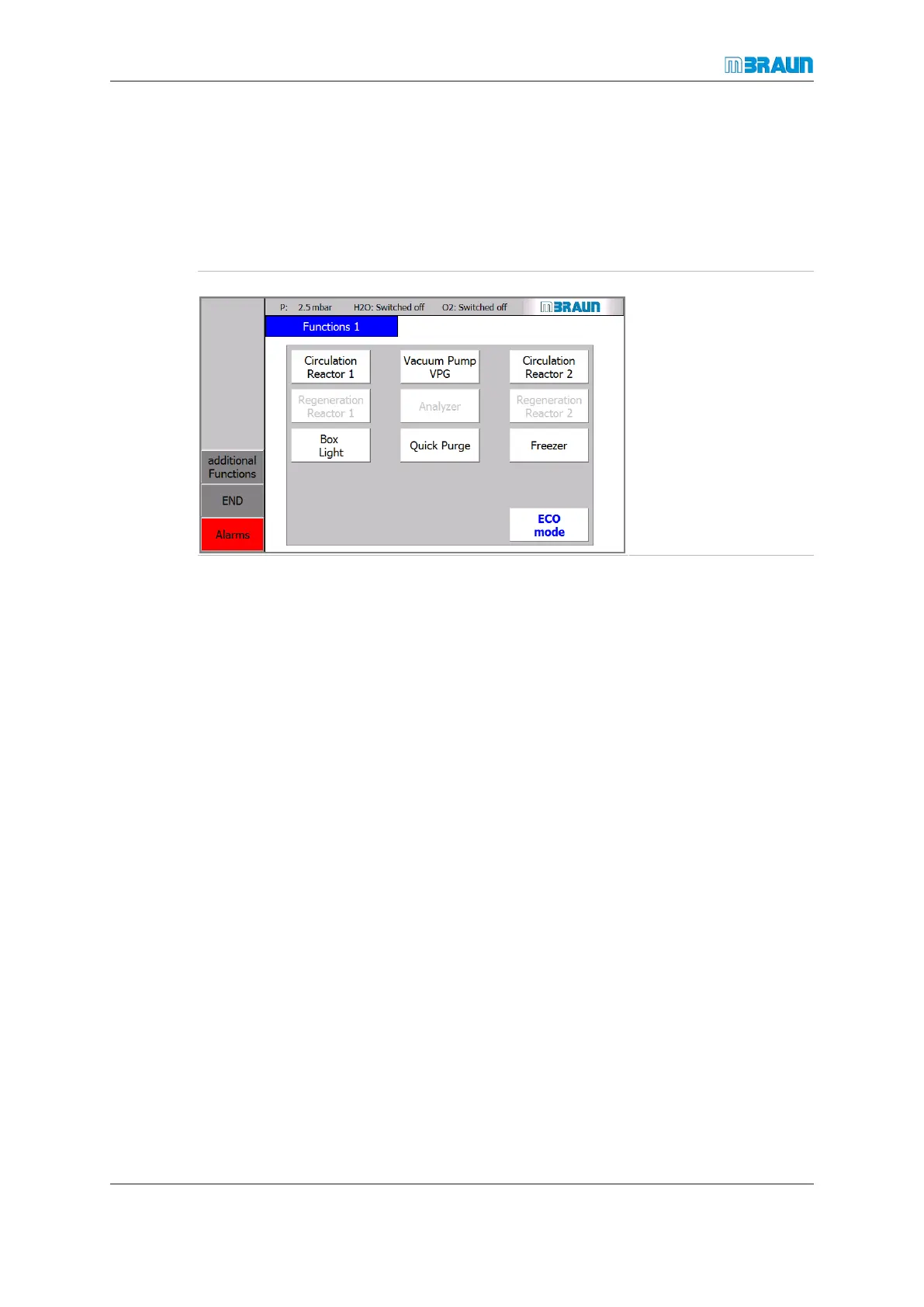
Start Screen ⇨ Functions
The Freezer button
switches the freezer on
and off:
Button is green: freezer is
active
Button is white: freezer is
deactivated
Button is white and letters
are grey: freezer is dis-
abled
Activating the freezer
> The Freezer button is white:
► Touch the Freezer button.
ð The freezer is switched on.
ð The button colour changes to green.
Deactivating the freezer
> The Freezer button is green.
► Touch the Freezer button.
ð Freezer is switched off.
ð The button colour changes to white.
Freezer and Glovebox maintenance
If the glovebox must be opened, or if the glovebox is set out of service over a long time
period:
► the freezer temperature must be set to +10°C at least one hour before
► the freezer door must be opened at least one hour before.
Otherwise the freezer acts as a cold trap



 To Next Page