10A myMBRAUN App
Setting up the myMBRAUN app
MB-20-G/MB-200G-W_MB-LABmaster_MB-200 MOD_TP700
Operating Manual - V5.0 - 04/2018 - STD
Page
10A - 3
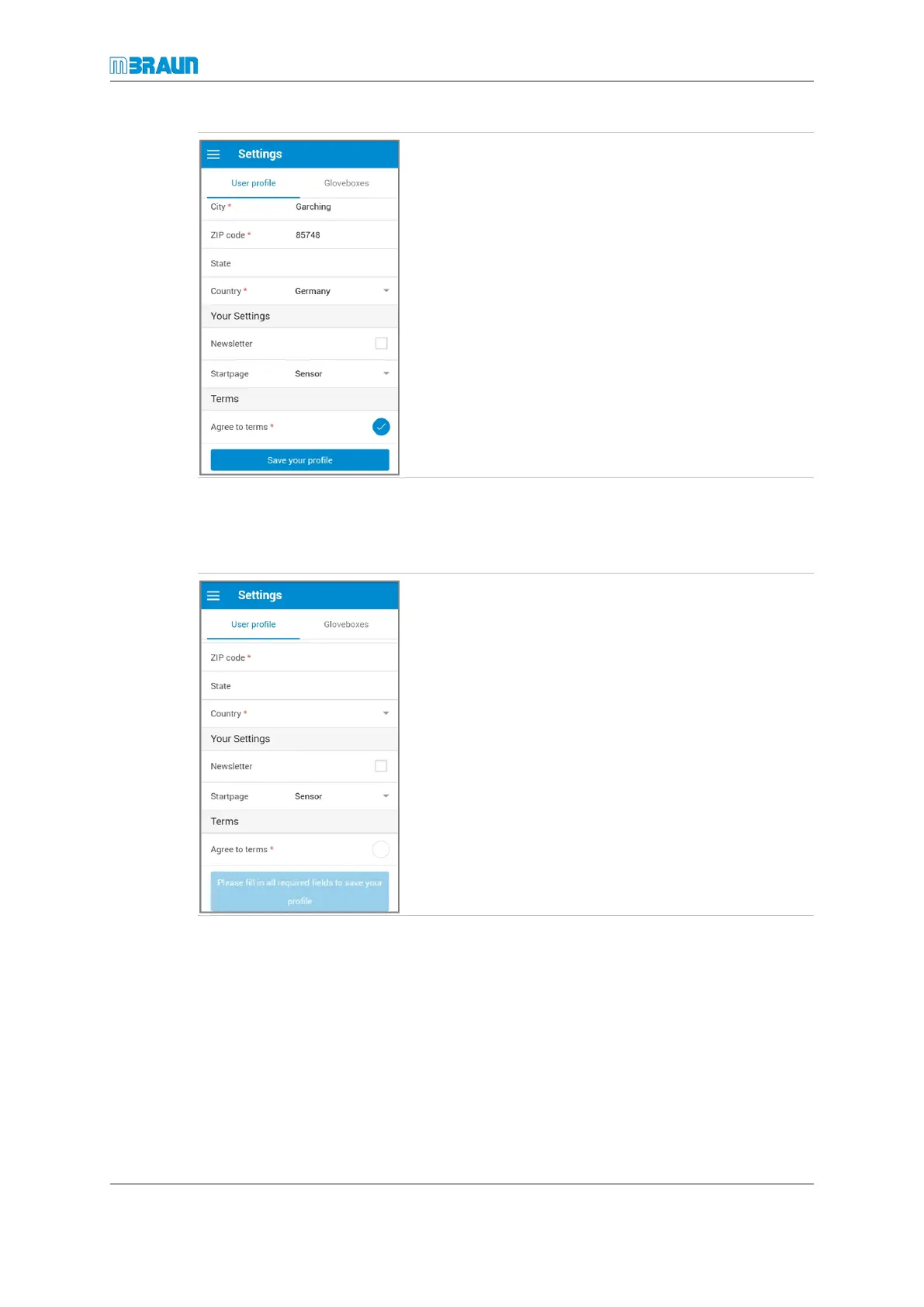
The settings in the Your Settings section are optional.
► If wanted, check the Newsletter option field.
► To define a start page, touch the white area next to
Startpage.
► Touch the Save your profile button to save your set-
tings.
Accepting terms and conditions
Before you can enter contact information and register a glovebox, you must accept the
terms and conditions.
► Select Settings > User profile.
► Scroll to the bottom of the page.
► Touch Agree to terms.
ð The Terms and Conditions page opens.
► Read the text from beginning to end.
► When you have reached the end of the page, touch
Accept terms.



 To Next Page