10A myMBRAUN App
Functions
Page
10A - 10
MB-20-G/MB-200G-W_MB-LABmaster_MB-200 MOD_TP700
Operating Manual - V5.0 - 04/2018 - STD
Alarms
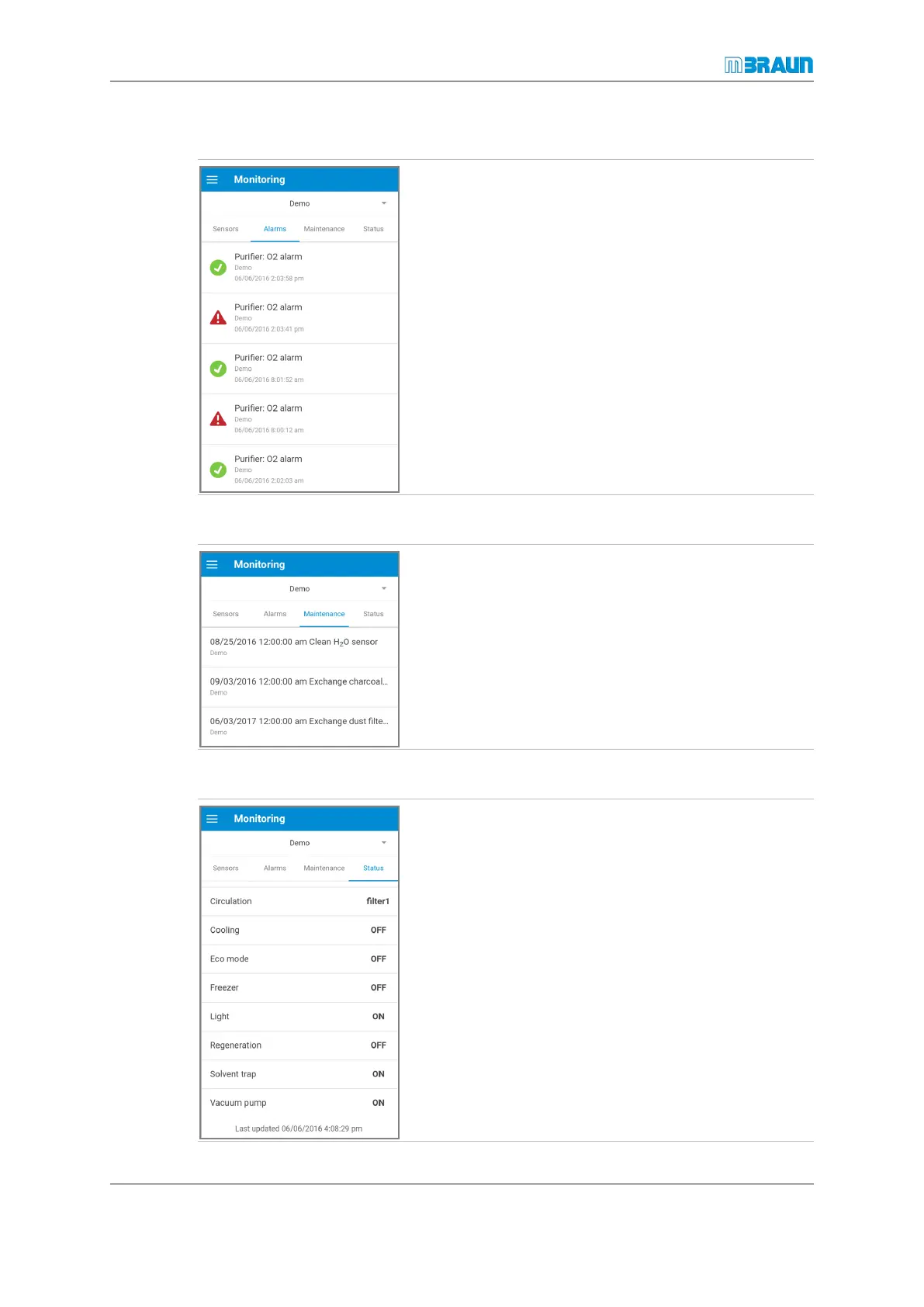
This page displays a history for the last 15 alarms.
Active alarms are marked with a red symbol. When the
alarm condition no longer exists, the message is marked
with a green symbol.
Maintenance
This page displays pending tasks.
► After you have finished a task, touch the task on the
display.
► In the pop-up window, touch Done.
ð The next date for this task is set automatically, and the
list is updated accordingly.
ð When the scheduled date is due, you will receive a
message.
Status
This page displays the status of the glovebox components.
If a component has an orange or a red background colour,
there is a problem.
Orange means that concentration thresholds have been
exceeded, and red indicates a component error.
► Check the Alarms page for information about solving
the problem.



 To Next Page