8. Utility Mode Field Service Ver. 1.0 Jun. 2008
134
Adjustment / Setting
8.6.4 Document Management
See P.16 of the FK-507 service manual.
8.6.5 Printer Settings
A. Timeout
8.6.6 Fax Settings
See P.17 of the FK-507 service manual.
8.6.7 TX Settings
See P.18 of the FK-507 service manual.
8.6.8 RX Settings
See P.18 of the FK-507 service manual.
8.6.9 Report Settings
See P.19 of the FK-507 service manual.
8.6.10 Print Lists
A. Setting List
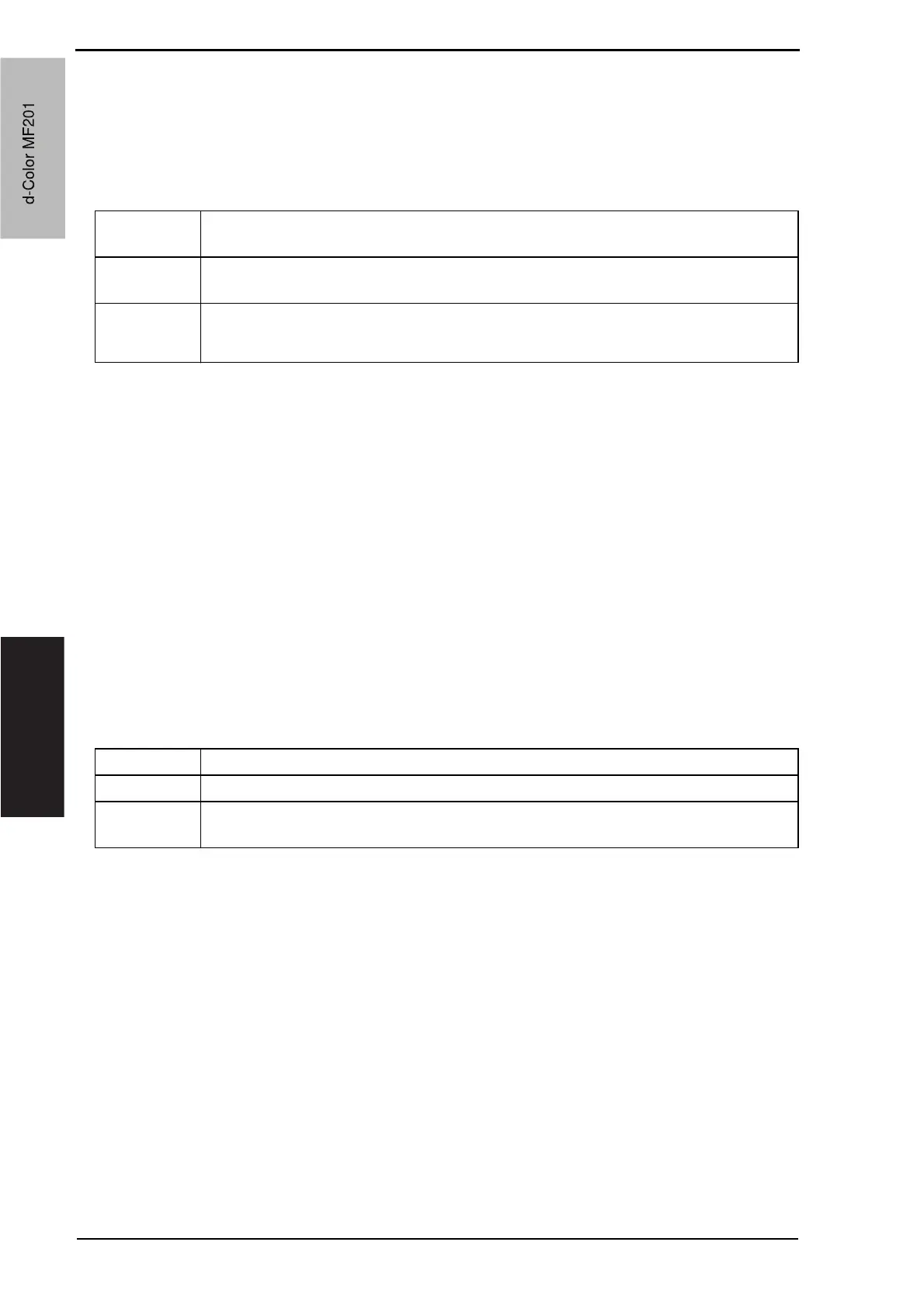
Functions • To set a period of time that elapses before input and output timeouts of communica-
tion are activated.
Use • To set a period of time that elapses before input and output timeouts of communica-
tion are activated.
Setting/
Procedure
• The default setting is 60 seconds.
“60 S” (10 to 1000 S)
Functions • The list of machine settings can be printed.
Use • To output the list of setting values of this machine to check it.
Setting/
Procedure
1. Touch [Admin.] o [Print List] o [Setting List].
2. Setting list is output.
d-Color MF201
Service Manual Y109660-1
d-Color MF201



 To Next Page
 Loading...







