19. Image quality problem Field Service Ver. 1.0 Jun. 2008
328
Troubleshooting
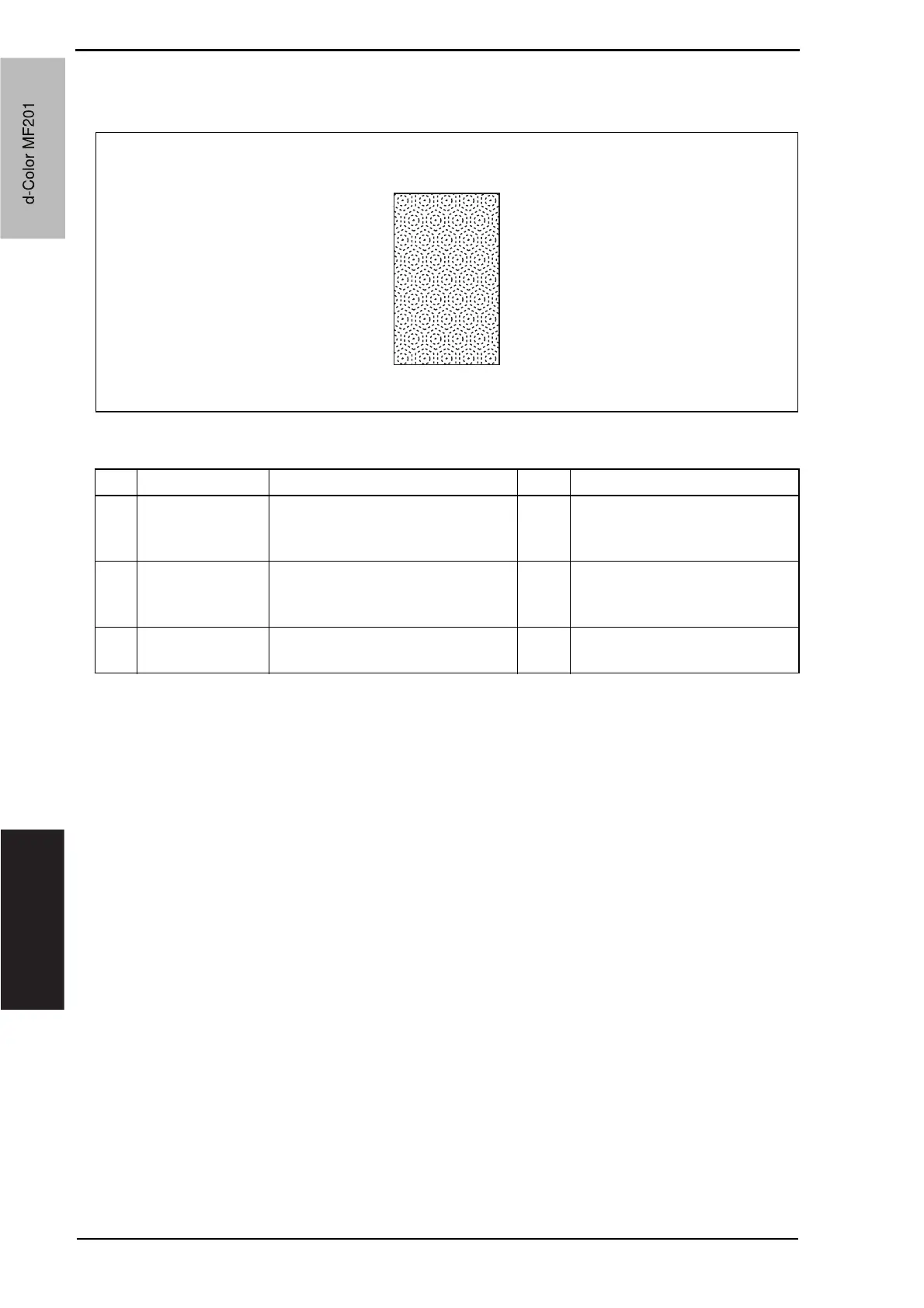
19.3.7 Scanner system: moire
A. Typical faulty images
B. Troubleshooting procedure
A02EF4C513DA
Step Section Check item Result Action
1
Original Moire distortions recur even after
the orientation of original has been
changed.
NO Change the original mode
(select one other than that
resulted in moire).
2
Basic screen
Quality/Density
Moire distortions recur even after
the original mode has been
changed.
YES Select “Text Mode” or “Photo
Mode”.
3
Basic screen
zoom
The problem has been eliminated
through the checks of steps up to 2.
NO Change the zoom ratio.
d-Color MF201
Service Manual Y109660-1
d-Color MF201


 To Next Page
 Loading...







