19. Image quality problem Field Service Ver. 1.0 Jun. 2008
334
Troubleshooting
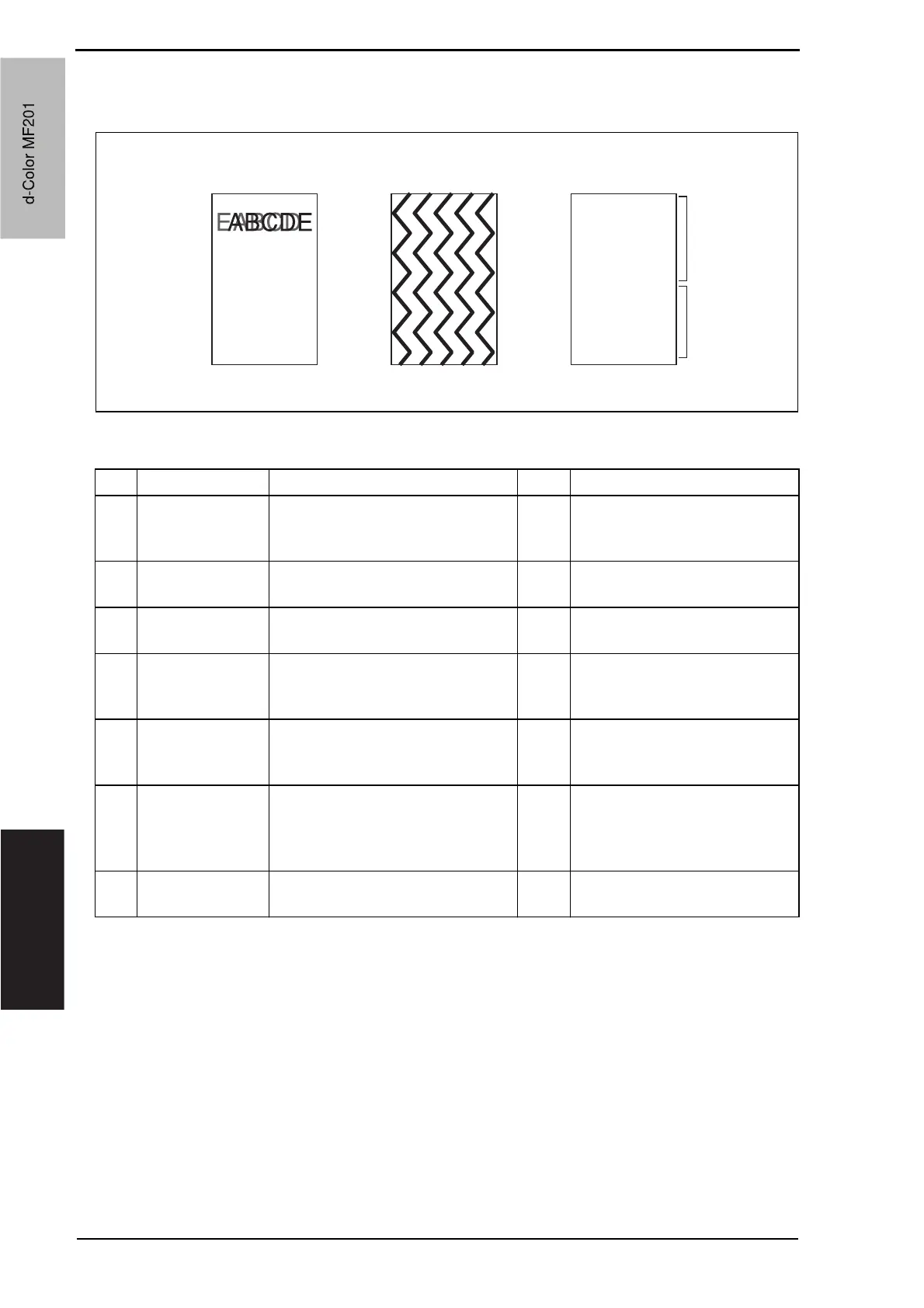
19.3.13 Scanner system: abnormal image
A. Typical faulty images
B. Troubleshooting procedure
A02EF4C519DA
ABCDE
ABCDE
ABCDE
ABCDE
ABCDE
AA
ABCDE
ABCDE
ABCDE
Data on
previous page
Data on
current page
Step Section Check item Result Action
1
Cable connecting
scanner and
printer
Connector is connected properly
with no pins bent.
NO Reconnect.
2
BCRU board
(BCRUB)
Connectors on the BCRU board
are connected properly.
NO Reconnect.
3
MFBU board
(MFBUB)
Data on previous page is mixed
with data on current page.
NO Reinstall the memory.
4
Test Mode
[Service Mode]
The problem is eliminated as
checked with the image on a test
pattern produced.
NO Change interface connection
cable.
5
BCRU board
(BCRUB)
The problem is eliminated after the
interface connection cable has
been changed.
NO Change BCRUB.
6
Printer control
board (PRCB)
PH relay board
(REYB/PH)
Check the connection of connec-
tors, harness, and flat cables
between PRCB and REYB/PH, and
correct if necessary.
NO Change printer control board.
Change PH relay board.
7
MFBU board
(MFBUB)
The problem has been eliminated
through the checks of steps up to 6.
NO Change MFBUB.
d-Color MF201
Service Manual Y109660-1
d-Color MF201


 To Next Page
 Loading...







