19. Image quality problem Field Service Ver. 1.0 Jun. 2008
342
Troubleshooting
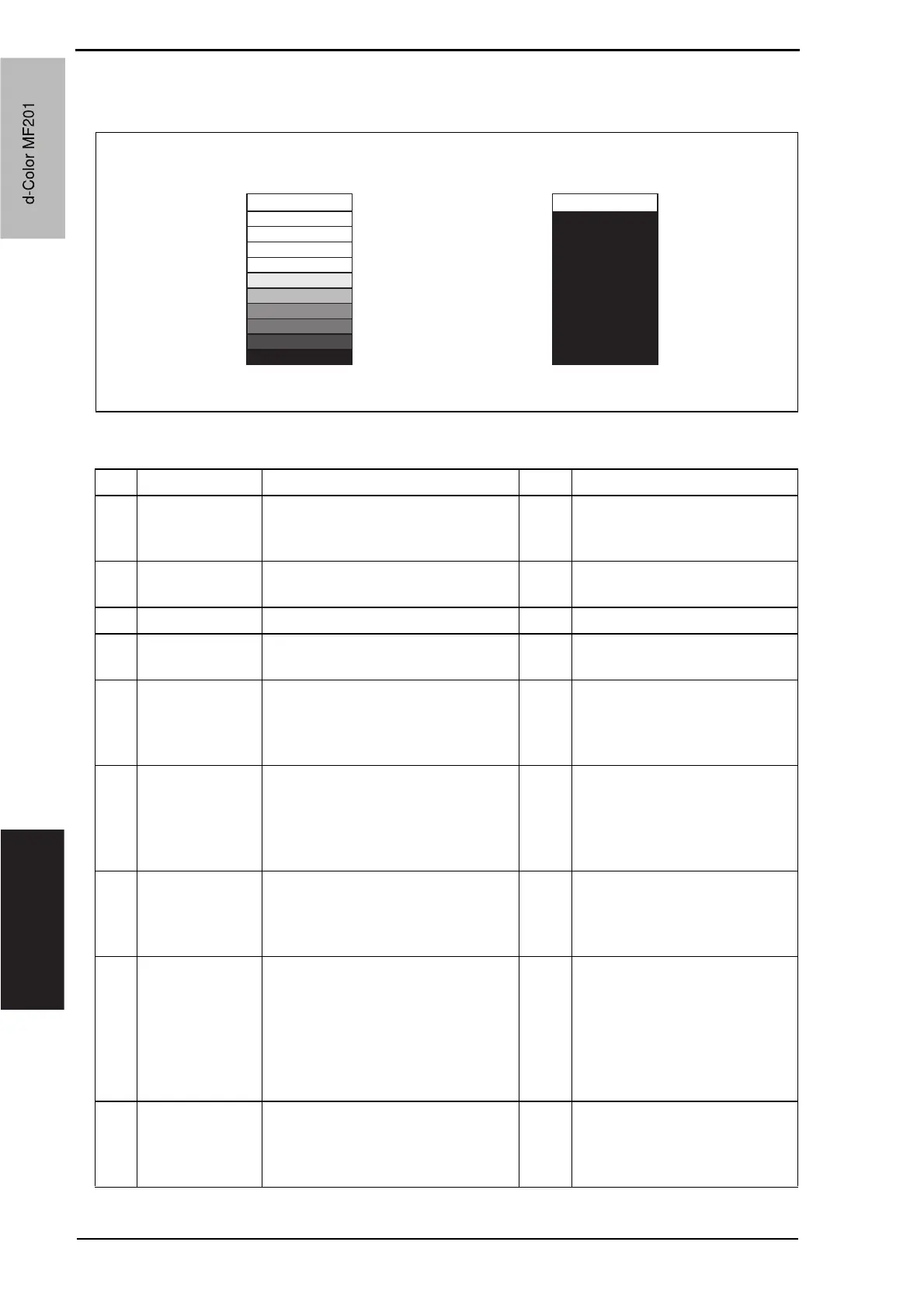
19.3.20 Printer monocolor: gradation reproduction failure
A. Typical faulty images
B. Troubleshooting procedure
A02EF4C522DA
Step Section Check item Result Action
1
Warning display The maintenance call mark is
displayed on the panel.
YES Take action according to the
warning code shown on the
state confirm screen.
2
Photo/density Original type and screen pattern are
selected properly.
NO Change screen pattern.
3 Imaging unit Dirty on the outside. YES Clean.
4
PH unit The surface of the PH window is
dirty.
YES Clean with cleaning jig.
5
State Confirma-
tion o Level His-
tory 1
(Service Mode)
IDC output value is around 4.3 V. NO Clean IDC sensor and execute
the image stabilization.
Check transfer belt for damage
and correct as necessary.
6
Image Process
Adjustment
oGradation
Adjust
(Service Mode)
“Conv. Value” falls within the
specified range as checked through
gradation adjust.
Dark: 0 ± 100
Highlight: 0 ± 60
YES Go to step 9.
7
Image Process
Adjustment o
D Max Density
(Service Mode)
The problem has been eliminated
through the adjust of D Max.
NO Go to next step.
8
Image Process
Adjustment
o Image Stabili-
zation o Initial-
ize + Image
Stabilization
(Service Mode)
After the Initialize + Image Stabiliza-
tion sequence has been completed,
run gradation adjust;
NO Go to next step.
9
The problem has been eliminated
through the checks of steps up to 8.
NO Change imaging unit.
o Change printer control board
o Change PH unit.
o Change high voltage unit.
d-Color MF201
Service Manual Y109660-1
d-Color MF201


 To Next Page
 Loading...







