19. Image quality problem Field Service Ver. 1.0 Jun. 2008
348
Troubleshooting
19.3.25 Printer monocolor: blank copy, black copy
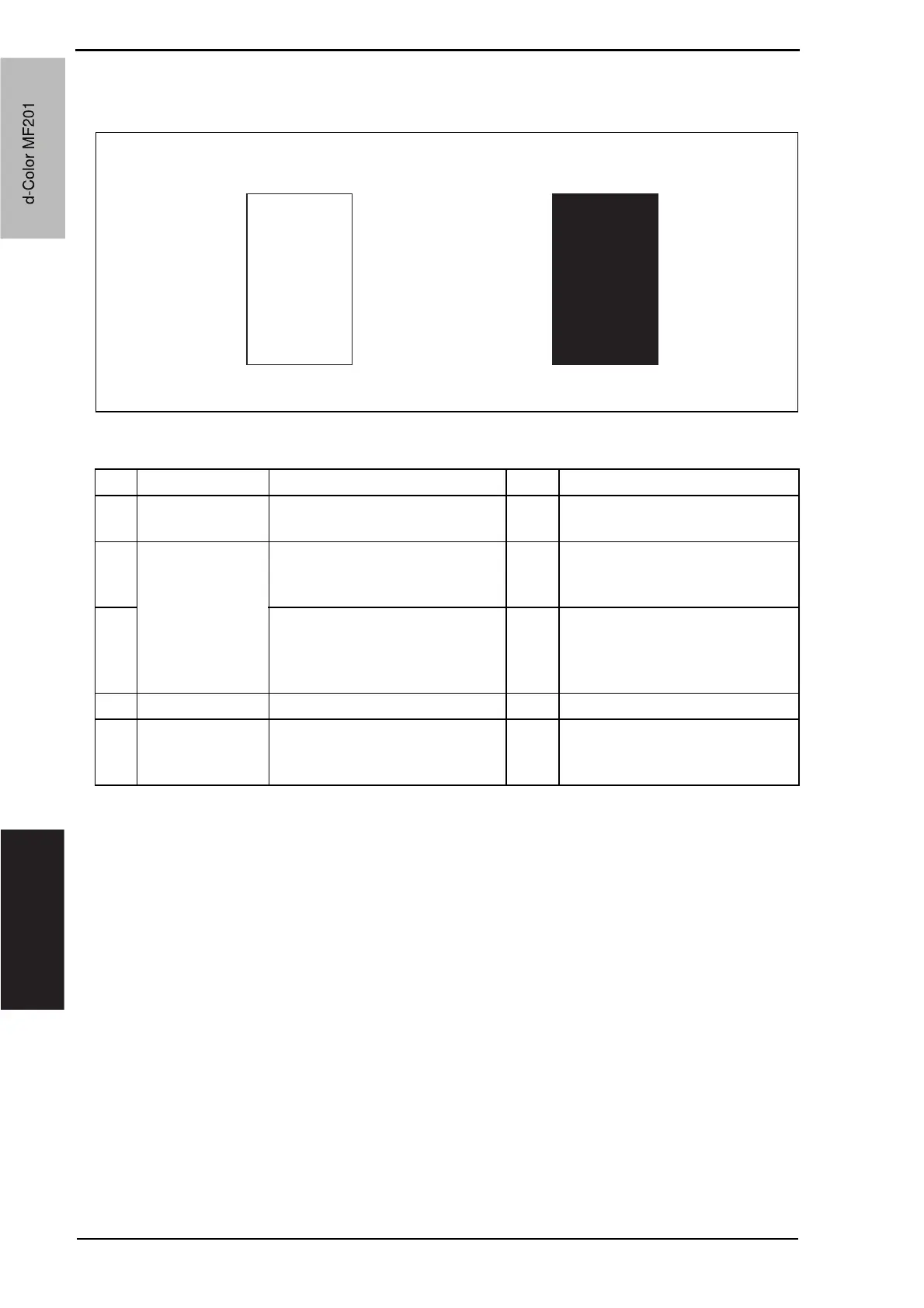
A. Typical faulty images
B. Troubleshooting procedure
A02EF4C518DA
Blank copy Black copy
Step Section Check item Result Action
1
Image check A blank copy occurs. YES Check PH unit connector for
proper connection.
2
Imaging unit Coupling of IU drive mechanism
is installed properly.
NO Check and correct drive
transmitting coupling.
Change IU.
3
The PC drum charge corona
voltage contact or PC drum
ground contact of the imaging unit
is connected properly.
NO Check, clean, or correct the con-
tact.
4 High voltage unit Connector is connected properly. NO Reconnect.
5
The problem has been eliminated
through the check of step 4.
NO Change high voltage unit.
o Change printer control board
o Change PH unit.
d-Color MF201
Service Manual Y109660-1
d-Color MF201


 To Next Page
 Loading...







