8. Utility Mode Field Service Ver. 1.0 Jun. 2008
112
Adjustment / Setting
8. Utility Mode
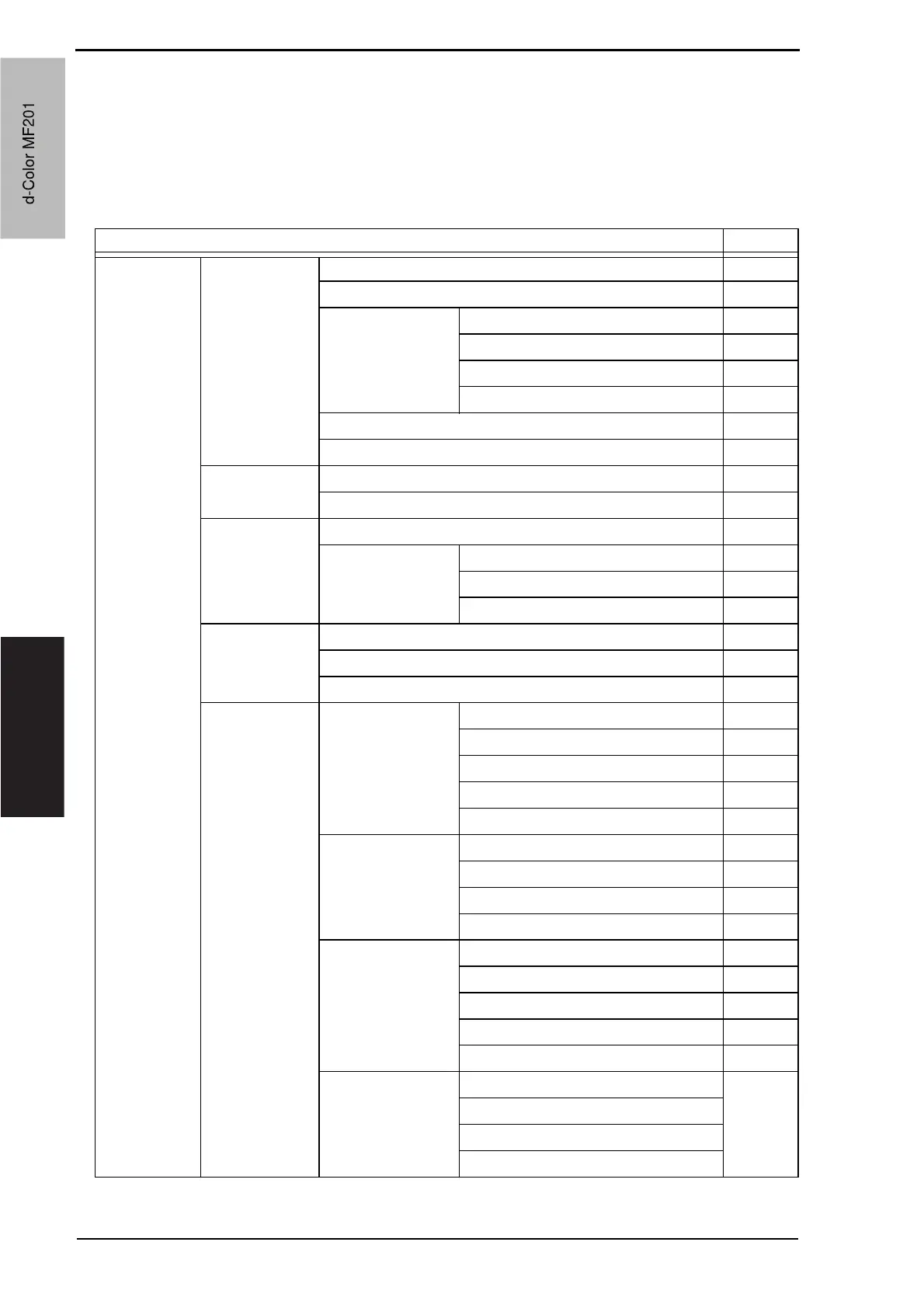
8.1 Utility Mode function tree
* The function tree is shown to comply with the format displayed on the screen.
NOTE
• Keys displayed on screens are different depending on the setting.
Utility Ref. page
User Settings System
Settings
Language Selection P.117
Measurement Unit Setting P.117
Paper Tray Setting Priority Tray P.117
Auto Tray Switch ON/OFF P.117
No Matching Paper in Tray Setting P.117
Paper Type/Size Setting P.118
Auto Color Level Adjustment P.118
Dehumidify Scanner P.118
Display Settings Default Screen P.118
Default E-Mail Screen P.118
Default Settings Copy P.119
Fax/Scan Default Scan/Fax Settings P.119
IP Relay Dest. Selection P.119
File Type P.120
Copier Settings Small Originals P.120
Auto Zoom for Combine P.120
Auto Sort/Group Selection P.120
Printer Settings Basic Settings PDL Setting P.121
Number of Copies P.121
Original Direction P.121
A4/A3 <--> LTR/LGR Auto Switch P.121
Document Hold Time P.121
Paper Settings Paper Tray P.122
Paper Size P.122
2-Sided Print P.122
Bind Position P.122
PCL Settings Font # P.122
Symbol Set P.123
Font Size P.123
Line/Page P.123
CR/LF Mapping P.123
Print Reports Configuration Page P.123
PCL Demo Page
PCL Font List
PS Font List
d-Color MF201
Service Manual Y109660-1
d-Color MF201


 To Next Page
 Loading...







