Field Service Ver. 1.0 Jun. 2008 12. Billing Setting
269
Adjustment / Setting
12. Billing Setting
12.1 Billing Setting function setting procedure
12.1.1 Procedure
1. Call the Service Mode to the screen.
2. Press the following keys in this order.
Stop
o 9
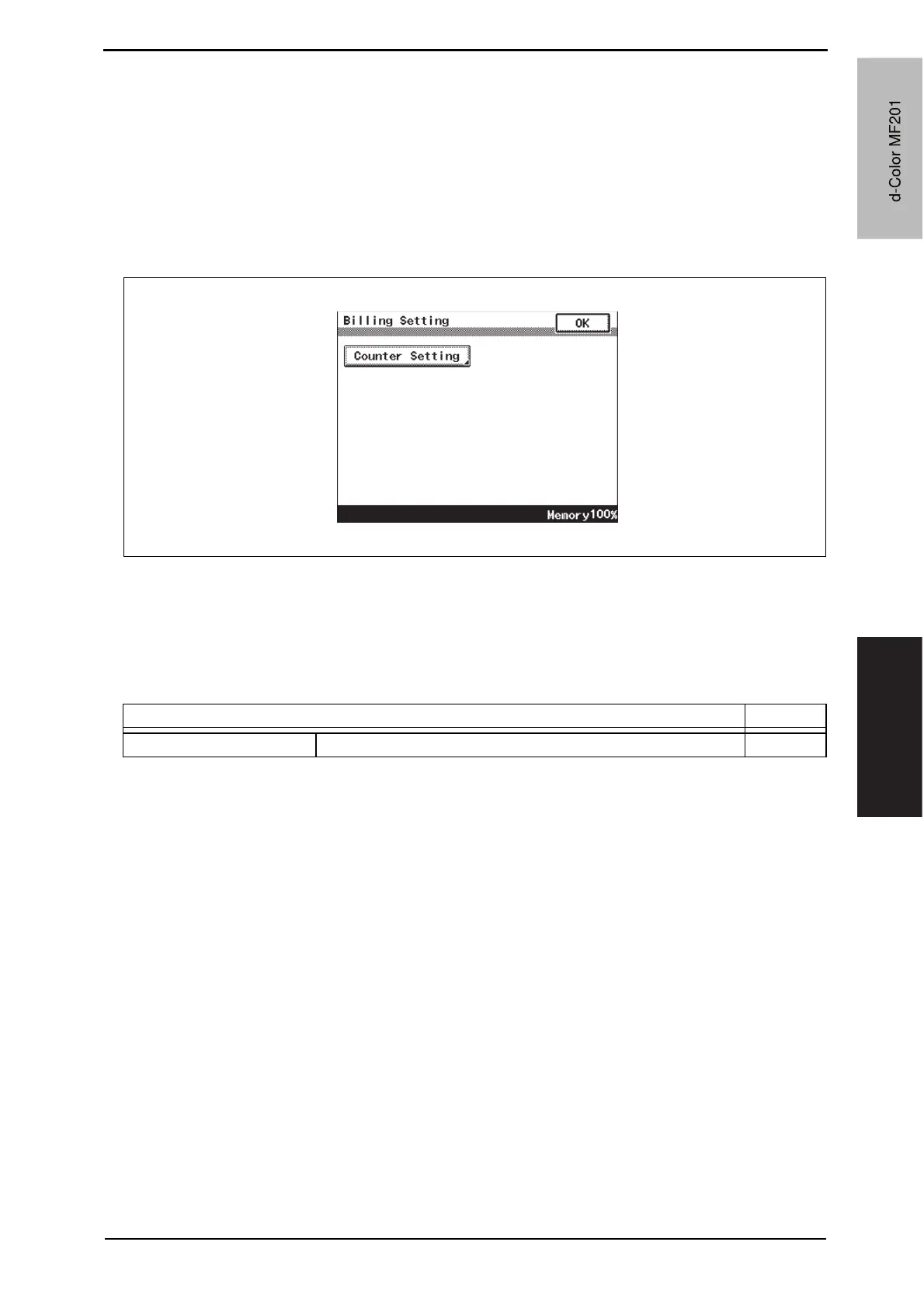
3. Billing Setting menu will appear.
12.1.2 Exiting
• Touch the [OK].
12.2 Billing Setting function tree
A02FF3E521DA
Service Mode Ref. Page
Billing Setting Counter Setting P.270
d-Color MF201
Y109660-1 Sevice Manual
d-Color MF201


 To Next Page
 Loading...







