Field Service Ver. 1.0 Jun. 2008 10. Service Mode
163
Adjustment / Setting
10.3.7 Manual Bypass Tray Adjustment
See P.17 of the MB-502 service manual.
10.3.8 Lead Edge Erase Adjustment
10.3.9 Touch Panel Adjustment
Functions • To set the leading edge erase amount of the paper.
Use • Upon user requests, it is possible to specify the void area where image is not printed
along the leading edge.
Setting/
Procedure
• The default setting is 4 mm.
“4 mm” 5 mm 7 mm
NOTE
• When “4 mm” is selected, 4.2 mm is the actual amount to be erased in print
based on the control system of the machine.
Functions • To adjust the position of the touch panel display
Use • Make this adjustment if the touch panel is slow to respond to a pressing action.
• Use during the setup procedure.
Setting/
Procedure
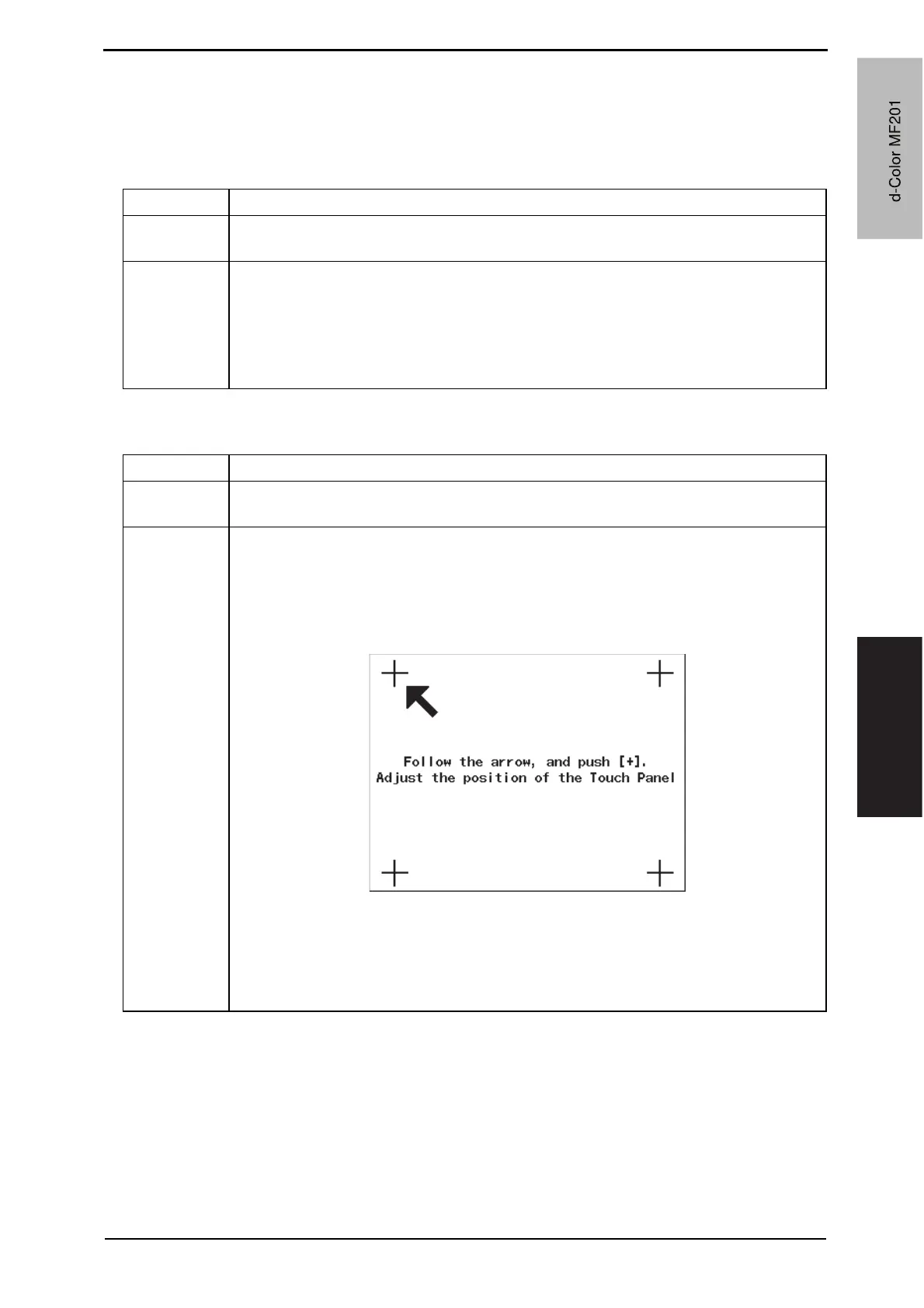
1. Call the Service Mode to the screen.
2. Touch [Machine Adjustment] o [Touch panel Adjustment].
3. Press four [+] keys displayed on the screen with pen, etc, according to the arrow
shown on the screen.
• Use care not to damage the screen surface with the tip of the pen.
NOTE
• When interrupting touch panel adjustment, press the Reset key or the Stop
key before pressing four [+] keys.
Interrupting adjustment returns the screen to the previous one without adjust-
ing the position.
A02FF3E524DA
d-Color MF201
Y109660-1 Sevice Manual
d-Color MF201



 To Next Page
 Loading...







