Field Service Ver. 1.0 Jun. 2008 19. Image quality problem
333
Troubleshooting
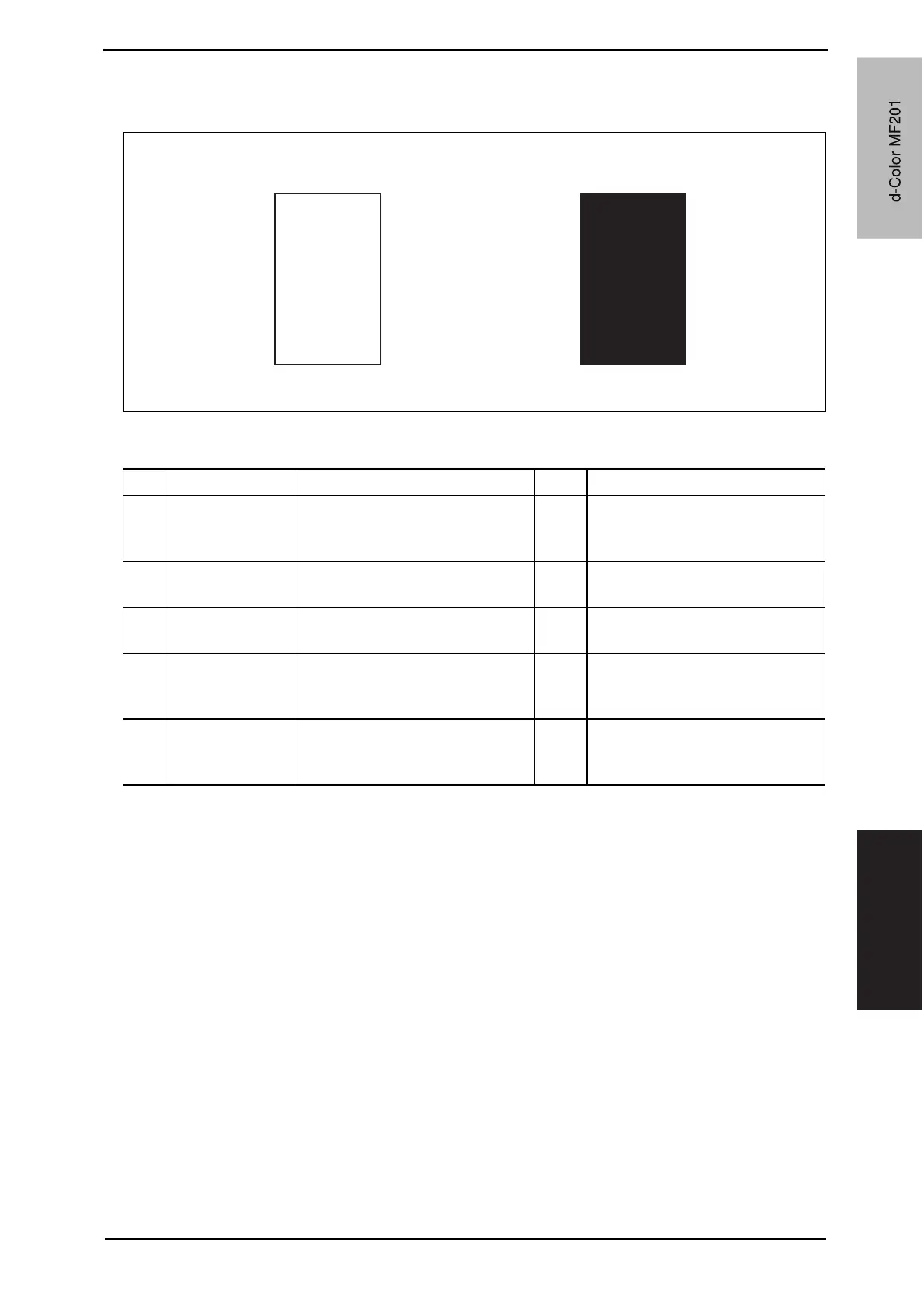
19.3.12 Scanner system: blank copy, black copy
A. Typical faulty images
B. Troubleshooting procedure
A02EF4C518DA
Blank copy Black copy
Step Section Check item Result Action
1
Cable connecting
scanner and
printer
Connector is connected properly
with no pins bent.
NO Reconnect.
2
BCRU board
(BCRUB)
Connectors on the BCRU board
are connected properly.
NO Reconnect.
3
CCDU board
(CCDUB)
Connectors of the CCDU board
are connected properly.
NO Reconnect.
4
Test Mode
[Service Mode]
The problem is eliminated as
checked with the image on a test
pattern produced.
NO Change I/F connection cable.
5
BCRU board
(BCRUB)
The problem is eliminated after
the I/F connection cable has been
changed.
NO Change BCRUB.
d-Color MF201
Y109660-1 Sevice Manual
d-Color MF201


 To Next Page
 Loading...







