19. Image quality problem Field Service Ver. 1.0 Jun. 2008
332
Troubleshooting
19.3.11 Scanner system: defective ACS
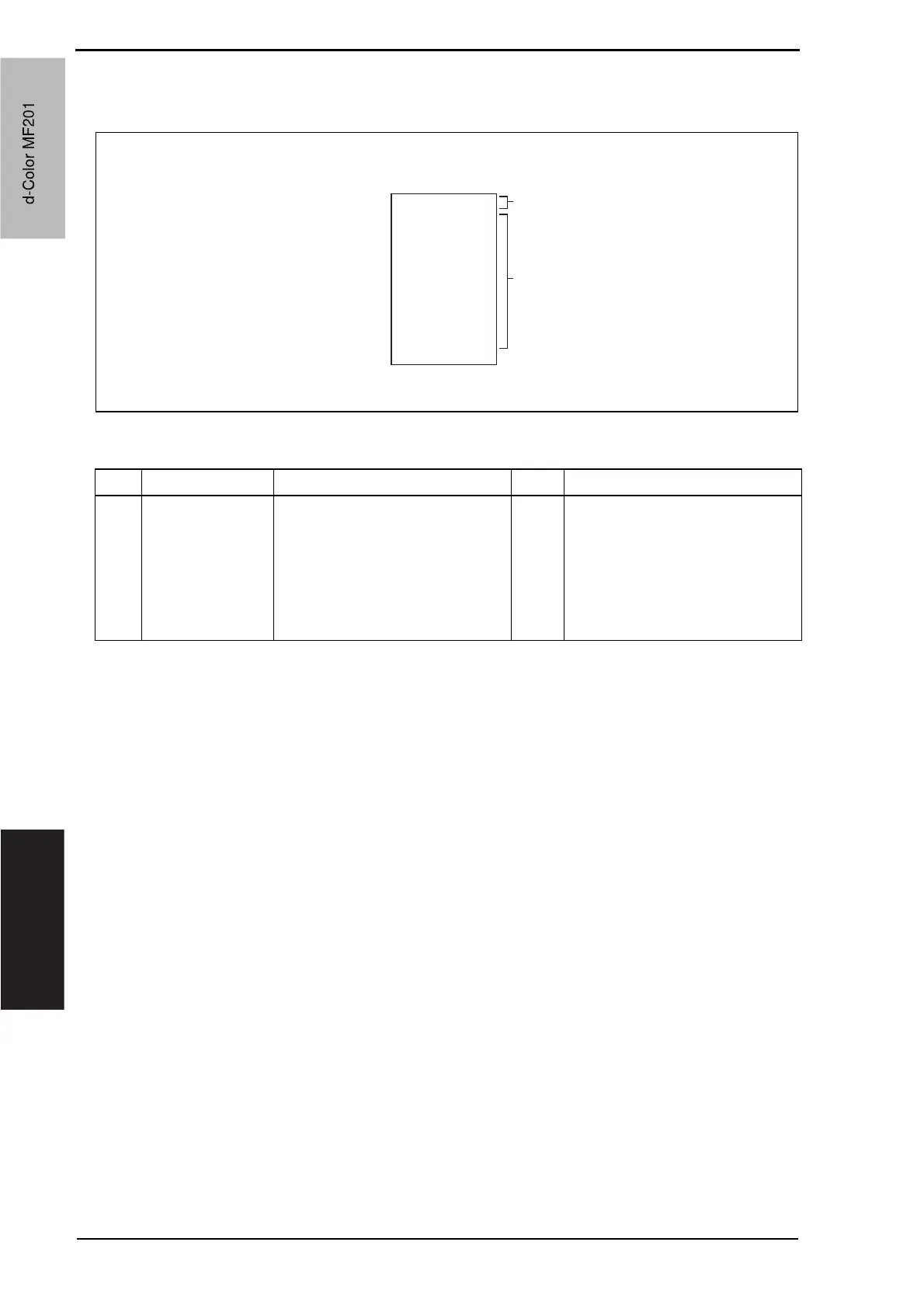
A. Typical faulty images
B. Troubleshooting procedure
A02EF4C517DA
ABCDE
AA
ABCDE
ABCDE
ABCDE
ABCDE
Colored area of original
Black-and-white area of original
Step Section Check item Result Action
1
Auto color level
adjustment
[Utility]
The problem persists even after
the ACS determination level
adjust function has been
changed.
YES Change the original loading direc-
tion. Make manual settings
according to the type of original.
(If the original contains a colored
area in one of its corners, the
machine may fail to properly
detect the colored area.)
d-Color MF201
Service Manual Y109660-1
d-Color MF201


 To Next Page
 Loading...







